I implemented code to disable the auto-resize of the board when resizing the panes; it is now [live](https://board-explorer.github.io/board-explorer/board-explorer#quark_mcu_dev_kit_d2000), and looks roughly like this: 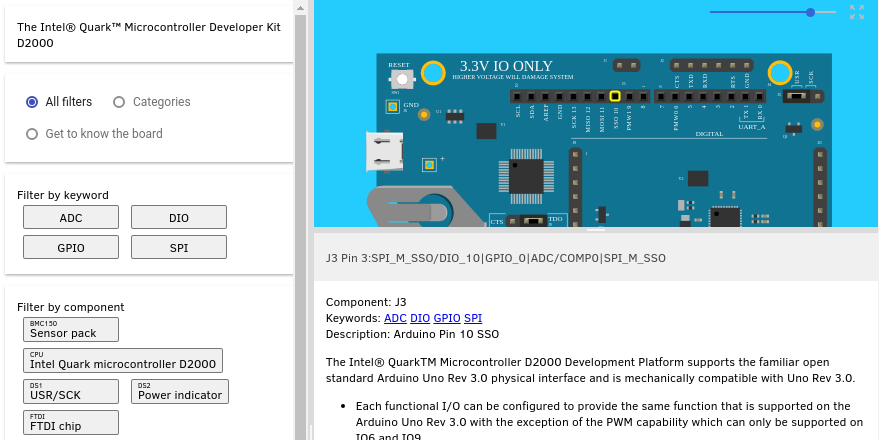 If you click the icon in the upper right, it will reset the zoom to 0, recenter the board, and size it to the current viewport. @clagom Can you play with it and see if it seems to be implemented intuitively? Currently the app is using iron-icon's maps:zoom-out-map icon:  When we add "full screen" we will be using iron-icon's fullscreen and fullscreen-exit for those modes:  Thoughts? James

I implemented code to disable the auto-resize of the board when resizing the panes; it is now live, and looks roughly like this:
If you click the icon in the upper right, it will reset the zoom to 0, recenter the board, and size it to the current viewport.
@clagom Can you play with it and see if it seems to be implemented intuitively?
Currently the app is using iron-icon's maps:zoom-out-map icon:
When we add "full screen" we will be using iron-icon's fullscreen and fullscreen-exit for those modes:
Thoughts?
James