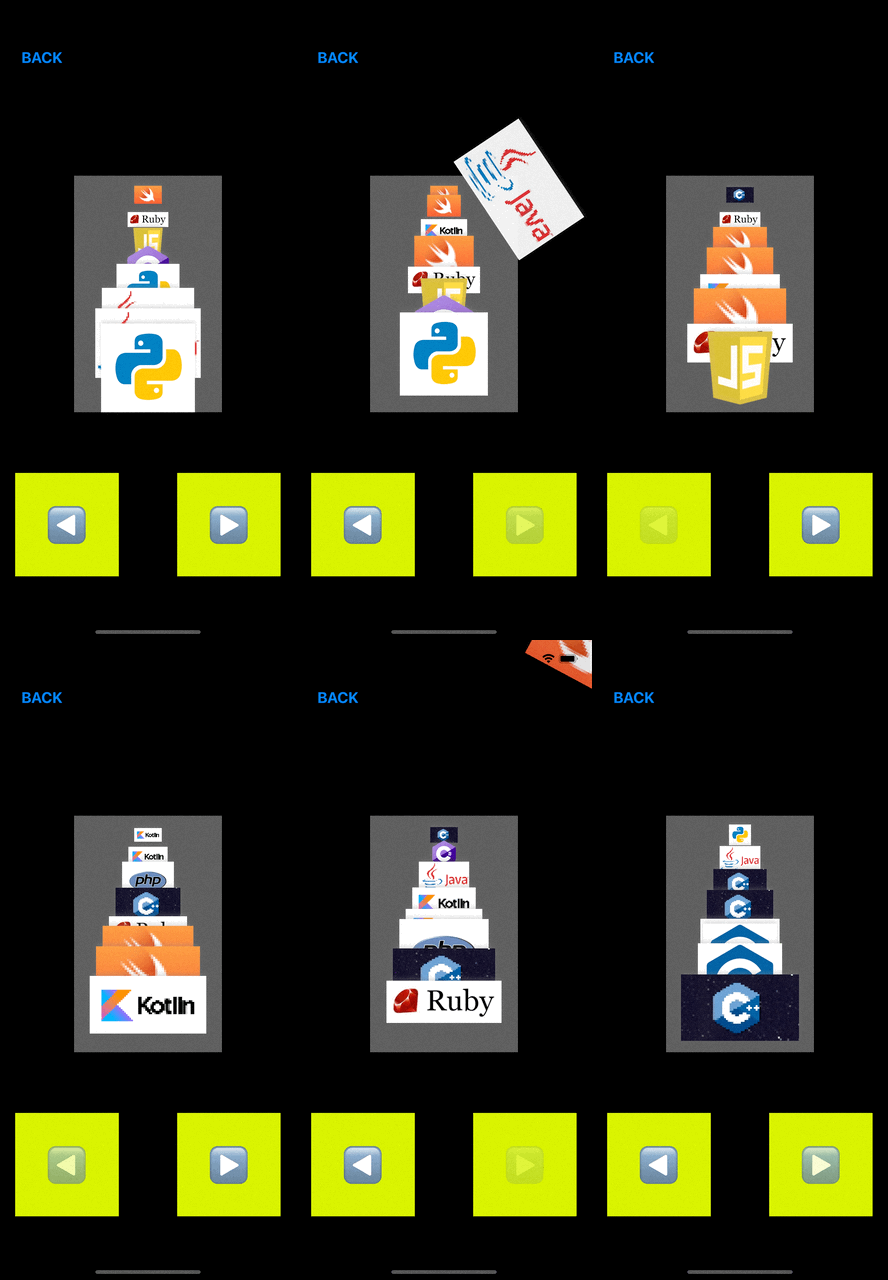
[Animation] Flying Unit
by Song
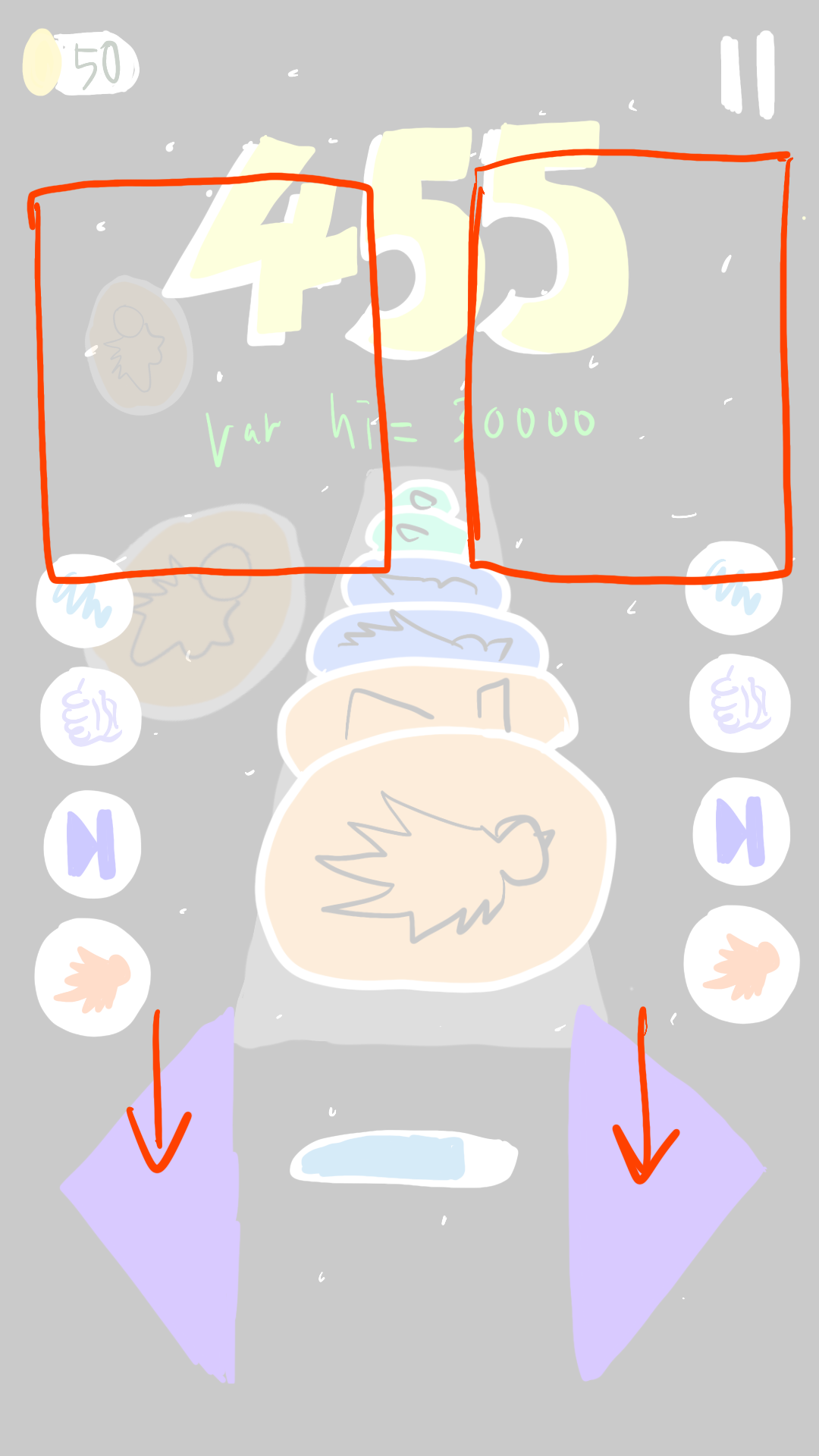
- 왼쪽으로 보낼 경우 왼편, 오른쪽으로 보낼 경우 오른편 영역 중 어딘가로 날아가야 함
- 점수 등의 요소를 가리지 않도록 레이어 순서 조정 필요
- 애니메이션이 비동기적으로 처리되므로, 애니메이션이 끝나기 전 레이어를 superLayer에서 삭제하면 애니메이션이 실행되지 않는다.
- 애니메이션이 실행될 때까지 기다린 후 다음 동작을 실행하면, 애니메이션이 끝나기 전 추가된 사용자 동작으로 인해 버그 발생할 수 있음
- 따라서 다른 레이어들은 바로 삭제 처리
- 애니메이팅 할 레이어는 미리 빼놓은 뒤, CATransaction CompletionBlock을 통해 애니메이션 이후 삭제 처리
func removeFirstUnit(to direction: Direction) {
        let layerToAnimate = unitLayers.removeFirst()

        animate(layer: layerToAnimate, to: direction)

        unitLayers.forEach { layer in
            layer.removeFromSuperlayer()
        }
    }

    private func animate(layer: CALayer, to direction: Direction) {
        let currentLocation = layer.frame.origin

        CATransaction.setCompletionBlock {
            layer.removeFromSuperlayer()
        }
        //(애니메이션 코드 생략)
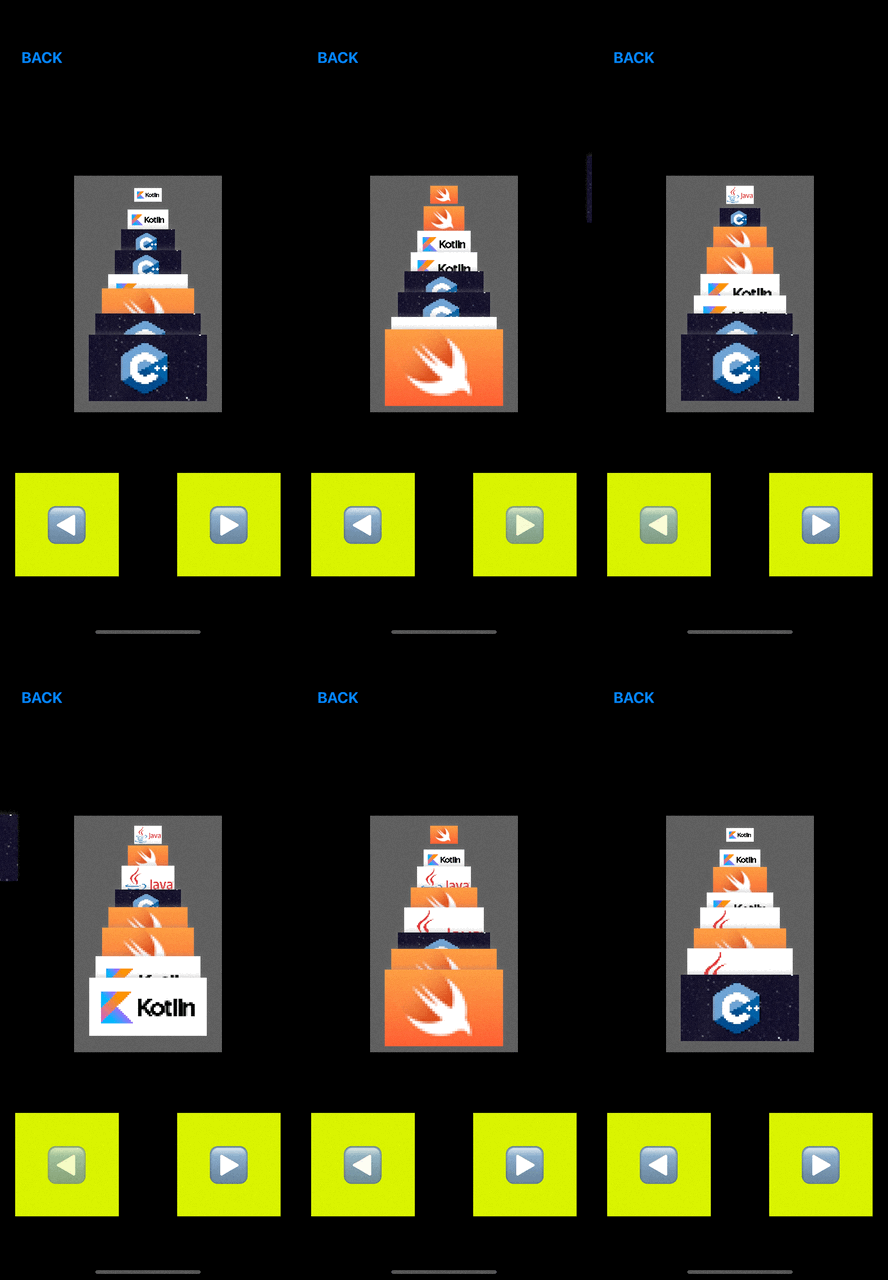
}- Layer의 origin을 fromPosition으로 삼아서 애니메이팅 -> 왼쪽 상단 부분이 중심점이 되어서 오른쪽으로 날아갈 때 왼쪽으로 치우치는 현상 발생
- 유닛의 중심을 애니메이션의 중심점으로 바꿀 필요가 있음 -> origin 대신 position을 시작 값으로 삼음
positionAnimation.fromValue = layer.position- position은 Layer의 중앙을 기준으로 형성, origin은 왼쪽 상단 점을 기준으로 형성됨
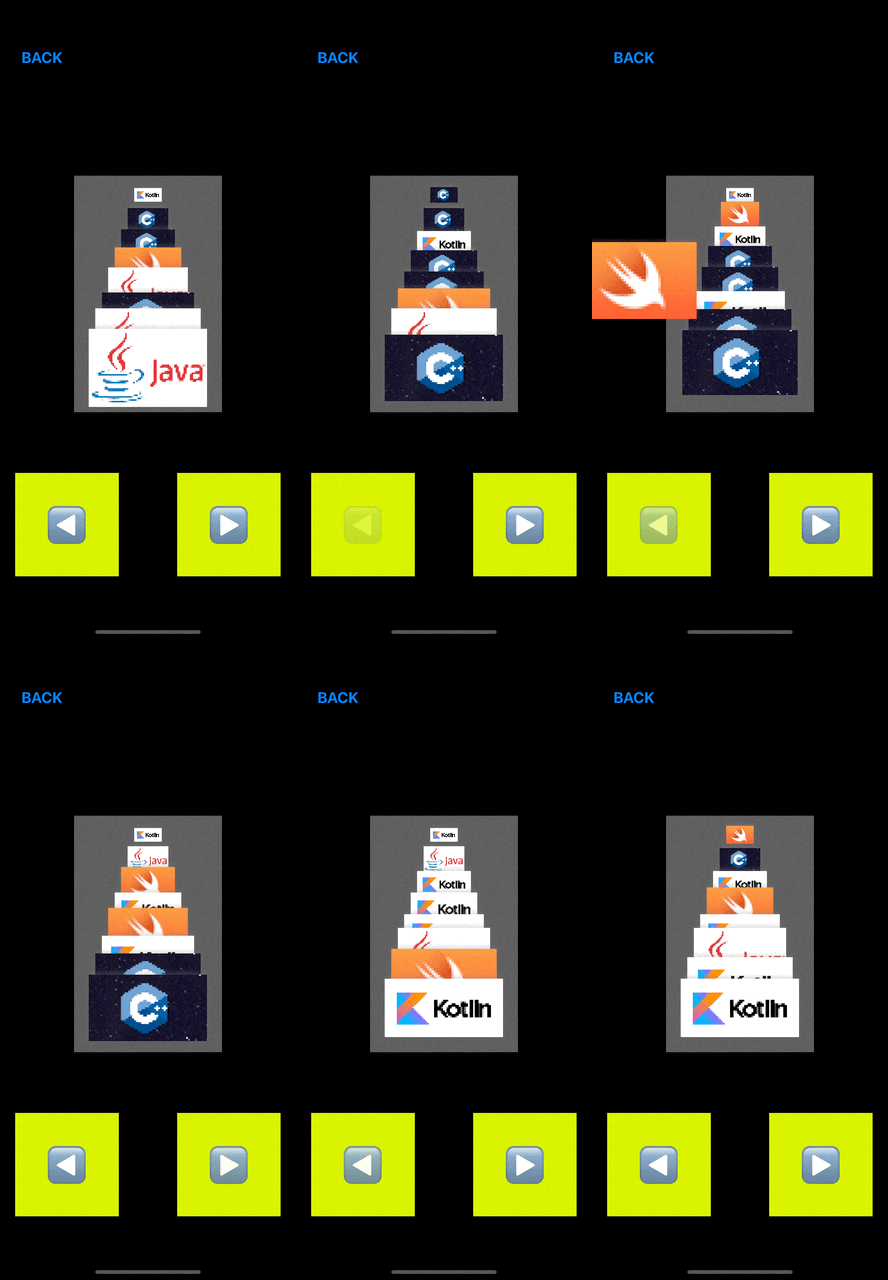
before & after
- 유닛의 최종 위치 조정
- perspectiveView(Layer의 superView)의 위쪽 양 끝
(0,0)&(bounds.width, 0)을 기준점으로 삼고, - 왼쪽으로 보낼 경우 계산된 x 값을 빼고, 오른쪽일 경우 더하여 위치를 잡음
- perspectiveView(Layer의 superView)의 위쪽 양 끝
- rotate, opacity 조정 추가
- 애니메이션 일괄 그루핑
let totalAnimationGroup = CAAnimationGroup()
totalAnimationGroup.animations = [rotateAnimation, positionAnimation, opacityAnimation]
totalAnimationGroup.duration = 1.5
totalAnimationGroup.timingFunction = CAMediaTimingFunction(name: .easeOut)
결과 화면