Theme for Atom (Access to Memory)
This theme is for version 2.5. Previous versions will probably not work.
Some features
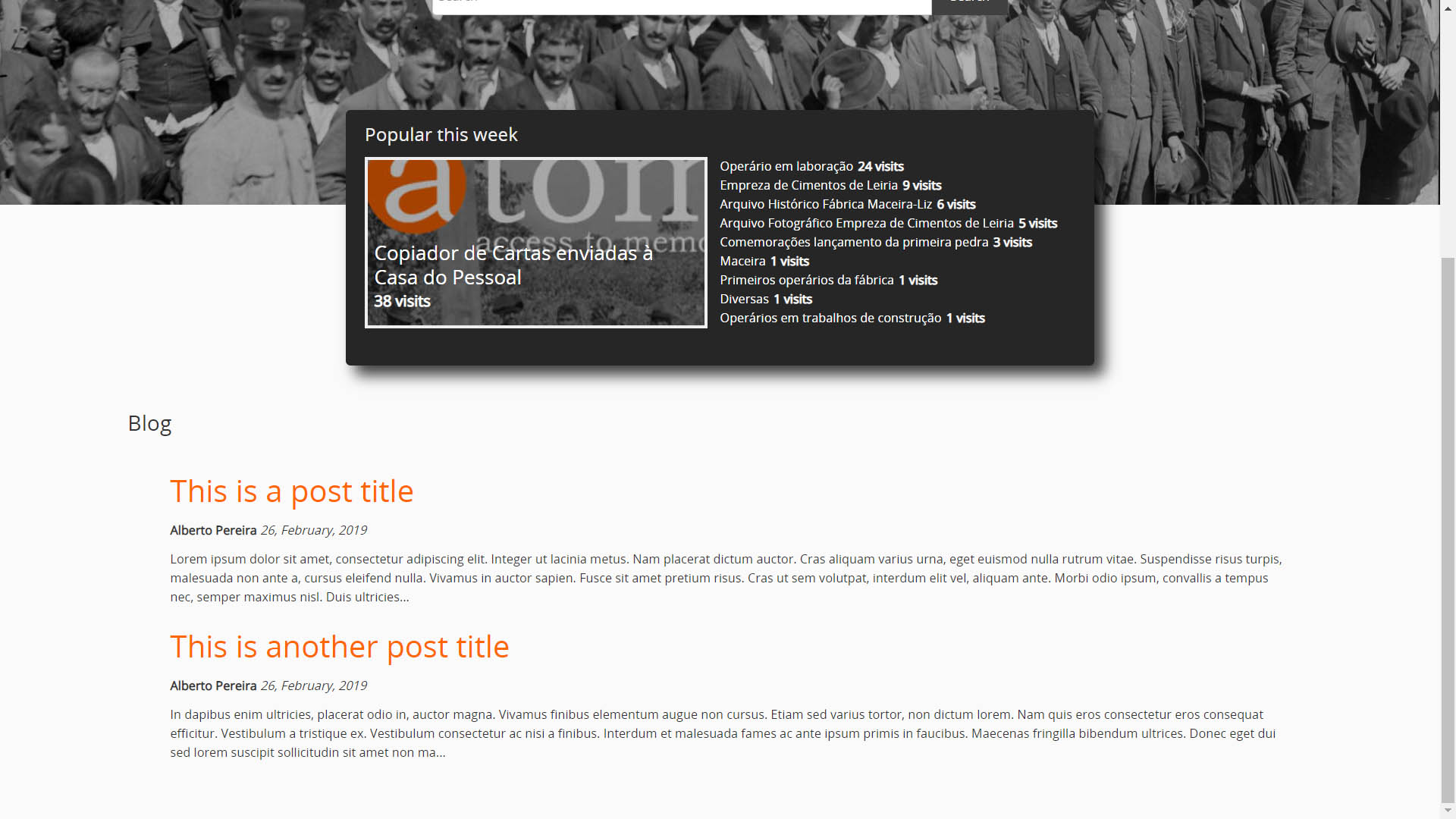
- By default, Atom permissions allow descriptions to be read in browse lists, sidebar facets, "Popular this week" list. This theme removes any items that a specific user, or user group, doesn't have permissions to read;
- The "Popular this week" box gets a bigger highlight;
- The first element of the "Popular this week" also shows its thumbnail (if it exists);
- Overall style changes (including new icons);

- A Blog! (well, sort of), it uses static pages to mimic a blog. You just have to create a page called "Blog", and any other page that has a title that starts with "_X-", will automatically be listed in the blog page (e.g. "_X-A post title").
- You don't have to chose between the sidebar treeview and the full width treeview. You can have both. There's a new link, right below the sidebar treeview, that opens a popup with the full width treeview.

To use this theme, copy the contents to a arAPPlugin folder in the plugins folder of the atom installation folder, run
make -C plugins/arAPPlugin/
from the atom installation root folder, and select the new theme from the backoffice (see https://www.accesstomemory.org/pt/docs/2.4/user-manual/administer/themes/#themes for more information).