🔒 User can lock Settings behind password 🔓 #27

Description

Some users have businesses where employees are pretty tech-savvy. The owners are worried that the employees could maliciously change their Anypay account's coin addresses or other business info when working the register. The Anypay user wants to ensure this is not possible by adding a "Lock" to the Settings feature on the app.
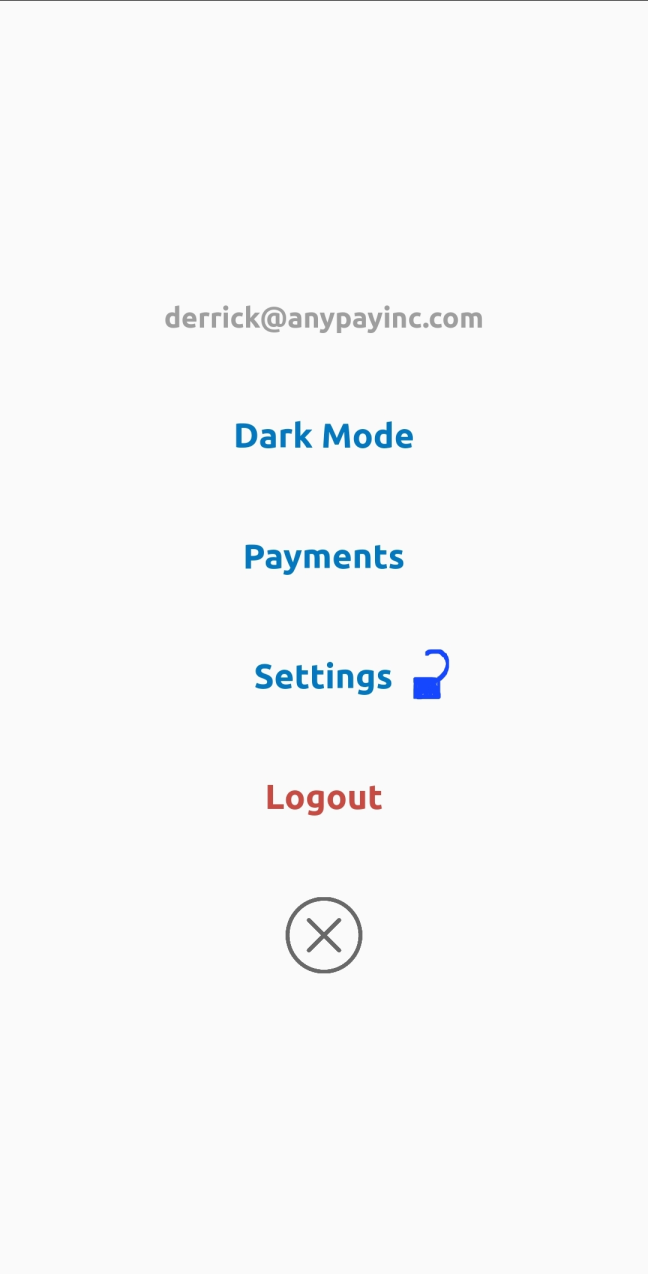
(An unlocked padlock icon next to Settings)
If you press it, then it prompts for password.
Once you enter your password, Settings is no longer accessible.
Meaning, no one can view or change:
- Denomination Currency (USD, GPB, EUR, JPY etc)
- Business Info (Name, address)
- Coin Addresses (DASH, BTC, etc)
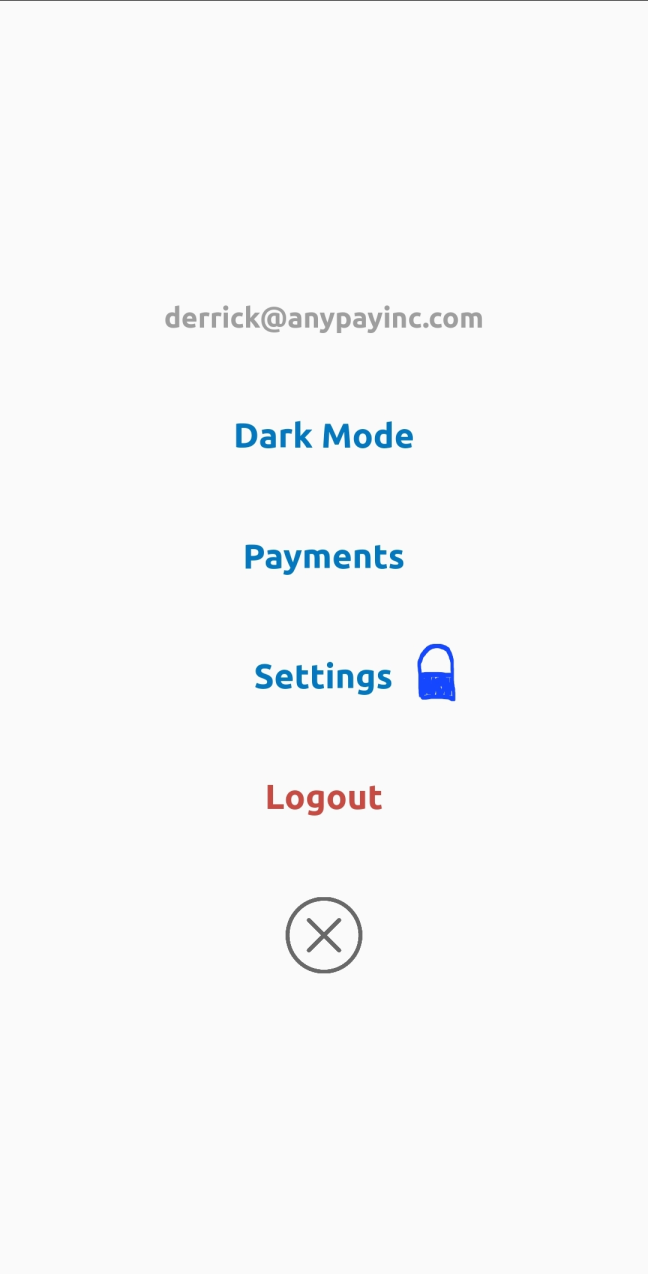
A lock could appear next to it to indicate Settings are locked.
When user taps "Settings," it prompts for password, then unlocks Settings to allow user to modify them.