Thanks for your interest in contributing -- either to this Template or to your initialized project!
The best way to report an issue is through Github. The owners of the repo should get an email notification whenever a new issue is created.
There are multiple ways to use this template as a starting point for your own project.
The best way to use this is by cloning the repo to your GitHub account and creating your project with the template feature provided by Github:
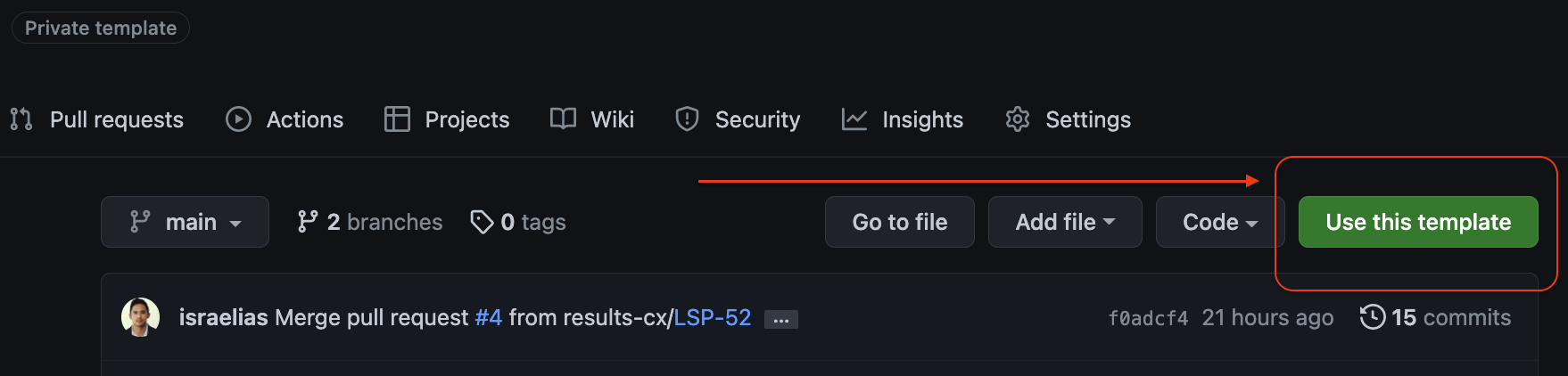
The second best way to start a new project is to either clone this repo using Git and point at your own remote:
git clone --depth 1 -b main ssh://git@github.com/devicebits/template.git repo_name
cd repo_name
rm -fr .git
git init
git add .
git commit -m "Initial commit"
git branch -M main
git remote add origin git@github.com:org_name/repo_name.git
git push -u origin main;
git checkout -b DCS-<num>;
git push --set-upstream origin DCS-<num>;
Or, you can download an archive of the repository contents using the Github "Download" link and extract this to access all of the files and create a new Git project with them:
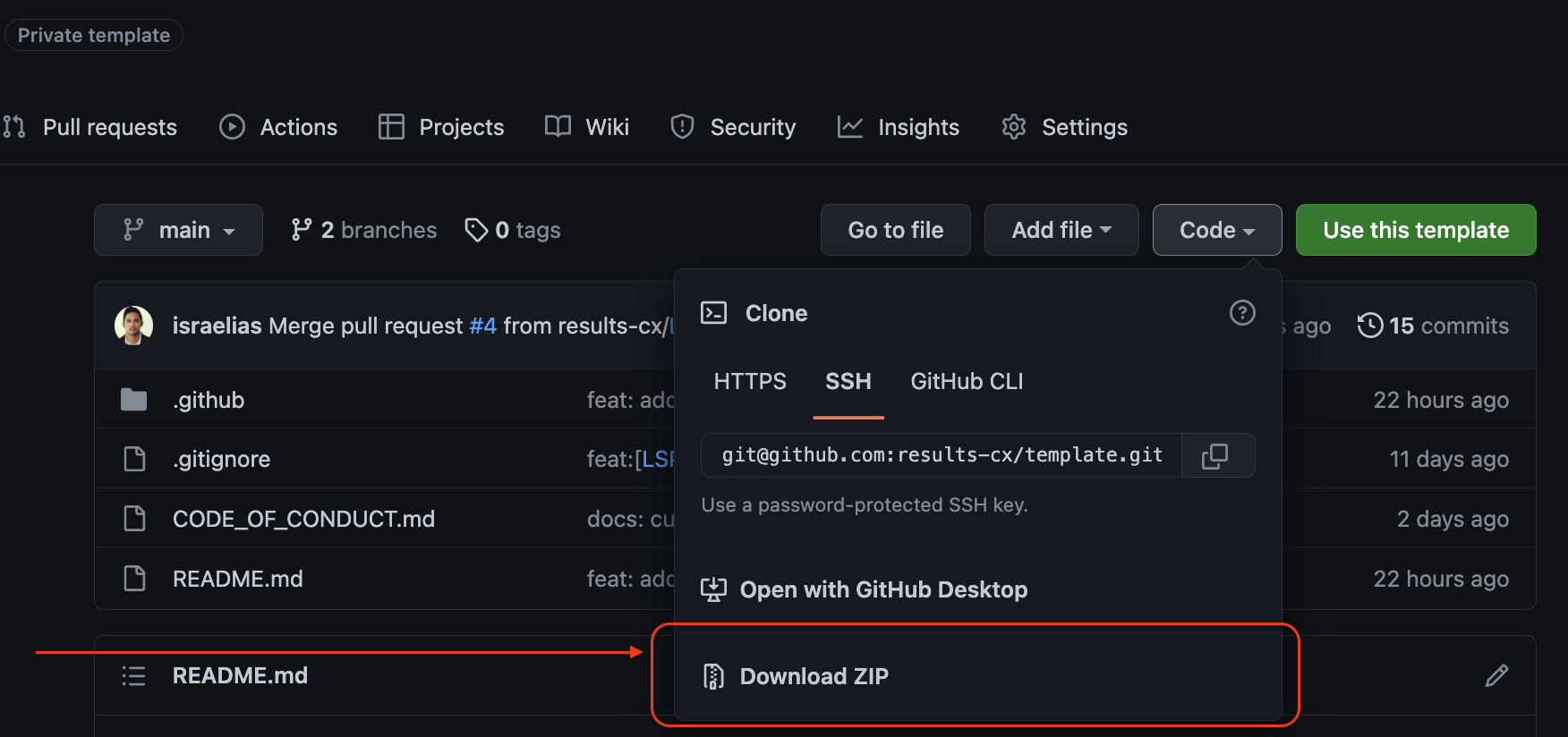
After Downloading:
unzip template-main.zip
mv template-main <new_server_project_name>
cd <new_server_project_name>
git init
git remote add origin <remote_addr>
git add *
git commit
git push
git checkout -b develop;
git push --set-upstream origin develop
Once you have a framework and development environment chosen for your project, you should update your repo with specifics about how to install the tools and dependencies needed to run/debug/develop the application (See README for checklist).
The steps to update a Project that was created using this template, or to add these features to an existing project are the same. In the projects root directory:
git checkout main
git remote add template https://github.com/devicebits/template.git
git fetch template
git checkout template/main ./
git reset HEAD * ./
git status; # to see new files and changed files
<compare diff with `origin/main` to see updates>
git add *
git commit
git push