This repository was archived by the owner on Feb 24, 2026. It is now read-only.
Installation
- Log in the Home Assistant Lovelace console (usually the URL is http://homeassistant.local:8123/), click
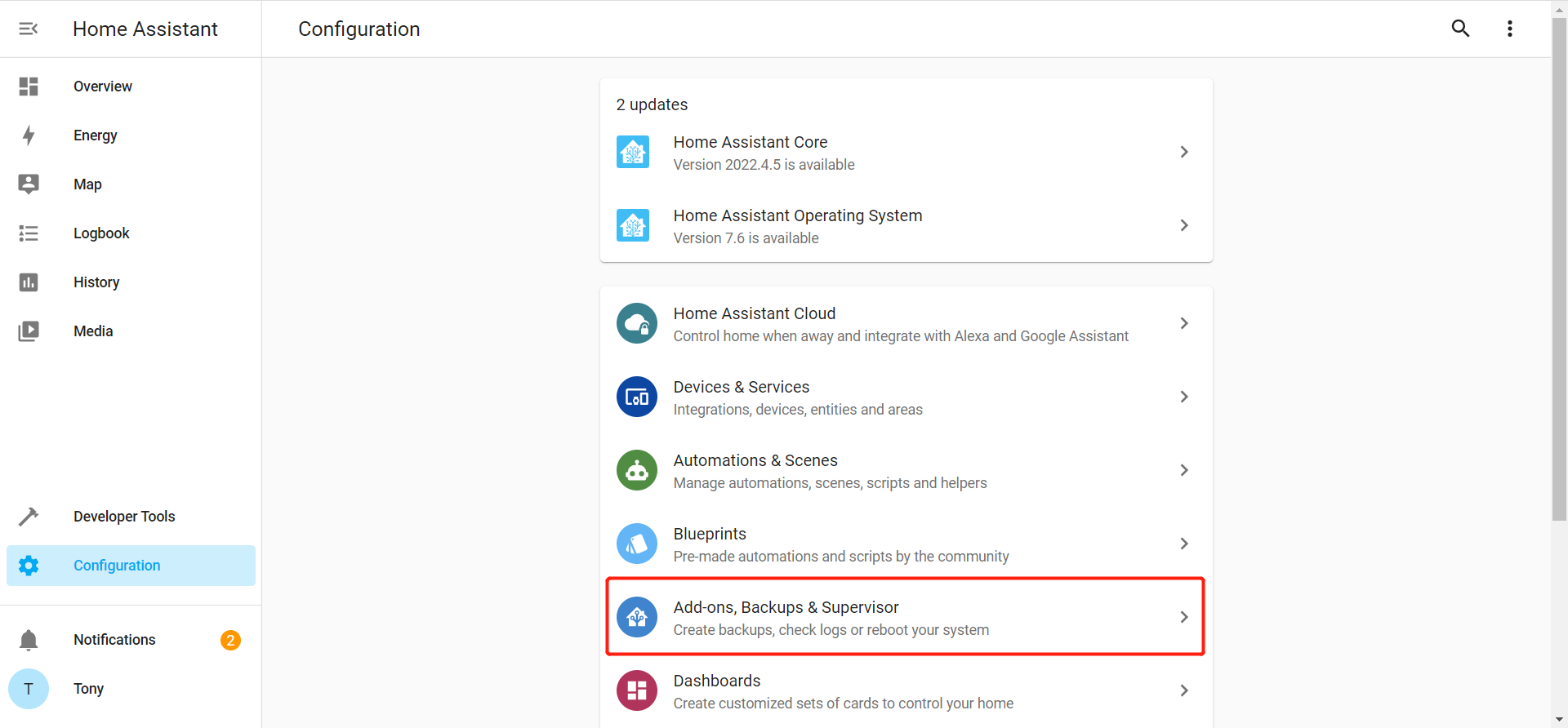
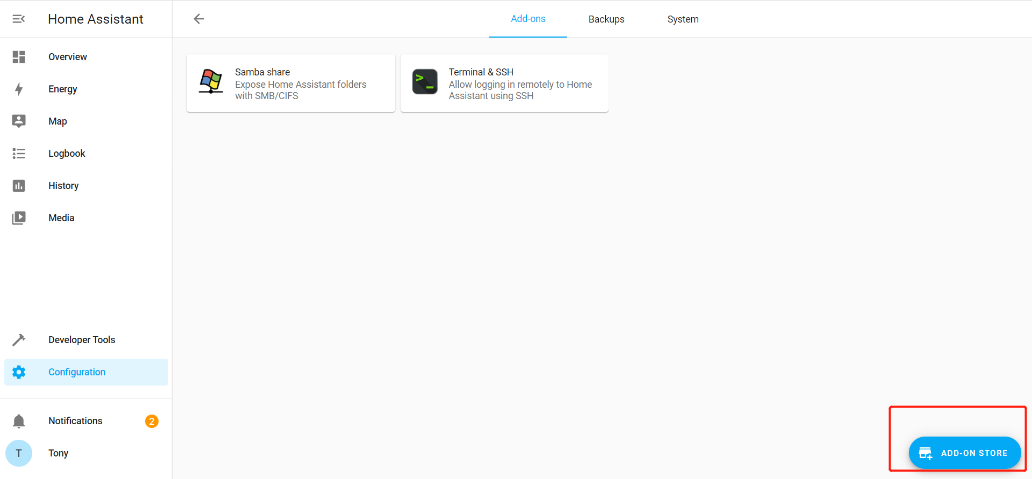
Configurationin the lower left corner, clickAdd-ons, Backups & Supervisor, clickADD-ON STOREin the lower right corner.
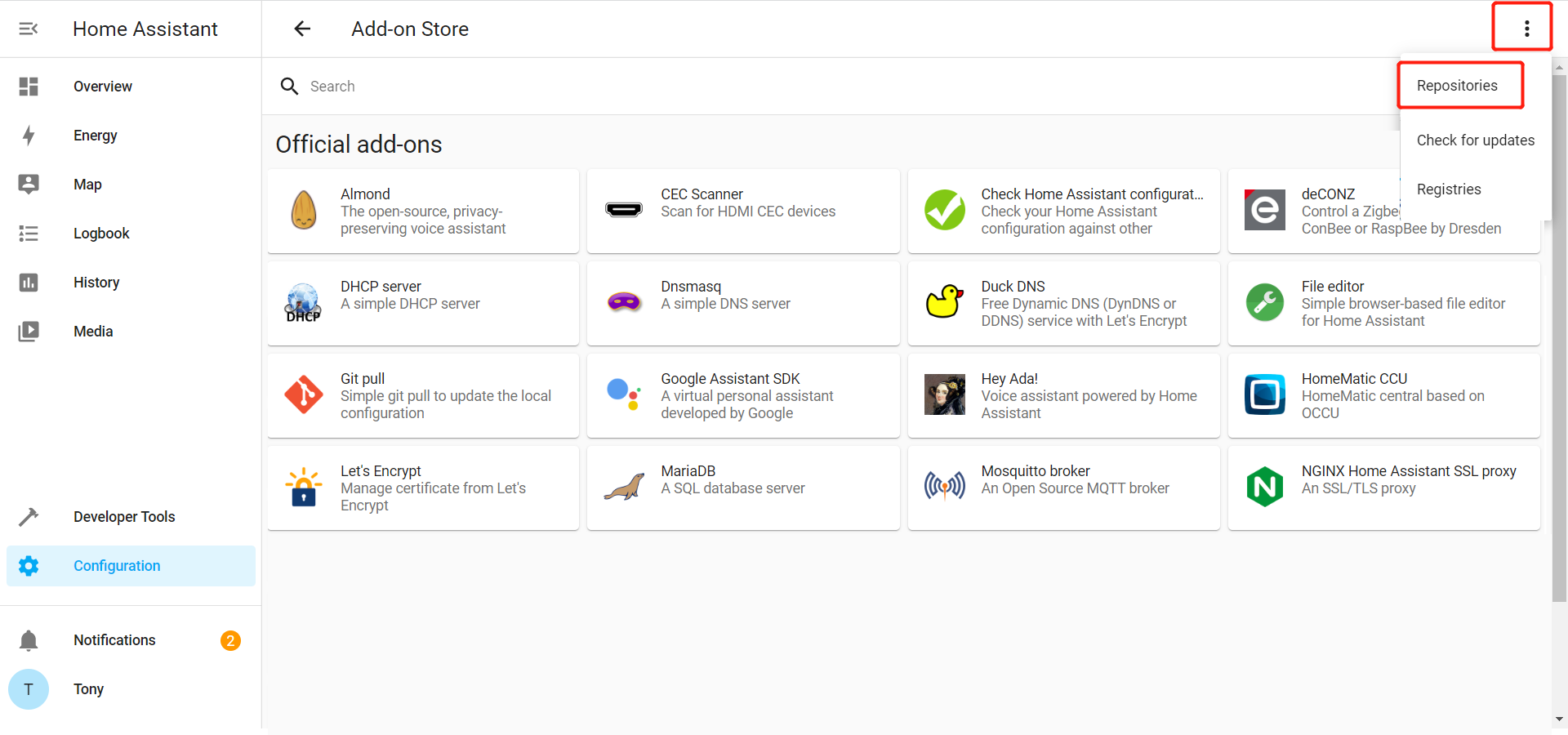
- Click the vertical ellipsis (three vertical dots) in the upper right corner, select Repositories in the pop-up menu, enter the official address of eWeLink Smart Home Add-on: https://github.com/CoolKit-Technologies/ha-addon in the Manage add-on repositories, click ADD.
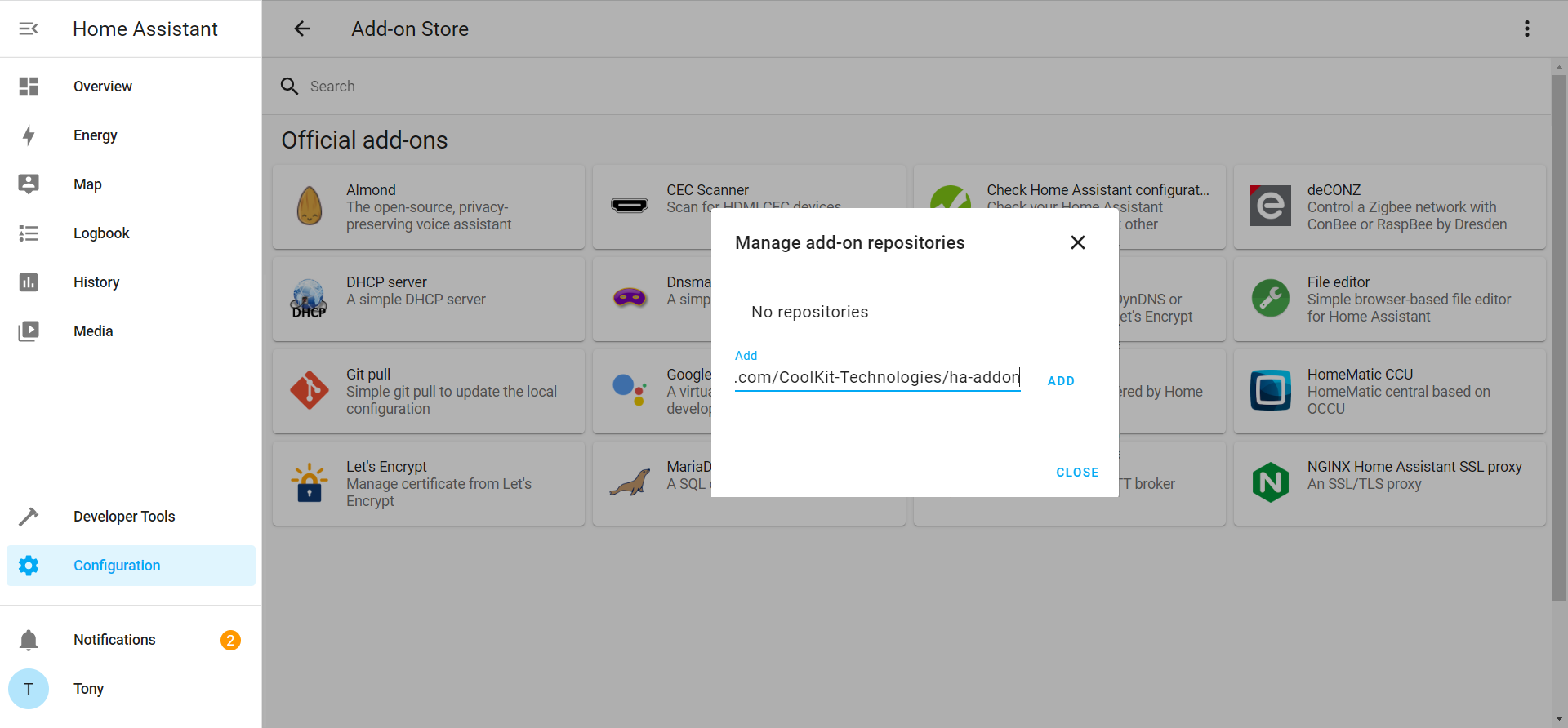
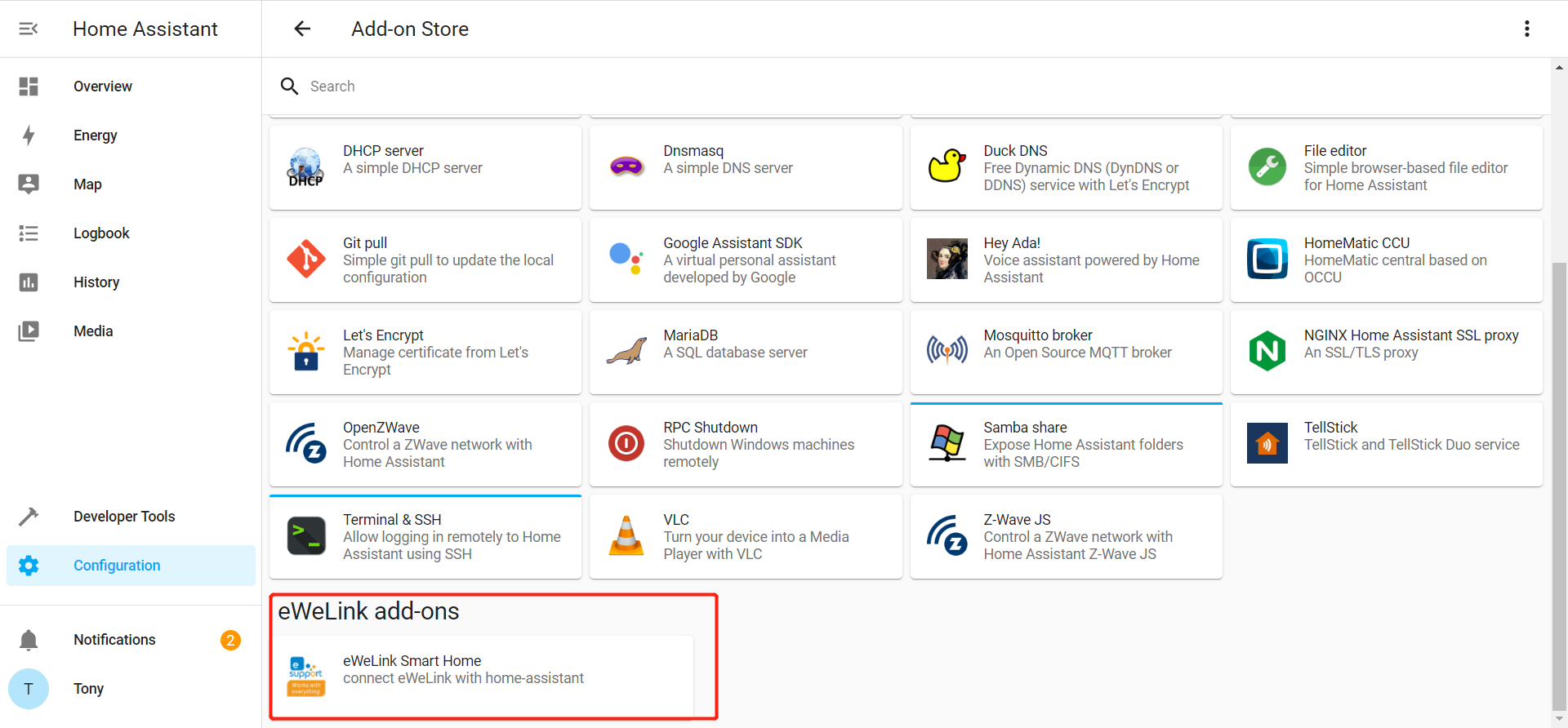
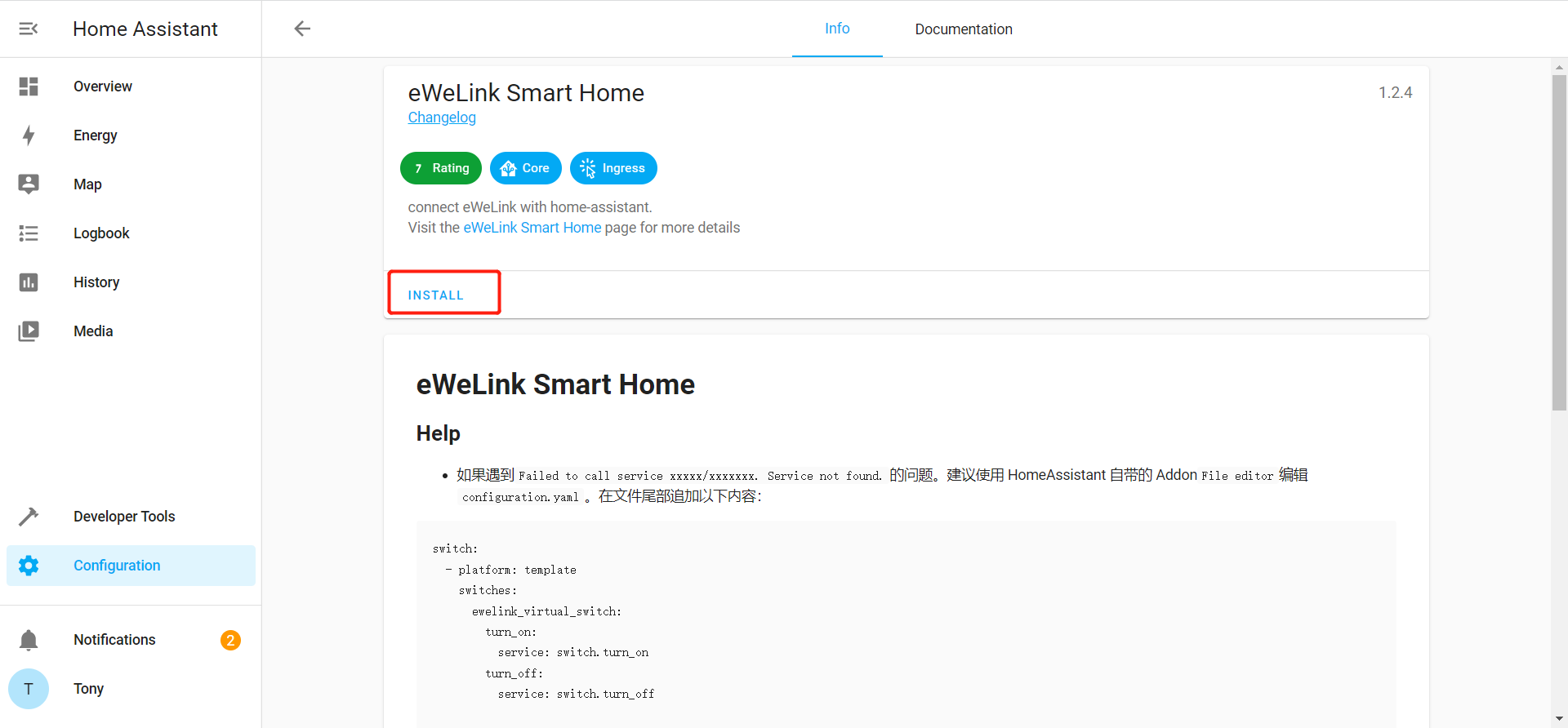
- After adding the address , Click CLOSE, you can see the newly added eWeLink Smart Home Add-on at Add-on Store page . Click the eWeLink Smart Home card to open the add-on information page, click INSTALL and wait for the installation to complete.
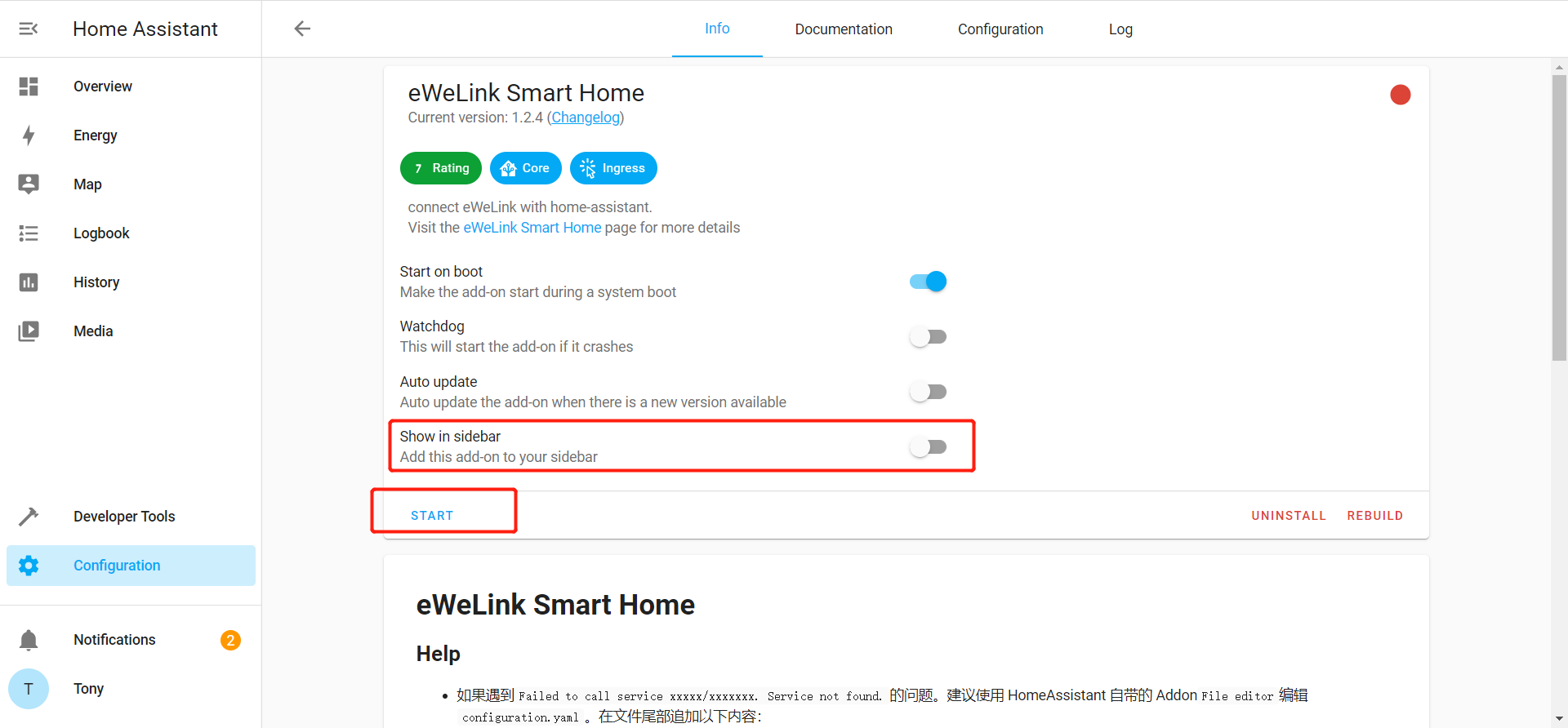
- Once it is done, click START to enable the “eWeLinkSmartHome” Add-on. Note: To facilitate quick access to the eWeLink Smart Home Add-on, you can enable the Show inside bar option.
Tip: You need to change the home_assistant_url if you are using docker or other versions of Home Assistant that is not Home Assistant OS.