A simple pixel editor web application that allows users to create and edit pixel art using a grid-based interface. This application is under development.
- Overview
- Current Status
- Planned Features
- Recent Improvements
- Installation
- Running Tests
- License
- Contact
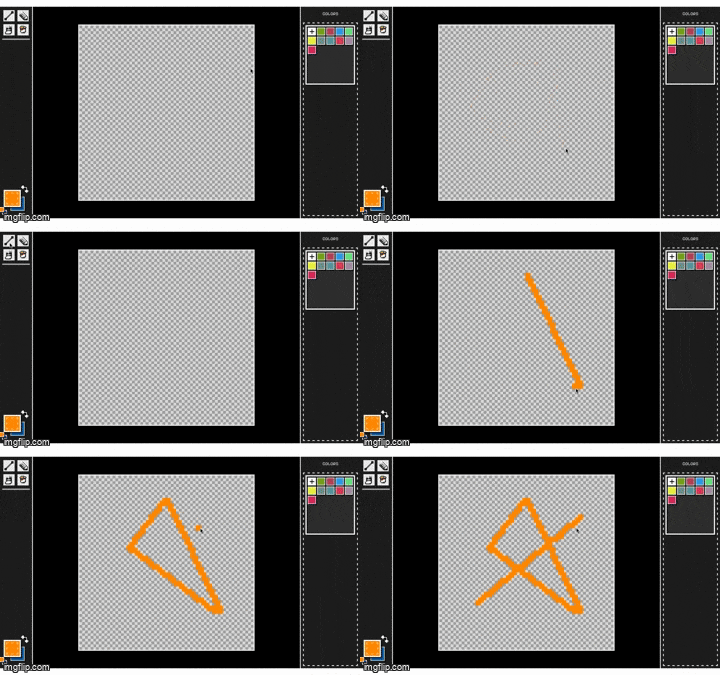
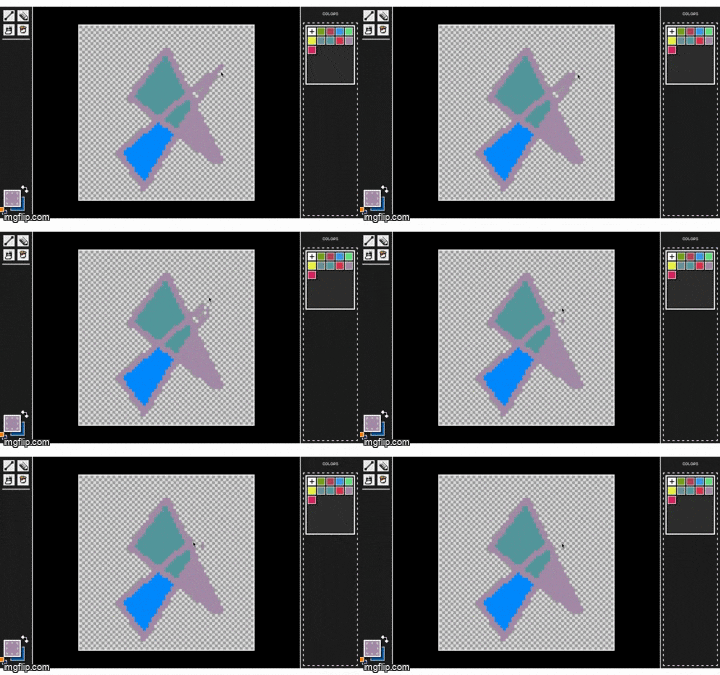
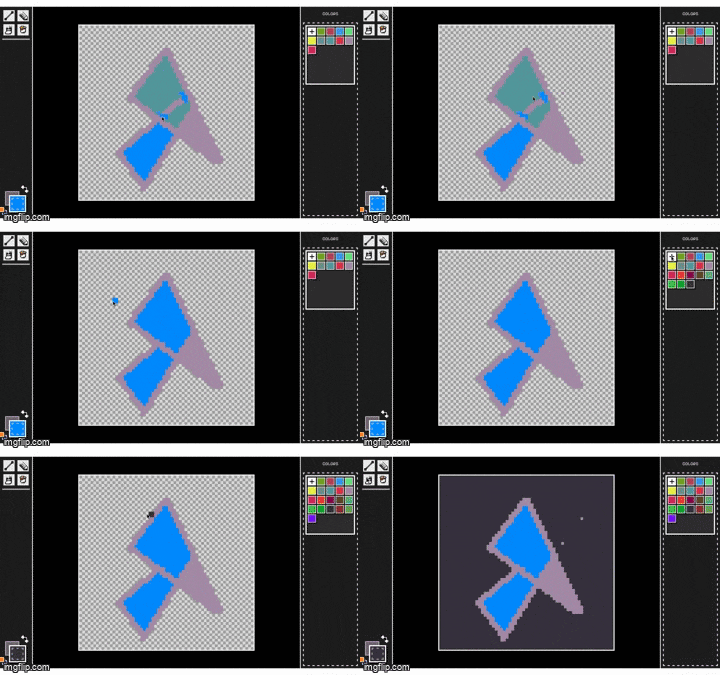
This project aims to provide a user-friendly interface for creating pixel art, with features such as undo/redo functionality, color selection, pixel manipulation and basic tools (pencil, eraser, line, bucket). The application has been refactored to improve modularity, maintainability and scalability by introducing:
- ToolManager: Oversees tool functionalities and interactions.
- LayerManager: Manages layers and their properties (Will be supported for UI soon).
- HistorySystem: Manages records in history buffer for undo/redo operations.
- ChangeSystem: Manages and records changes done to a collection of data, storing it before and after states.
- Color: Manages and caches all used colors in application, and provide color manipulation utilities.
- EventEmitter: Manages interactions between UI components and the application core logic.
- PixelChange: Specification of ChangeSystem class for pixel manipulation.
- ToolService: Manages services for tools. Composing various tools from collections of services allowing scalability.
- ServiceConfig: Manages configuration of tool services.
- Allowiing interactions with the core logic.
- ✅ Robust undo/redo system
- ✅ scalable tool interfaces and services
- ✅ basic tools: pencil, eraser, line, bucket
- ✅ random
- 🚧 Layers (in progress)
- color picker, area selection, magic wand
- Export to GIF
- Editiable color palletes
- Responsive design
- Undo/redo system now handles 1000-step actions 5x faster (384ms → 65ms)
- Caching pixel changes and used colors, reducing memory usage by 30%
- Reduced memory usage by 30% in history operations
To run the pixel editor locally, follow these steps:
-
Clone the repository:
git clone https://github.com/Crypt212/pixelaria.git
-
Build the project:
cd pixelaria npm install npm run build -
Preview:
npm run preview
To run the tests for the pixel editor locally, follow these steps:
npm testNote: Project still in development and tests are under construction.
This project is licensed under the MIT License - see the LICENSE file for details.
For questions or feedback, feel free to reach out:
- **Ahmed El-esseily** - [email protected]