A full-stack content writer website: blog, admin area, portfolio, contact, resume builder, and CMS-style content management. This README summarizes the project, organized by feature and architecture.
This repository contains the full-stack code for a content writer site that supports publishing posts with images, admin management, a resume builder, and a portfolio section. The focus is on smooth writing UX, robust image handling, and manageable admin controls.
Users should be able to:
- View a homepage with author intro, services, and featured portfolio.
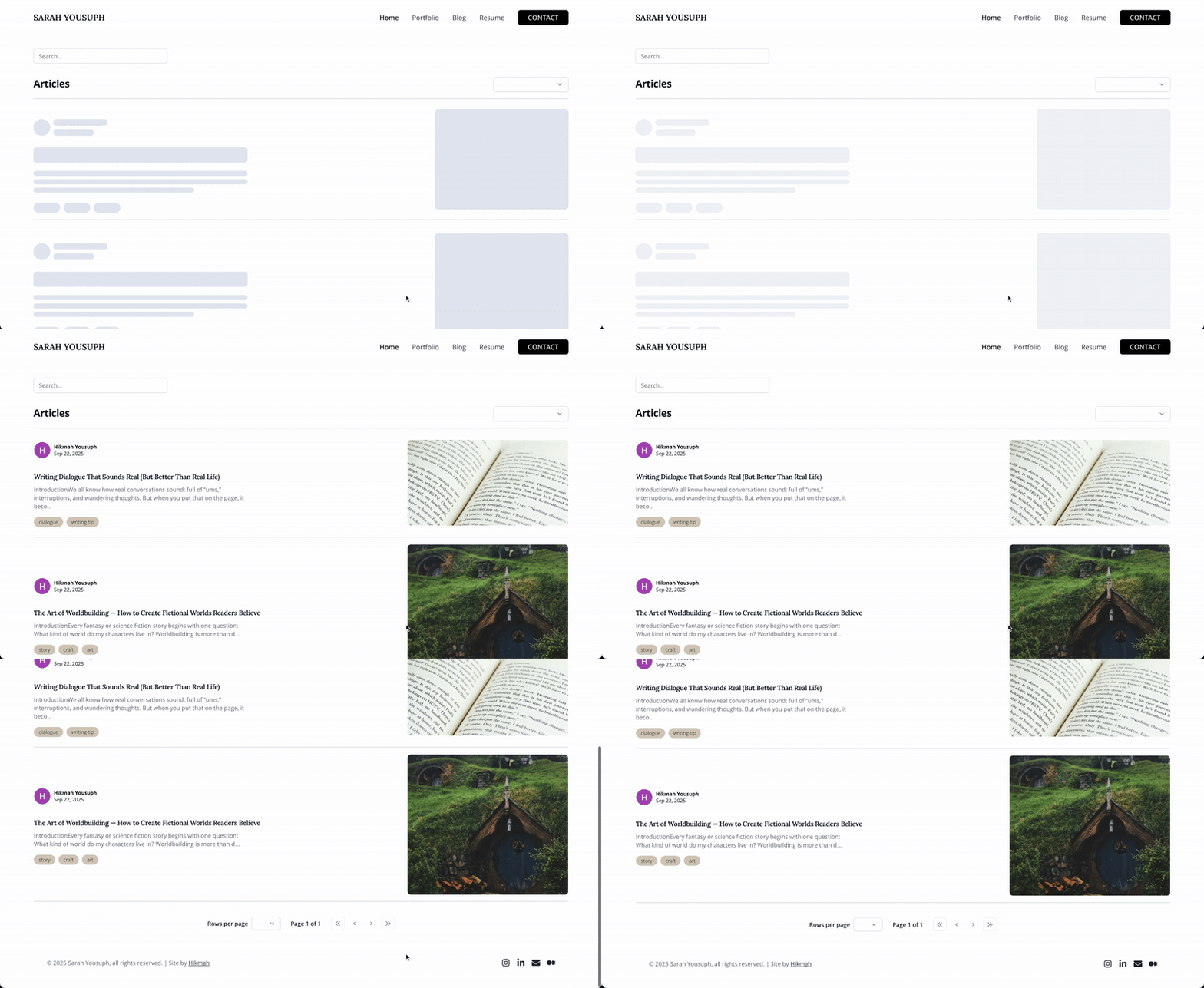
- Browse blog posts with pagination and cover images.
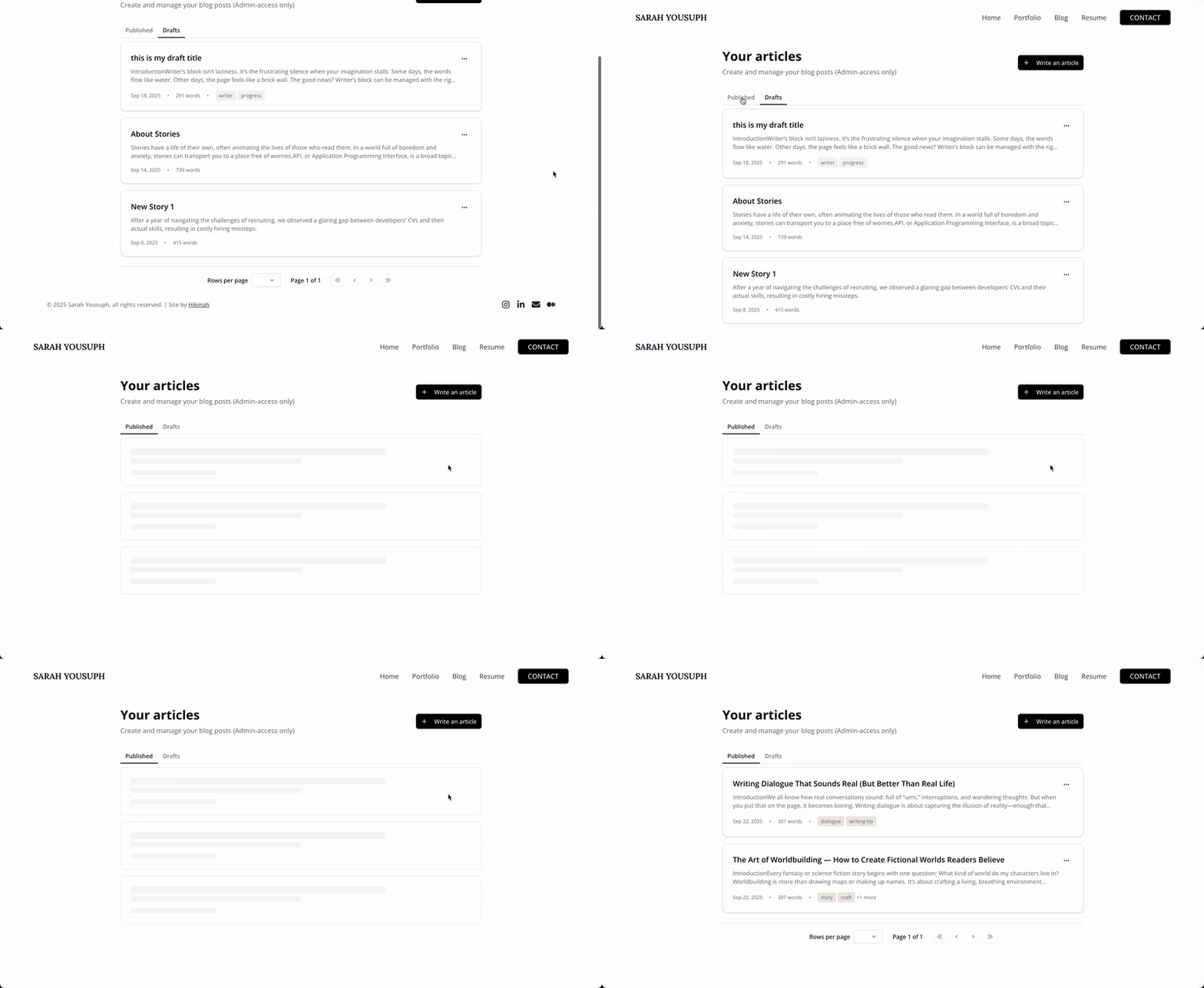
- Create, edit, delete posts, and access unpublished and published post (if granted admin-access only).
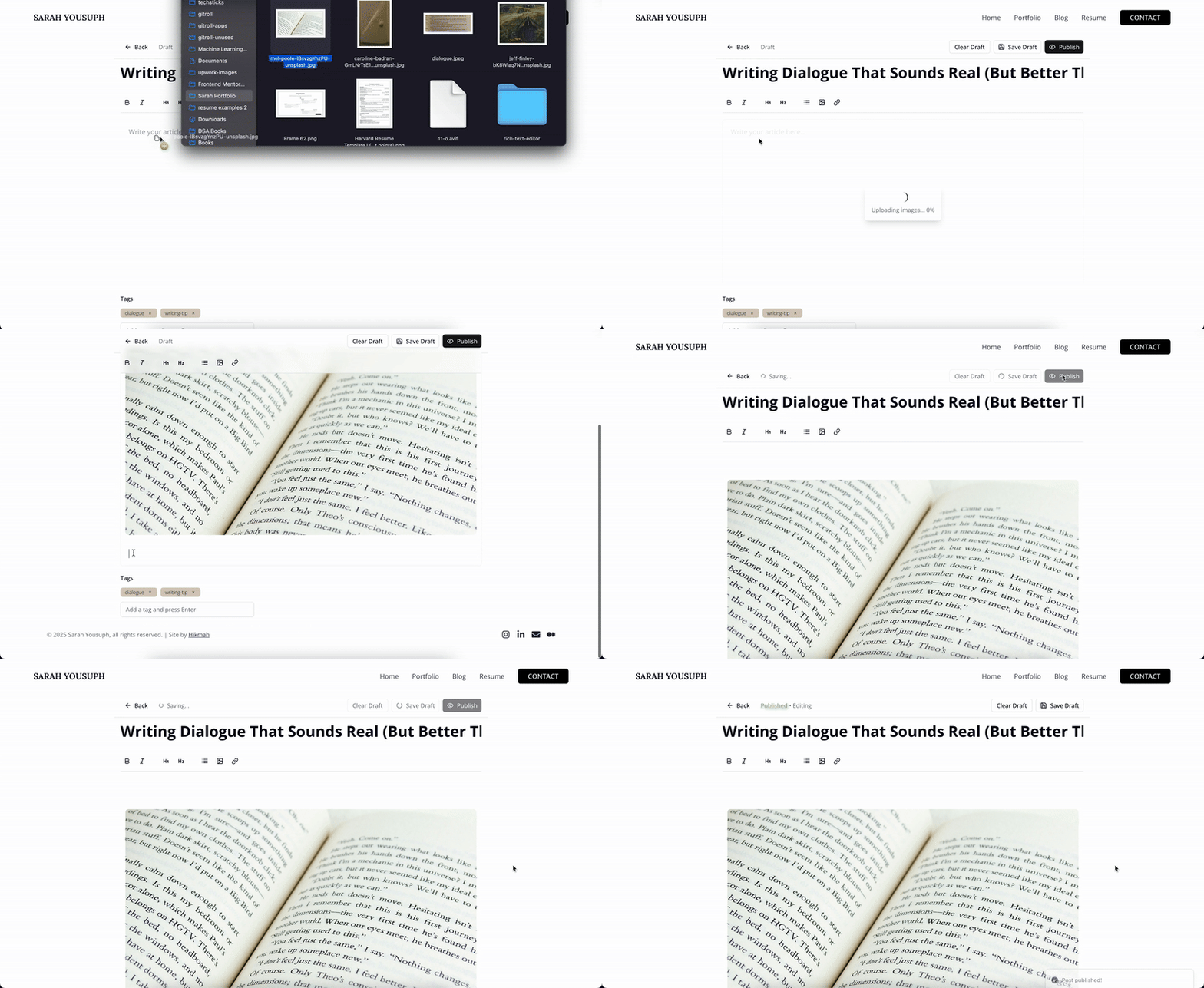
- Rich-text editor with inline/bubble menu, image insertion, and drafts.
- Upload images (Cloudinary) with orphan-image cleanup (triggered on delete/update/clear draft).
- Generate resumes with experience management (CRUD + client-side print/export).
- View portfolio articles and contact the author.
- Protect admin routes with authentication and role checks (NextAuth + Google).
- Send messages via the Contact Page directly to the admin’s email (via SMTP).

- Hero area with author intro and contact button.
- About me section, featured portfolio, services offered, and CTA.
- General header & footer (shared across site) with minimal navigation and social links.
- Accessible focus/hover states and semantic HTML.
- Animations handled with Framer Motion.
Note: The post editor is part of the Admin Area (see Admin Area section). The editor uses
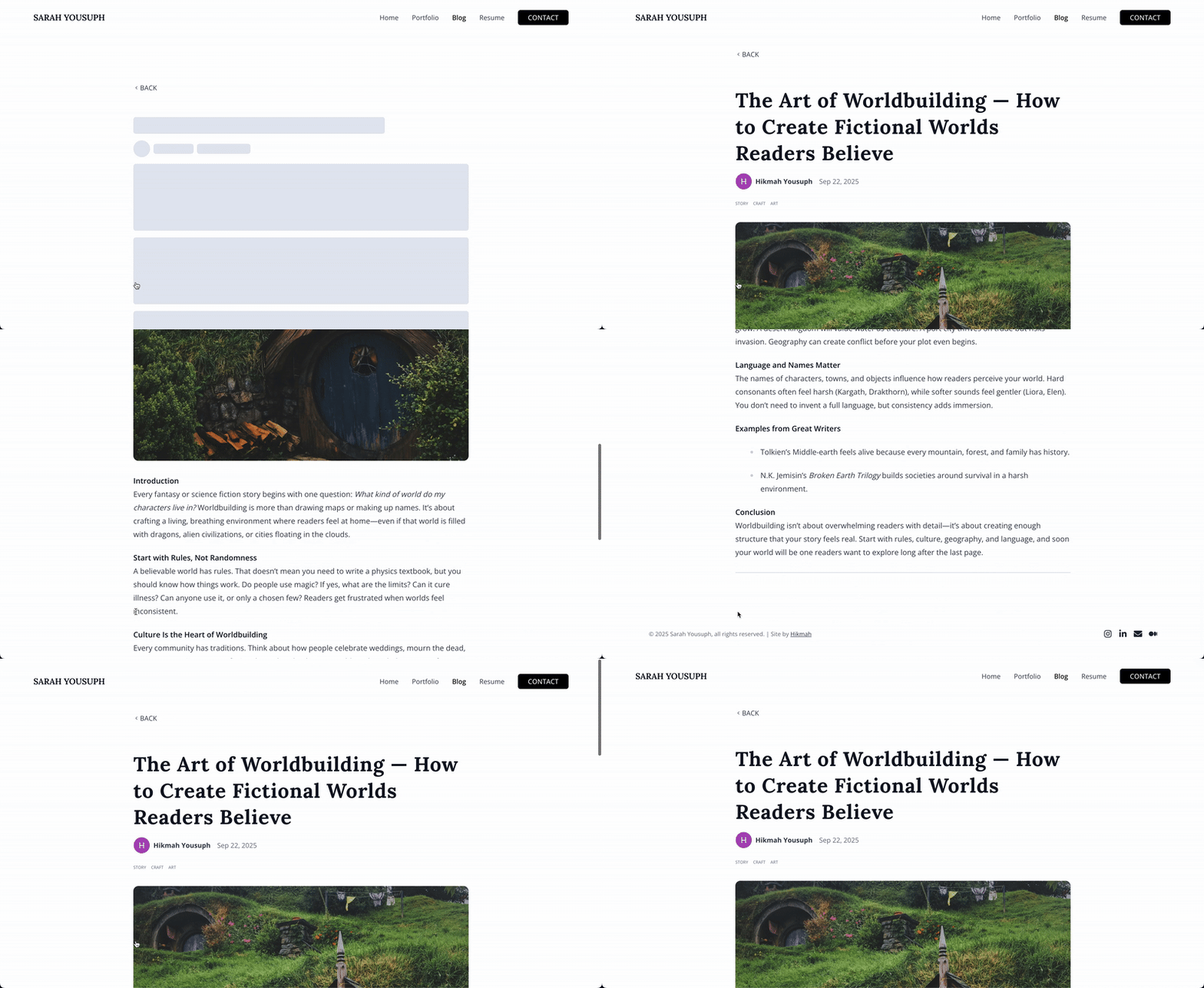
Tiptapand provides a bubble/inline menu, image insertion, and drafts. Blog posts are displayed using tailwind/typography prose for clean formatting.
-
Post listing
- Paginated posts to prevent heavy initial loads.
- Post previews include title, excerpt, author, published date, and cover image.
-
Image handling
- Cloudinary for image uploads and delivery.
- Images can be deleted when a post is deleted, updated, or a draft is cleared.
-
Editor features
Tiptaprich-text editor with inline/bubble menu: bold, italic, links, headings, lists, code blocks, images.- Image insertion supports drag-and-drop upload and validated image URLs.
- Draft storage persisted via
localStorage.
The admin area contains the primary blog creation tools and dashboard. It has a base listing page and dedicated pages for creating and editing posts with unique slugs.
-
Admin base page
- Displays draft and published posts.
- Each post includes a 3-column popover with:
- Edit — opens edit page.
- Delete — confirmation dialog.
- View Post — opens public post.
-
Admin new/page
- Dedicated page to create a new post.
-
Admin edit/page
- Edit specific draft/published post.
-
Admin UX
- Toast notifications for save/publish/delete results.

- CRUD for experiences: organization, position, location, dates, responsibilities.
- Timeline layout with date markers.
- Experiences stored in Prisma DB.
- Resume generation via
react-to-print.

- Simple showcase of articles on different platforms.
- Displays title, excerpt, and link to each article.
- Prisma — blog CRUD (admin) and experience CRUD (resume).
- NextAuth + Google — authentication with Prisma user integration.
- General header & footer across site.
- Toasts & pagination in key areas.
- Cloudinary for image lifecycle.

- Simple contact form for site visitors to reach out.
- Messages are delivered directly to the admin’s email using Nodemailer + SMTP.
- Email content is rendered dynamically using Handlebars
(.hbs)templates for better formatting. - Validations for required fields (name, email, message).
- Toast notifications for success/failure feedback.
- Image lifecycle — temp upload → permanent on save → delete on post delete/update/clear draft.
- Draft persistence — stored in
localStorage(cleared on save). - Prisma models — User, Post, Tag, Experience, Asset.
- Auth flow — Google login + role-based admin protection.
- Semantic HTML5 markup
- Mobile-first workflow
- React - JS library
- Next.js - React framework
- Tailwindcss - CSS framework
- Tailwind Typography - Blog prose
- shadcn/ui - UI components
- Framer Motion - Animations
- Figma - UI design
- Prisma - ORM
- Cloudinary - Image hosting & CDN
- NextAuth.js - Authentication with Google
- react-to-print - Resume export
- Vercel - Deployment
- Nodemailer - Email delivery for contact messages.
- Handling image lifecycle (upload, cleanup).
- Rich-text editor integration with Tiptap.
- Sending styled emails using Nodemailer + Handlebars (
.hbs) templates.
- Improve SEO (structured data, OG, meta tags).
- Add blog categories.
- Revision history for posts.
- Asset management UI.
- Server-side resume PDF generation.
- Unit Testing using Jest
- Cron job for orphan-image cleanup
- Blog categories
- SEO improvements
- Blog comments & likes feature
👩💻 Hikmah Yousuph
- Portfolio: Hikmah Yousuph
- GitHub: Hikmahx
- Email: [email protected]
- LinkedIn: linkedin.com/in/hikmah-yousuph