0. Get Wallet
- Windows Wallet
There are 2 way to make wallet.
1, Use pre-compiled wallet. (Recommended)
2, Compile from sourcecode on UbuntuL.
In this section, we tell you about pre-compiled wallet.
If you need about wallet on Ubuntu, follow 4.How-to-build-for-Windows-(Japanese).
Please check newer version.
Download Koto-v1.1.0-Windows.zip from github Koto project page.
Windows Wallet
Unzip downloaded zip.
Run RUN-FIRST_en.bat
open command line window and close.
If some error are occured, do next section.
Download "sprout-proving.key" and "sprout-verifying.key" from MEGA.

Save them in %appdata%\ZcashParams\ directory
(like C:\Users\[Username]\AppData\Roaming\ZcashParams).

Double click "KotoSwingWalletUI.jar"
It's success to make wallet with this window!

Wait for blockchain synchronization.


Don't force termination. Wallet will be broken!
OS : 10.10 Yosemite or later
Java8 or later
Unzip downloaded zip.
Run RUN-FIRST-en.app
open command line window and close.
Double click "KotoSwingWalletUI.jar"
It's success to make wallet with this window!
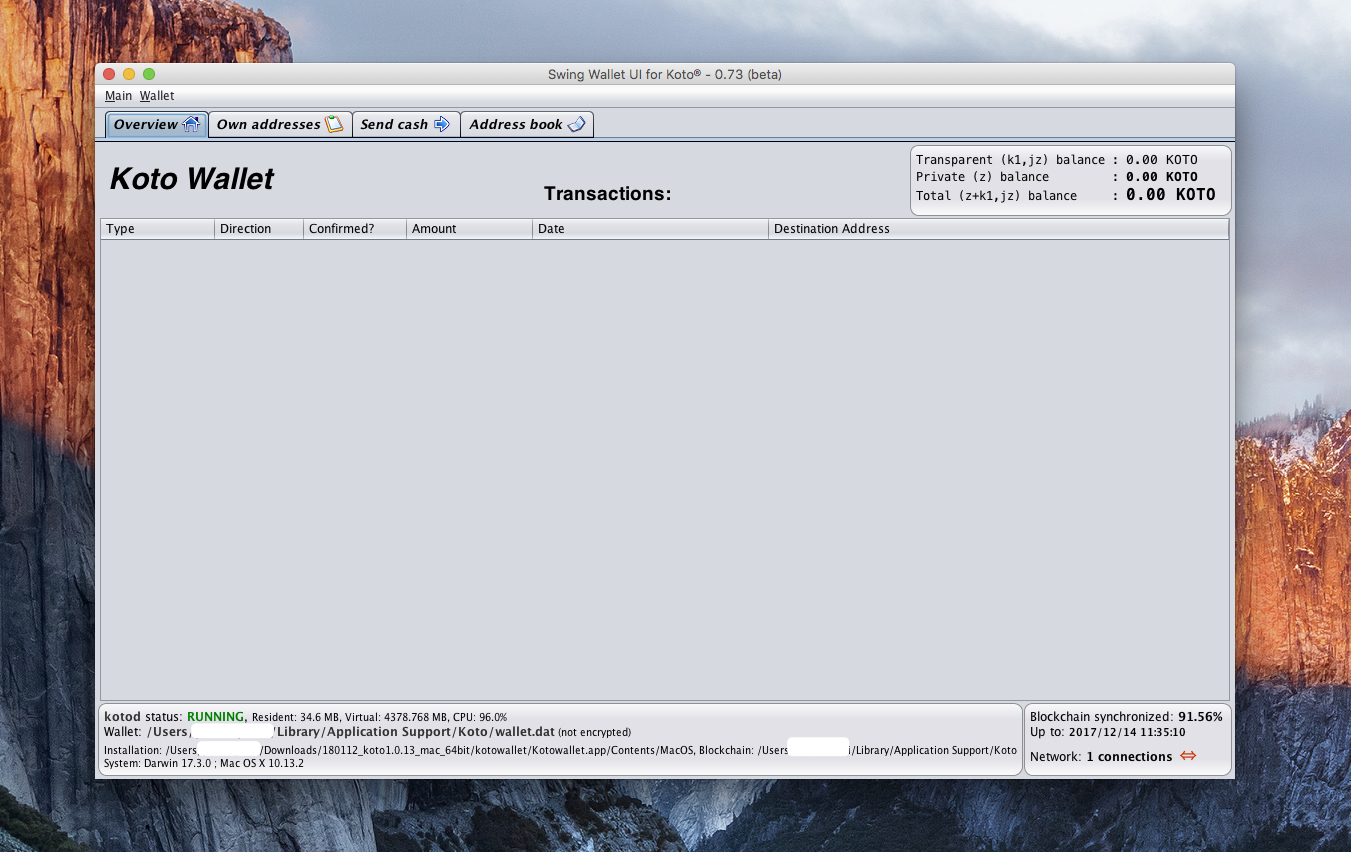
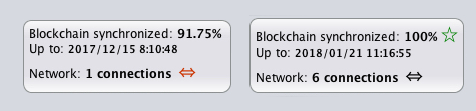
Please follow this page.
https://github.com/zcash/zcash/wiki/1.0-User-Guide#get-started
Koto's github is here.
https://github.com/KotoDevelopers/koto.git
Example for Ubuntu
sudo apt-get update sudo apt-get install build-essential pkg-config libc6-dev m4 g++-multilib autoconf libtool ncurses-dev unzip git python python-zmq zlib1g-dev wget bsdmainutils automake curl
cd ~ git clone https://github.com/KotoDevelopers/koto.git
cd koto
./zcutil/fetch-params.sh
./zcutil/build.sh -j$(nproc)
Make koto.conf before run koto wallet.
mkdir -p ~/.koto
echo "rpcuser={username}" >>~/.koto/koto.conf
echo "rpcpassword={password}" >>~/.koto/koto.conf
{username}, {password} : phrase you love.
Please follow this page.
https://github.com/KotoDevelopers/koto-swing-wallet-ui
Example for Ubuntu
sudo apt-get install git default-jdk ant
cd ~ git clone https://github.com/KotoDevelopers/koto-swing-wallet-ui.git
cd zcash-swing-wallet-ui/
ant -buildfile ./src/build/build.xml
chmod u+x ./build/jars/KotoSwingWalletUI.jar
cp ./build/jars/KotoSwingWalletUI.jar ~/koto/src/
Run without GUI example
~/koto/src/kotod
Run with GUI example
* (For WSL) run VcXsrv before this.
java -jar ~/koto/src/KotoSwingWalletUI.jar