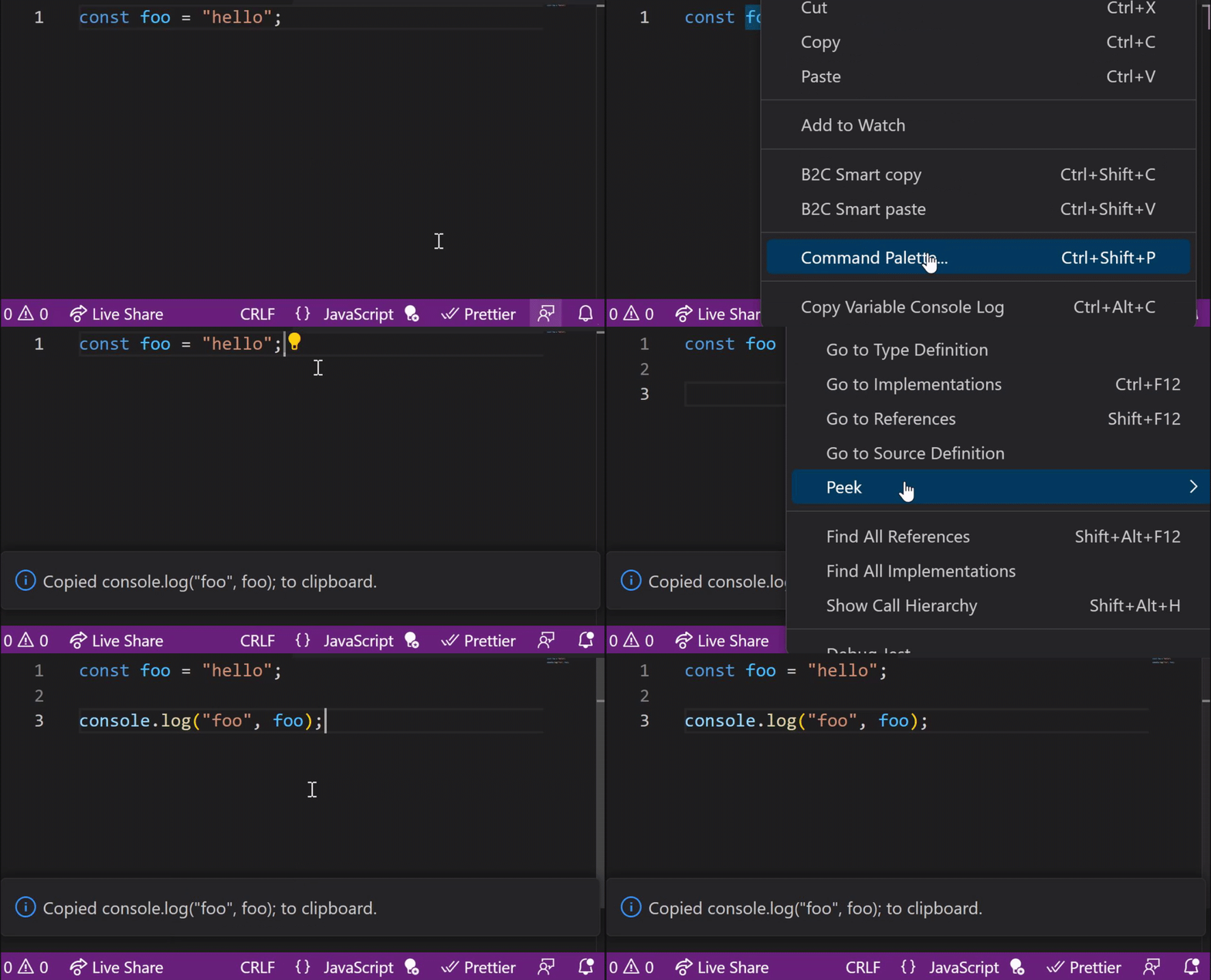
A Visual Studio Code extension that allows you to copy a console.log for a variable to the clipboard. E.g. highlighting a variable called foo will copy console.log("foo", foo); to the clipboard.
- Right click on a highlighte variable name in your code and select "Copy Variable Console Log".
- Alternatively you can highlight a variable and press
Alt+Ctrl+C
- Alternatively you can highlight a variable and press
- The
console.logto log the variable out will be copied to your clipboard.
Not tested on Mac.
Initial release