This is a document management application that allows users to create, read, update, and delete documents stored in a SQL Server database. The application has three user interfaces: Razor Pages, WinForms, and WPF.
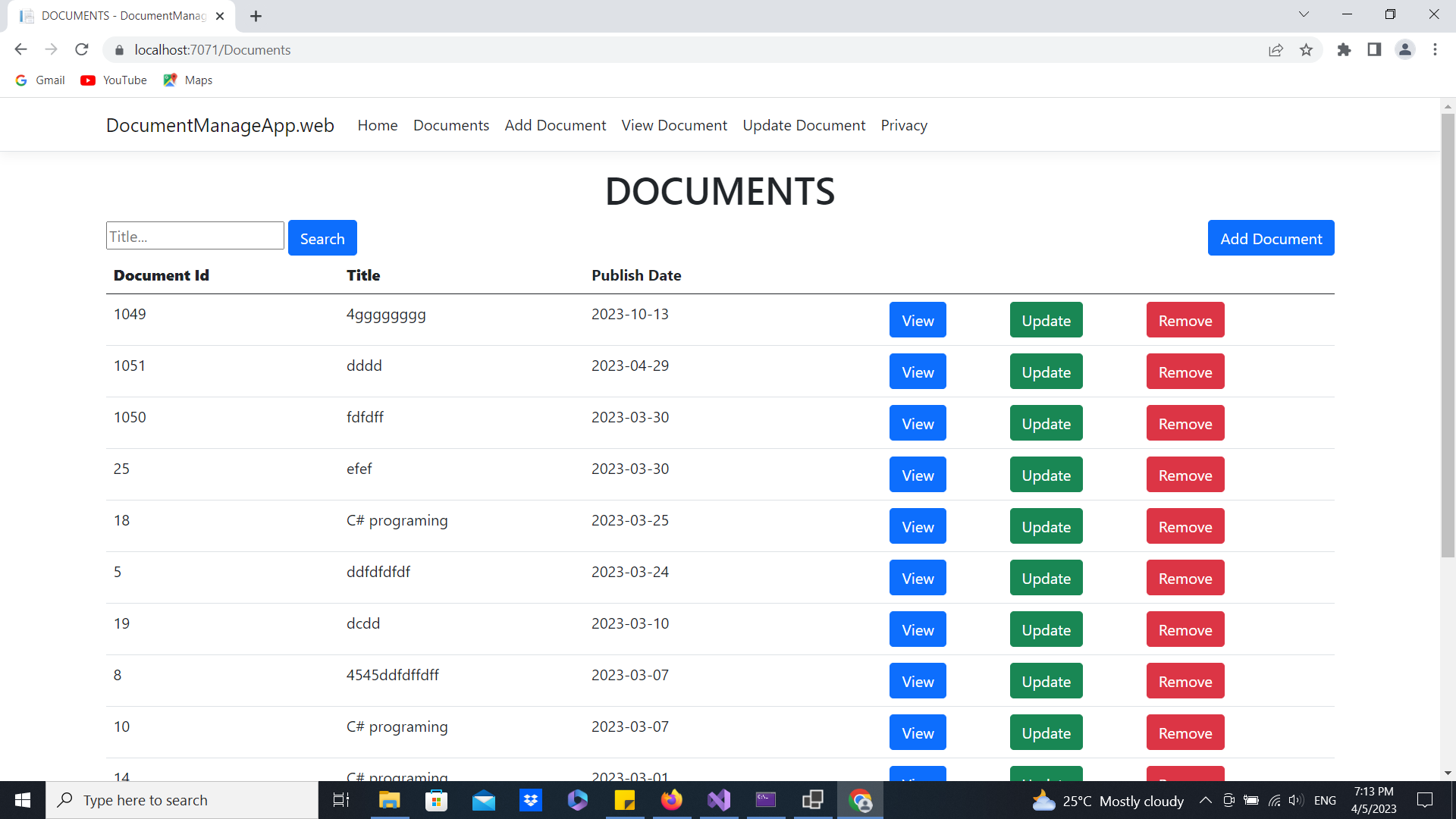
The Razor Pages UI allows users to interact with the application through a web interface. Users can perform CRUD operations on documents using this UI.
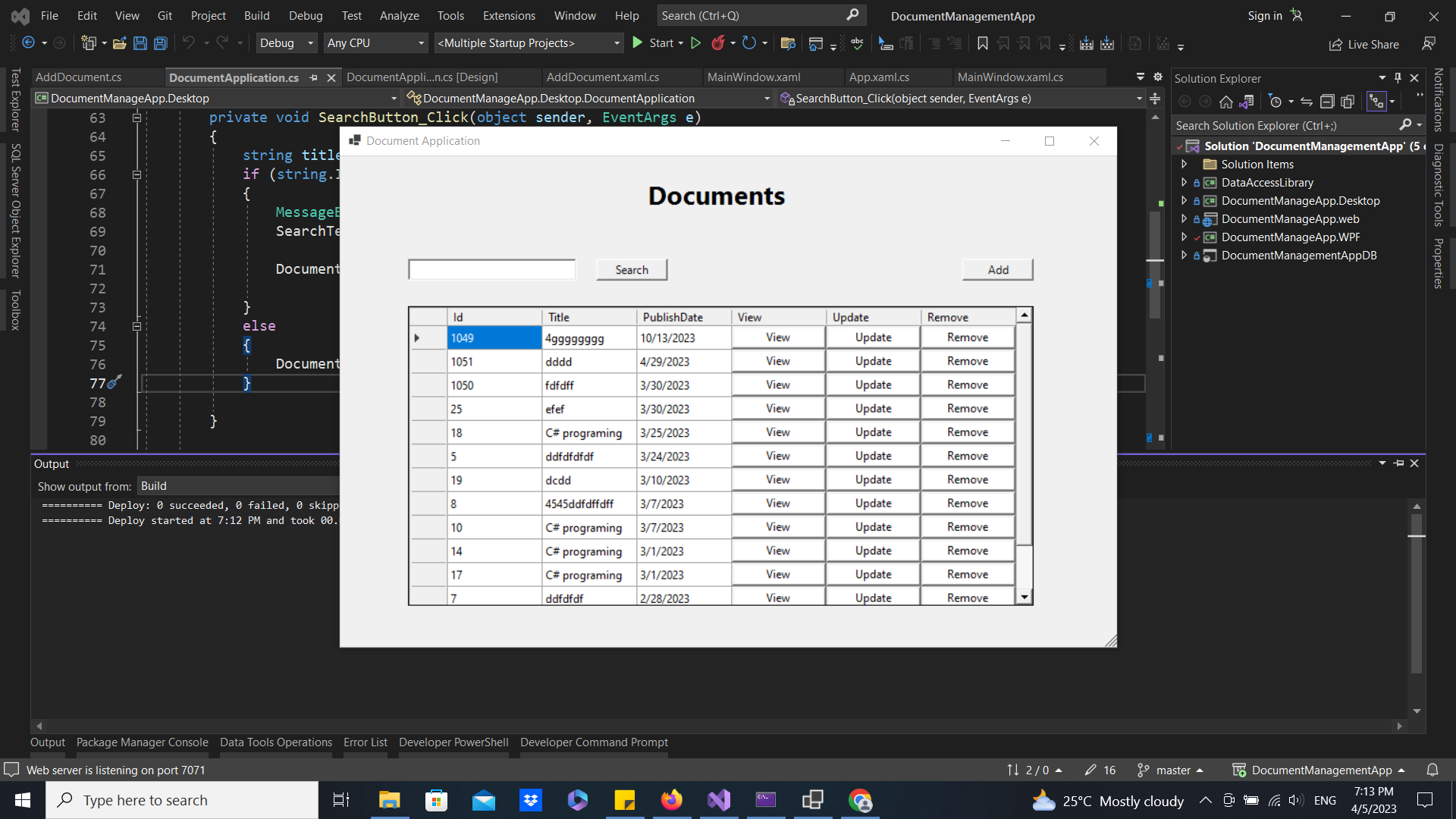
The WinForms UI is a Windows desktop application that allows users to interact with the application through a traditional desktop interface. Users can perform CRUD operations on documents using this UI.
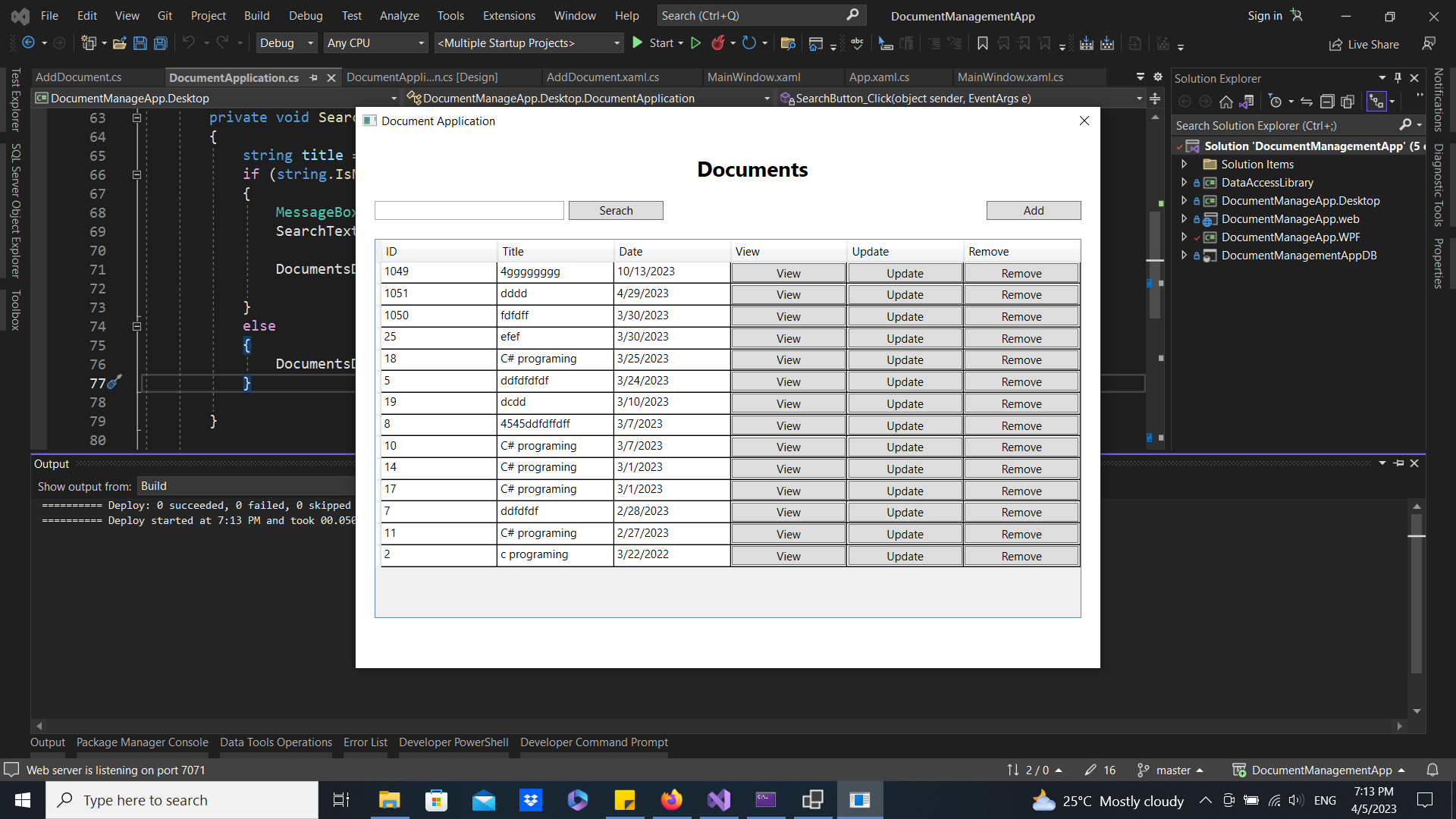
The WPF UI is a Windows desktop application that allows users to interact with the application through a modern, customizable interface. Users can perform CRUD operations on documents using this UI.
- C#
- .NET 6
- SQL Server
- Dapper
- Razor Pages
- WinForms
- WPF
To get started with this application, you will need to have the following software installed on your machine:
- Visual Studio 2022 or later
- SQL Server Management Studio
Once you have the software installed, you can follow these steps to get the application running:
-
Clone the repository to your local machine
-
Open the solution file in Visual Studio
-
Open the
appsettings.jsonfile in the root of the project, and update theDefaultConnectionstring with the connection information for your SQL Server instance:{ "ConnectionStrings": { "DefaultConnection": "Server=(localdb)\mssqllocaldb;Database=DocumentManagement;Trusted_Connection=True;" }, "Logging": { "LogLevel": { "Default": "Information", "Microsoft": "Warning", "Microsoft.Hosting.Lifetime": "Information" } }, "AllowedHosts": "*" } -
Open the Package Manager Console and run the following command to create the database:
dotnet tool install --global dotnet-sqllocaldb dotnet sqllocaldb create "v17.0" --version 17.0 -
Build the solution and run the application
-
Select one of the user interfaces (Razor Pages, WinForms, or WPF) to start using the application
This application allows users to perform the following actions:
- Create new documents
- View a list of all documents
- View details of a specific document
- Update an existing document
- Delete a document
If you would like to contribute to this application, please submit a pull request with your changes.
This application is provided as-is, and there is no guarantee that it will work for your specific use case. Please use at your own risk.
If you encounter any issues with this application, please open an issue on the project's GitHub page.
For any questions or comments, please contact the project maintainers at [[email protected]].