Installation Guide | PyAutoLens readthedocs | autolens_workspace
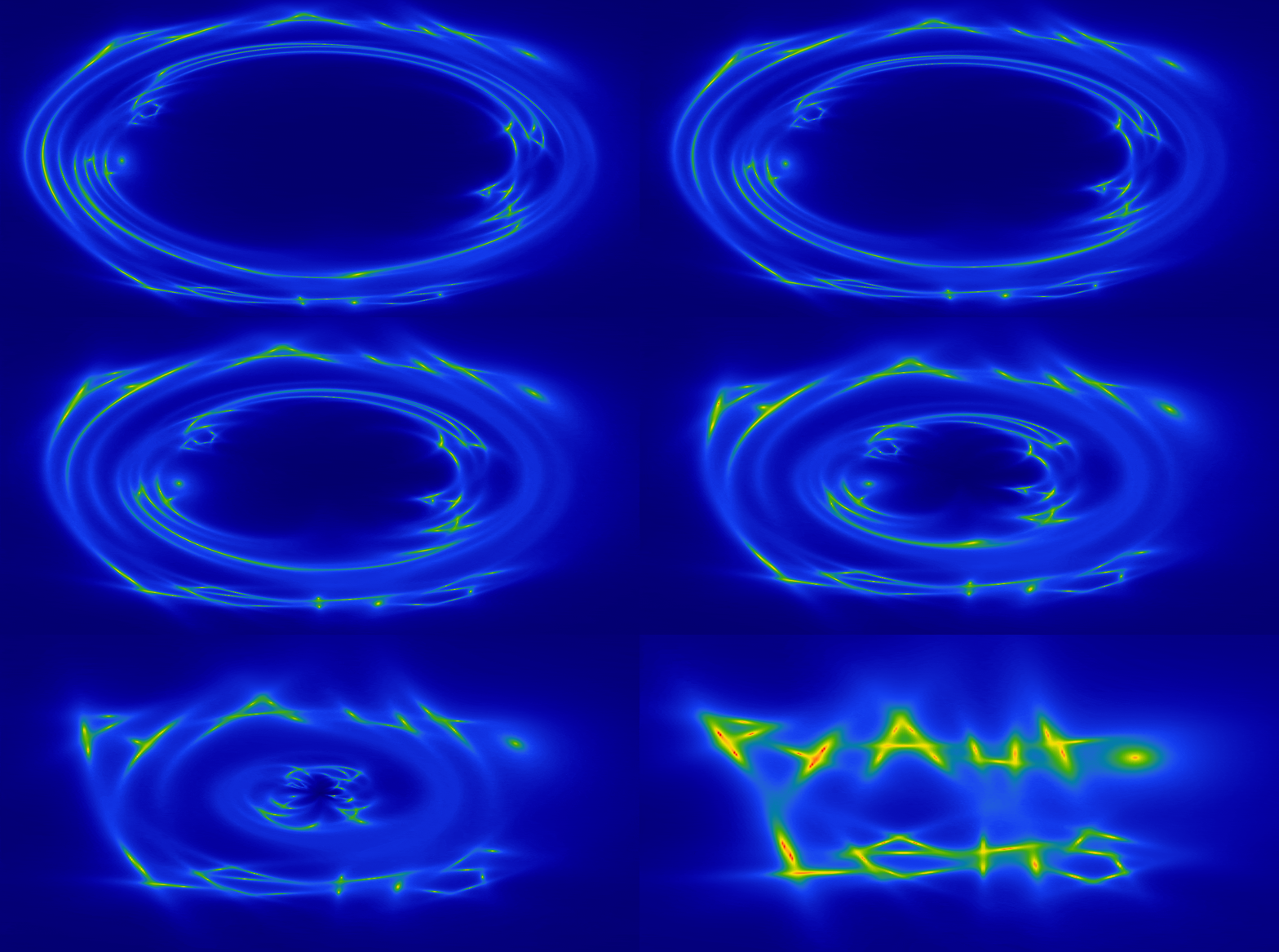
Welcome to HowToLens — the tutorial lecture series for PyAutoLens, an open-source library for strong gravitational lens modeling.
HowToLens teaches new users what strong gravitational lensing is and how to model it from scratch. It assumes minimal prior knowledge of astronomy or statistics and takes you from first principles all the way to using PyAutoLens for professional scientific research.
For experienced scientists who already know the fundamentals of strong lensing and Bayesian modeling, the autolens_workspace examples will be more appropriate — they are concise and assume the concepts taught in HowToLens as background.
chapter_1_introduction— An introduction to strong gravitational lensing and PyAutoLens: grids, light and mass profiles, galaxies, ray-tracing, simulated imaging data, and fitting.chapter_2_lens_modeling— Bayesian inference, non-linear searches, and how to fit a lens model to CCD imaging data with PyAutoLens.chapter_3_search_chaining— Chaining multiple non-linear searches together to build automated lens modeling pipelines for complex systems.chapter_4_pixelizations— Pixelized source reconstructions (inversions) for sources with irregular morphologies.chapter_optional— Optional tutorials on alternative non-linear searches and other advanced topics.
HowToLens currently sits at four chapters. Each chapter will take around a day to work through.
We recommend completing chapters 1 and 2, then applying what you've learned to real lens modeling in the
autolens_workspace before returning for the more advanced material in chapters 3 and 4.
You can run the tutorials on your own machine by following the PyAutoLens installation guide, then cloning this repository:
git clone https://github.com/PyAutoLabs/HowToLens.git
cd HowToLens
Alternatively, every tutorial can be opened directly in Google Colab via the links in each chapter's
README.md.
The tutorials are distributed as both Jupyter notebooks (notebooks/) and Python scripts (scripts/).
We recommend the notebooks for reading — images and plots render inline, and you can step through small
code blocks interactively. Use the Python scripts for actual PyAutoLens use, which is the workflow
chapter 3 onwards transitions you to.
Before starting chapter 1, complete scripts/chapter_1_introduction/tutorial_0_visualization.py
(or the equivalent notebook). This confirms your PyAutoLens installation, walks you through how images
and figures display in Jupyter, and configures matplotlib for the rest of the tutorial series.
HowToLens assumes minimal previous knowledge of gravitational lensing. It is helpful to have the following lecture course on gravitational lensing by Massimo Meneghetti open as you go through the tutorials:
http://www.ita.uni-heidelberg.de/~massimo/sub/Lectures/gl_all.pdf
scripts/— Runnable Python tutorial scripts, one subfolder per chapter.notebooks/— Jupyter notebook versions of the scripts (auto-generated; see below).config/— PyAutoLens configuration YAML files used by the tutorials.dataset/— Tutorial datasets are generated at runtime by scripts inscripts/simulator/— no.fitsfiles are committed.output/— Model-fit results (generated at runtime, not committed).
Notebooks in notebooks/ are generated from the Python files in scripts/. Always edit the ``.py``
scripts, never the notebooks directly. The # %% markers in each script alternate between code and
markdown cells, which PyAutoBuild uses to produce the
.ipynb files.
autolens_workspace is the main user-facing workspace
for PyAutoLens — concise examples, guides, and science templates aimed at users who have a working
understanding of strong lensing. HowToLens is the teaching companion. Many tutorials in chapters 2–4
reference autolens_workspace scripts as the next place to go after the relevant concept has been
introduced.
If you use HowToLens or PyAutoLens in your research, please cite the references listed in
CITATIONS.rst.
Support for PyAutoLens is available via our Slack workspace. Slack is invitation-only; send an email if you'd like an invite.
For installation issues, bug reports, or feature requests, raise an issue on the PyAutoLens GitHub issues page (for library issues) or the HowToLens GitHub issues page (for tutorial content issues).