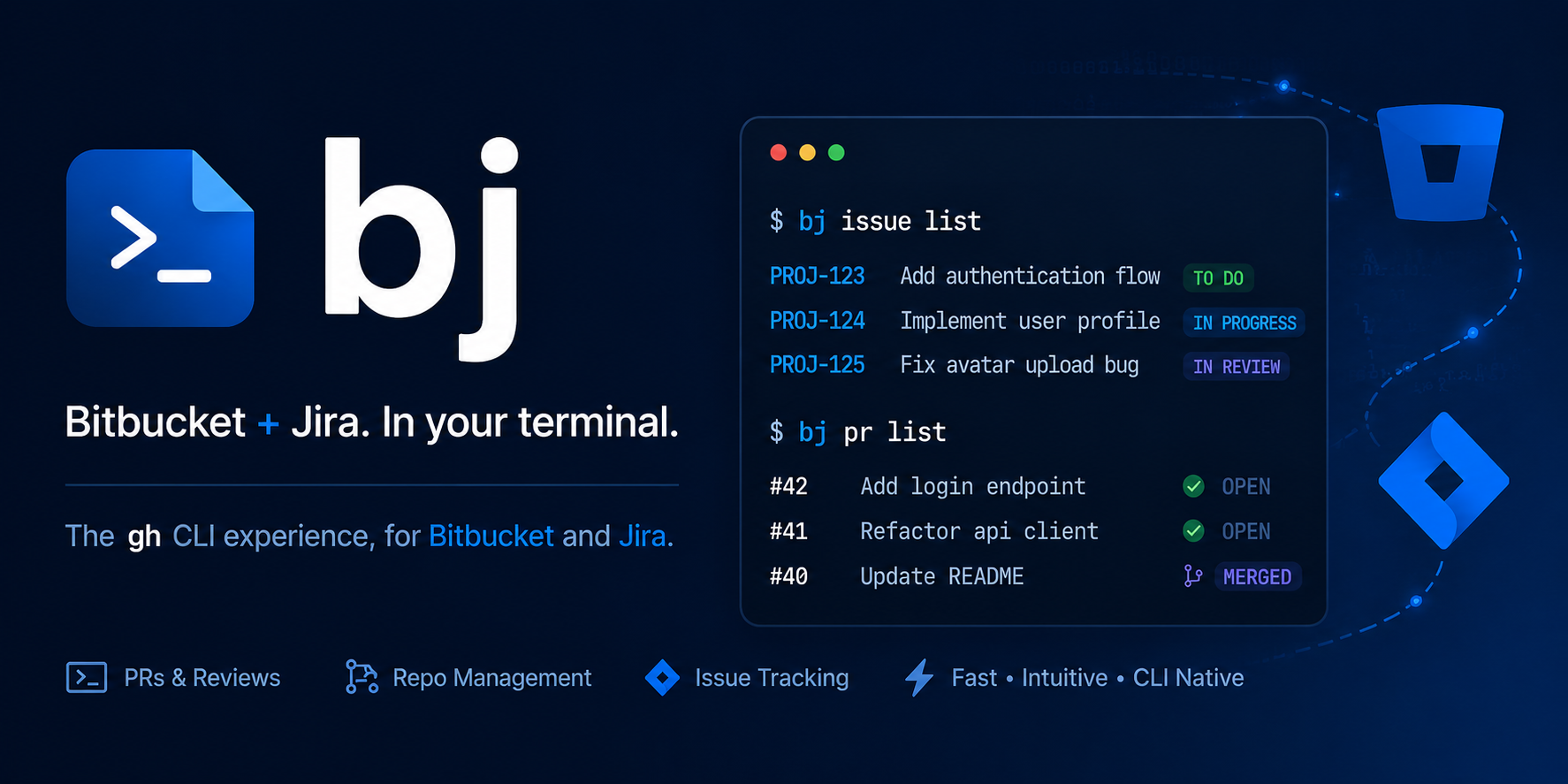
A gh-style CLI for Bitbucket (pull requests, repos, pipelines) and Jira (issues), with branch-name-as-Jira-key automation.


bj brings GitHub gh ergonomics to Bitbucket and
Jira. It manages Bitbucket pull requests, repositories and pipelines and Jira
issues from a single noun-first command surface. It is terminal-native and
scriptable, so it pairs well with AI coding agents (see
Coding agents).
The signature feature is branch-name-as-Jira-key: your current git branch
carries a Jira key (e.g. feature/PROJ-42-thing), and commands use it to
auto-link pull requests to tickets and drive Jira transitions.
bj works with Bitbucket Cloud and Jira Cloud. Bitbucket and Jira Server or
Data Center are not supported yet. Contributions to add on-prem support are
welcome.
macOS and Linux
curl -LsSf uvx.sh/bitbucket-jira-cli/install.sh | shWindows
powershell -ExecutionPolicy ByPass -c "irm https://uvx.sh/bitbucket-jira-cli/install.ps1 | iex"Installing a specific version:
curl -LsSf uvx.sh/bitbucket-jira-cli/1.5.0/install.sh | shAlternative install methods (PyPI via pip / uv, prebuilt Docker image) are
covered in the installation docs.
bj auth login# On a branch like feature/PROJ-42-thing:
bj pr create # open a PR, auto-linked to PROJ-42
bj pr view # show the PR for the current branch
bj issue view PROJ-42 # show the Jira issue
bj pipeline list # list Bitbucket Pipelines runsbj ships an agent skill, so AI coding agents
(Claude Code, Copilot, Cursor, Codex, Gemini CLI) can drive it the way they
drive gh. Install it like gh skill install, but from the package you already
have:
bj skill install --agent claude-codeSee the Coding agents guide.
Create a Jira issue, open a branch for it, and open a linked pull request, without leaving the terminal.

The full documentation lives at https://spenhouet.github.io/bitbucket-jira-cli/.
If you would like to contribute, please read our contribution guideline.
This tool is an open source project released under the MIT License.