The goal of this project is to design a software intending to conserve electricity based on human detection. This system will use a simple CCTV camera to detect human presence and light presence in classrooms. In case the classroom is detected empty and the lights are on, the system will notify the administrator regarding the same via a live notification Furthermore this system will allow the administrator to have access to the real time status of all classrooms in the campus through a website. This system will make administration easier and prevent unnecessary electricity wastage.
- A working CCTV camera. If a cctv camera is unavailable, apps like Droid Cam can be used to make the phone work as a cctv camera. The phone or the CCTV camera and the server should be connected to the same Local Network.
- The host server or computer should meet the requirements of YOLOv3.
Client: ReactJs
Server: Python, Django-Rest-Framework
Database: SQLite
- Clone the project
git clone https://github.com/Chandravo/GreenLight- Download YOLOv3 config and weights folder from here. Unzip the file. Copy the YOLO folder and paste it inside the app folder of the cloned project.
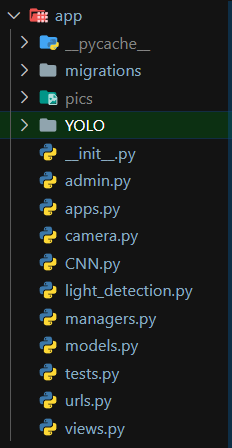
- Navigate to yolo folder inside the YOLO folder. Inside the folder there are 3 files : coco.names, yolov3.cfg, yolov3.weights. Copy the path of each one of them and replace their path inside "gen" function inside views.py inside the app folder.
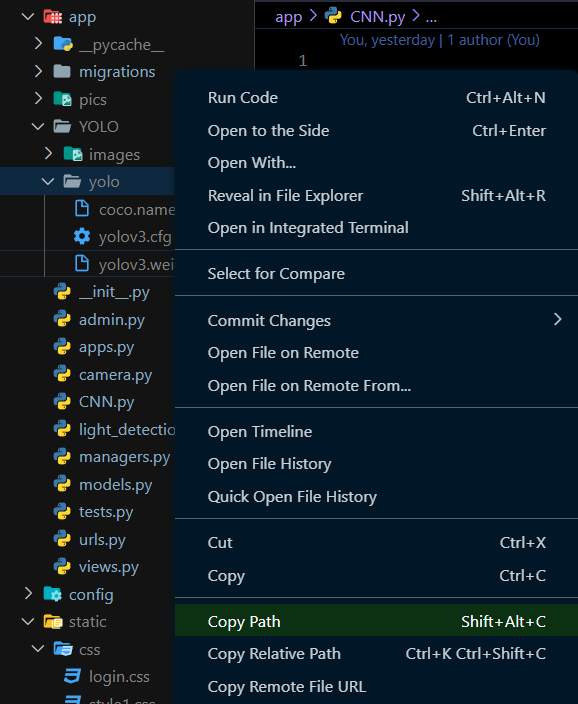
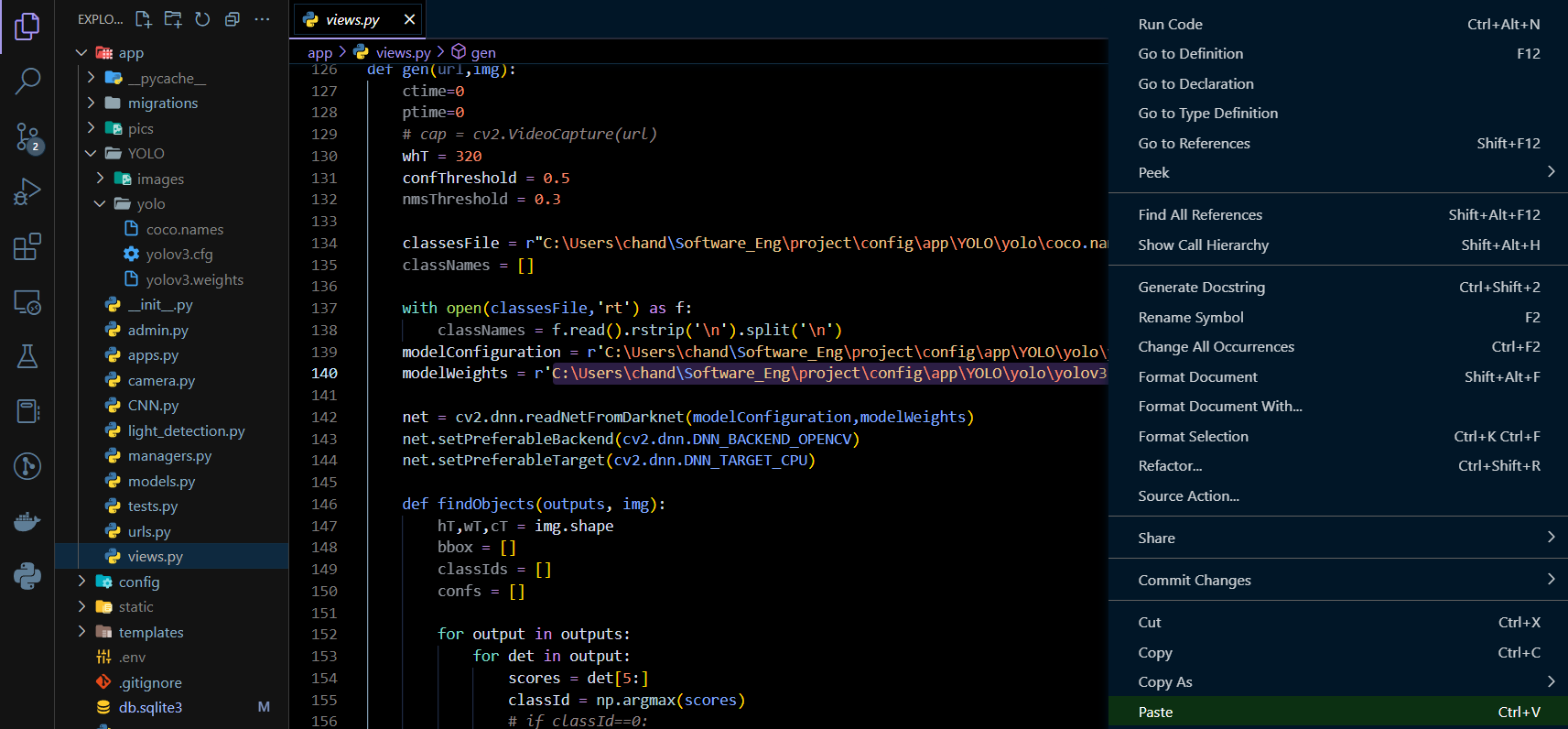
- Navigate to project directory in terminal
cd backend/config- We recommend you to use virtual environment
python -m venv envActivate virtual environment
For Windows PowerShell
env/Scripts/activate.ps1For Linux and MacOS
source env/bin/activate- Install dependencies
pip install -r requirements.txt-
Add Secret Key : Go to project's settings.py file and change the value of SECRET_KEY variable to desired secret key. You can generate a new secret key here
-
Run Migrations
python manage.py makemigrations python manage.py migrate- Create new superuser
python manage.py createsuperuser- Start the backend server
python manage.py runserver- Navigate to the frontend folder
  cd ../..
cd frontend- Start the client server
  npm install
npm start- Go to
localhost:8000/adminand login with the details of the superuser. Click on room option under app category.
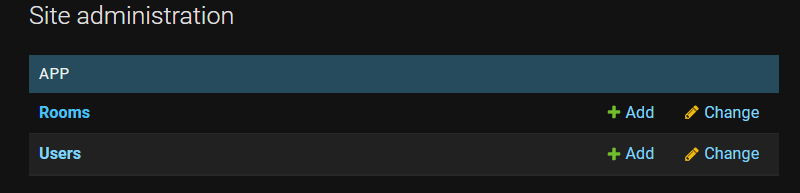
Click on "ADD ROOM +"
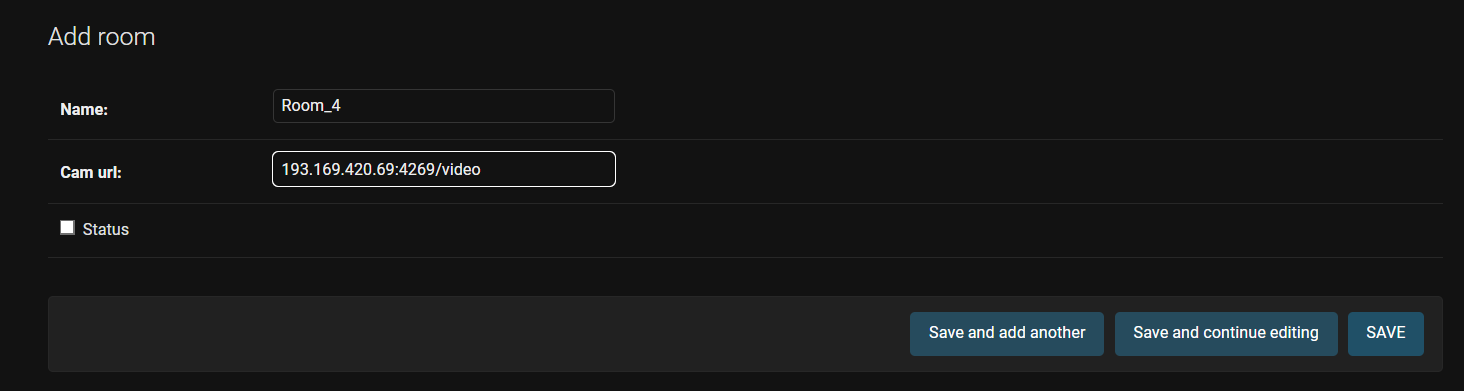
Enter the room name and the video endpoint of the CCTV camera
- The site is ready now. Go to
localhost:3000to start.
Made by :