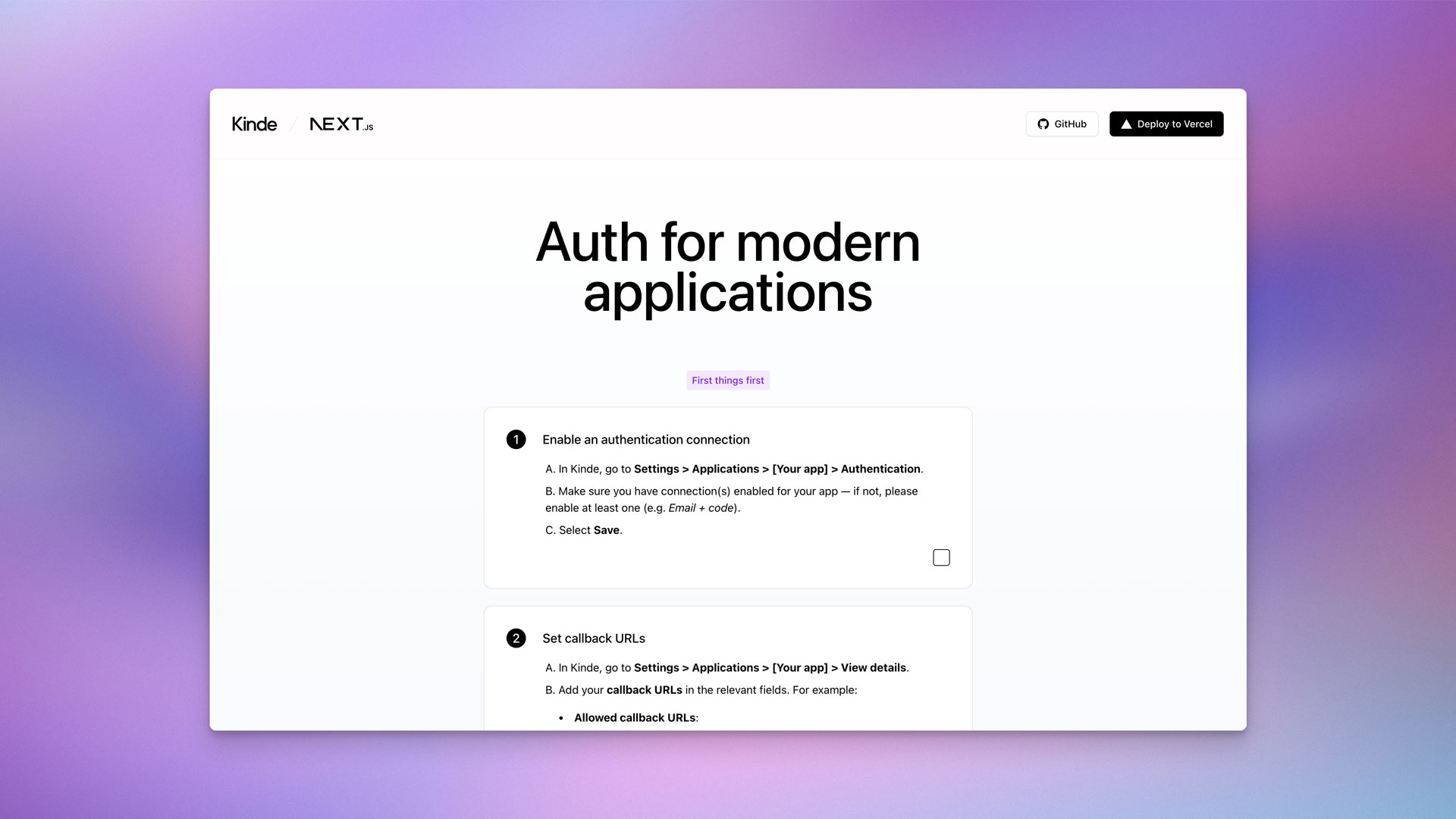
A starter template using Next.js and Kinde for authentication.
Create a Kinde account if you already don't have one.
- Go to
Settings > Applications. - Click the
Add applicationbutton in the top right. - Give your application a name and make sure you select
Back-end webas the application type. - Click
Save. - In the
Quick startscreen, selectNext.jsas the technology. - Click
Save. - Click on
Authenticationin the left sidebar menu. - Make sure you enabled at least one connection for your application (e.g. "Email + code")
- Click
Save.
Create a Vercel account if you already don't have one.
- In Kinde, go to
Settings > Applications > [Your app] > Details. - For the next step, you will need the following values under
App keys:DomainClient IDClient secret
After clicking the button below, you will need to fill-in the following environment variables to successfully deploy this template:
KINDE_ISSUER_URL: This is theDomainvalue mentioned on the step above.KINDE_CLIENT_ID: This is theClient IDvalue mentioned on the step above.KINDE_CLIENT_SECRET: This is theClient secretvalue mentioned on the step above.
Before signing in or signing up, make sure to go through the checklist. Basically:
Make sure you enabled at least one connection for your application in Kinde (e.g. "Email + code") under Settings > Applications > [Your application] > Authentication.
Important
Make sure to replace [your-vercel-slug] in the code examples below with your Vercel project or team slug, but keep the * (asterisk).
More info on wild card callback URLs in Kinde
-
In Kinde, go to
Settings > Applications > [Your app] > View details. -
Add your callback URLs in the relevant fields:
http://localhost:3000/api/auth/kinde_callback https://*[your-vercel-slug].vercel.com/api/auth/kinde_callbackhttp://localhost:3000 https://*[your-vercel-slug].vercel.com -
Click
Save.
-
Clone this repository
git clone https://github.com/marcosmartini/kinde-next-starter.git
-
Make sure you enabled at least one connection for your application in Kinde (e.g. "Email + code") under
Settings > Applications > [Your application] > Authentication. -
Add your callback URLs in the relevant fields for your application in Kinde:
http://localhost:3000/api/auth/kinde_callback
http://localhost:3000
-
Fill in the missing environment variables in
.env.local.example -
Install the dependencies with
npm run install -
Start the development server with
npm run dev