Fluentsy is a social network app for language learners, inspired in part by language exchange apps like Hello Talk and language tutoring apps like italki. Users can create attractive and informative profiles, list which languages they speak, and message other users in real time.
Fluentsy makes it easy to find suitable conversation partners for practice with writing and speaking skills in a target language. Using Fluentsy, someone learning Spanish may find a native speaker in search of a language exchange or a fellow student who's looking for a chance to put their knowledge to use.
The app was created using a React frontend, a Flask backend, and a PostgreSQL database. At the time of this writing, Fluentsy has three full-CRUD features plus a search feature, but I plan on implementing additional features like calendar invites in the future.
One aspect of this project that was initially challenging was learning how to implement web sockets for my live chat feature. To achieve the desired result, I used a combination of Flask-SocketIO on the backend and the socket.io-client package on the frontend. Rather than the api route handlers I am used to writing on the backend, I instead created an instance of the SocketIO object and created event handlers that listen for specific events being emitted from the frontend. I also had to learn about the concept of rooms, so that I could have the backend event handlers only emit responses to the appropriate parties. I'm glad I overcame the difficulty of learning something new, and I look forward to broadening my knowledge of web sockets, so that I can use them again in future projects.
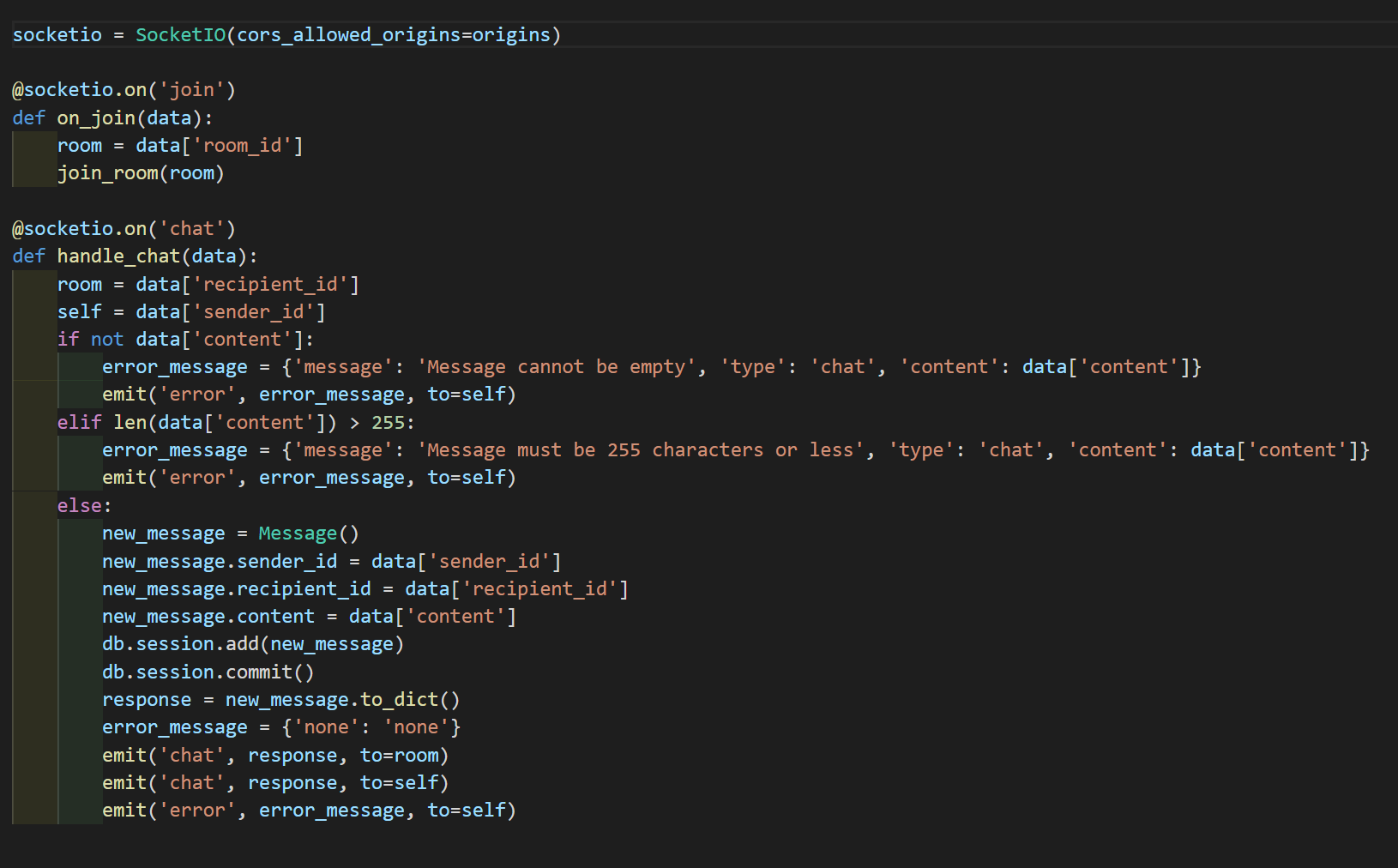
This app utilizes the following technologies:
- PostgreSQL
- Flask
- Flask-SQLAlchemy
- WTForms
- React
- Redux
- Flask-SocketIO
- Socket.IO
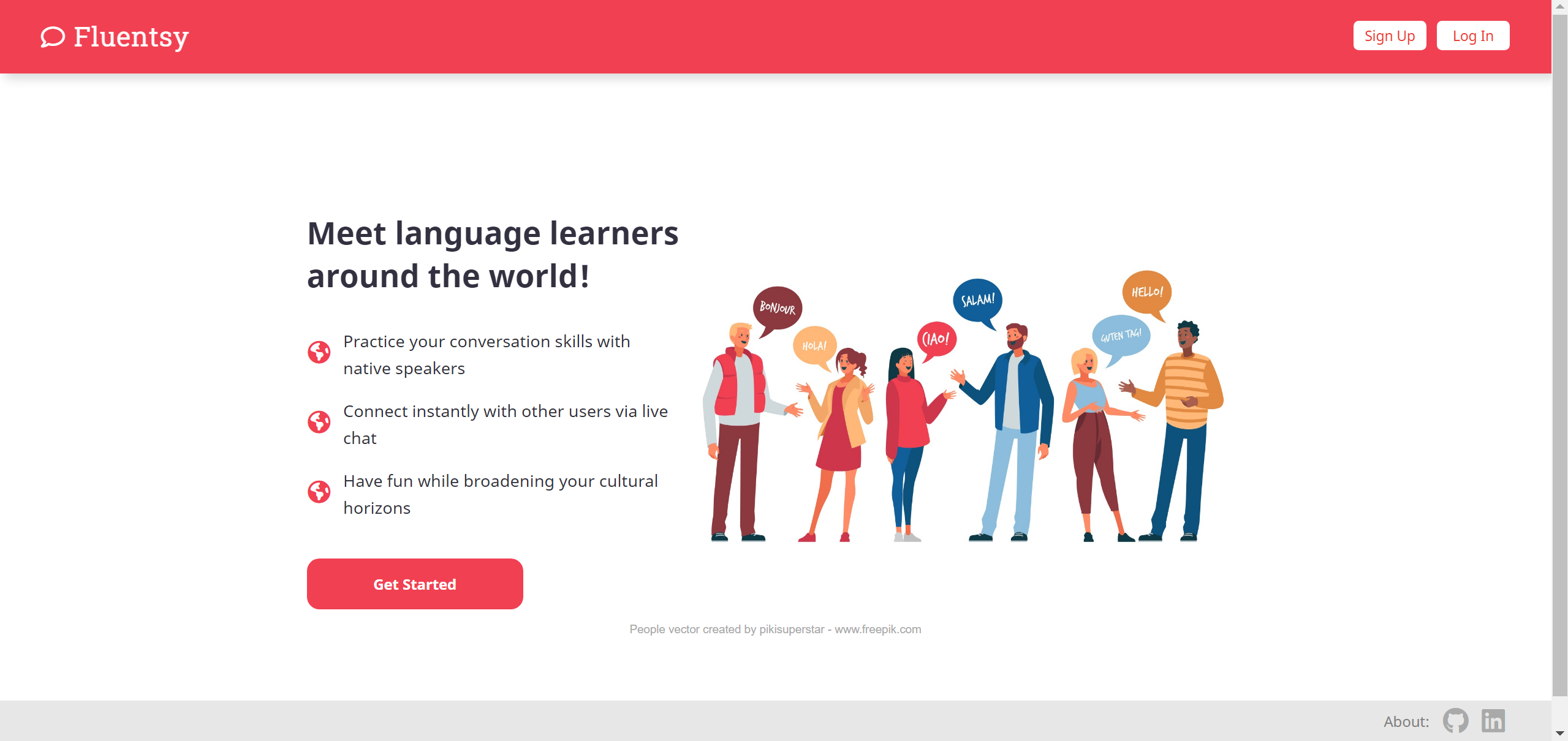
When first visiting, users are greeted by a splash page that offers brief descriptions of the sorts of interactions they can expect to have on the app. There is also a charming image created by pikisuperstar and downloaded from www.freepik.com which features cartoon people greeting one another in various languages. The splash page also has clearly accessible buttons for signing up or logging in if one already has an account, and about links in the footer, one which leads to this github repository and one which leads to my LinkedIn page.
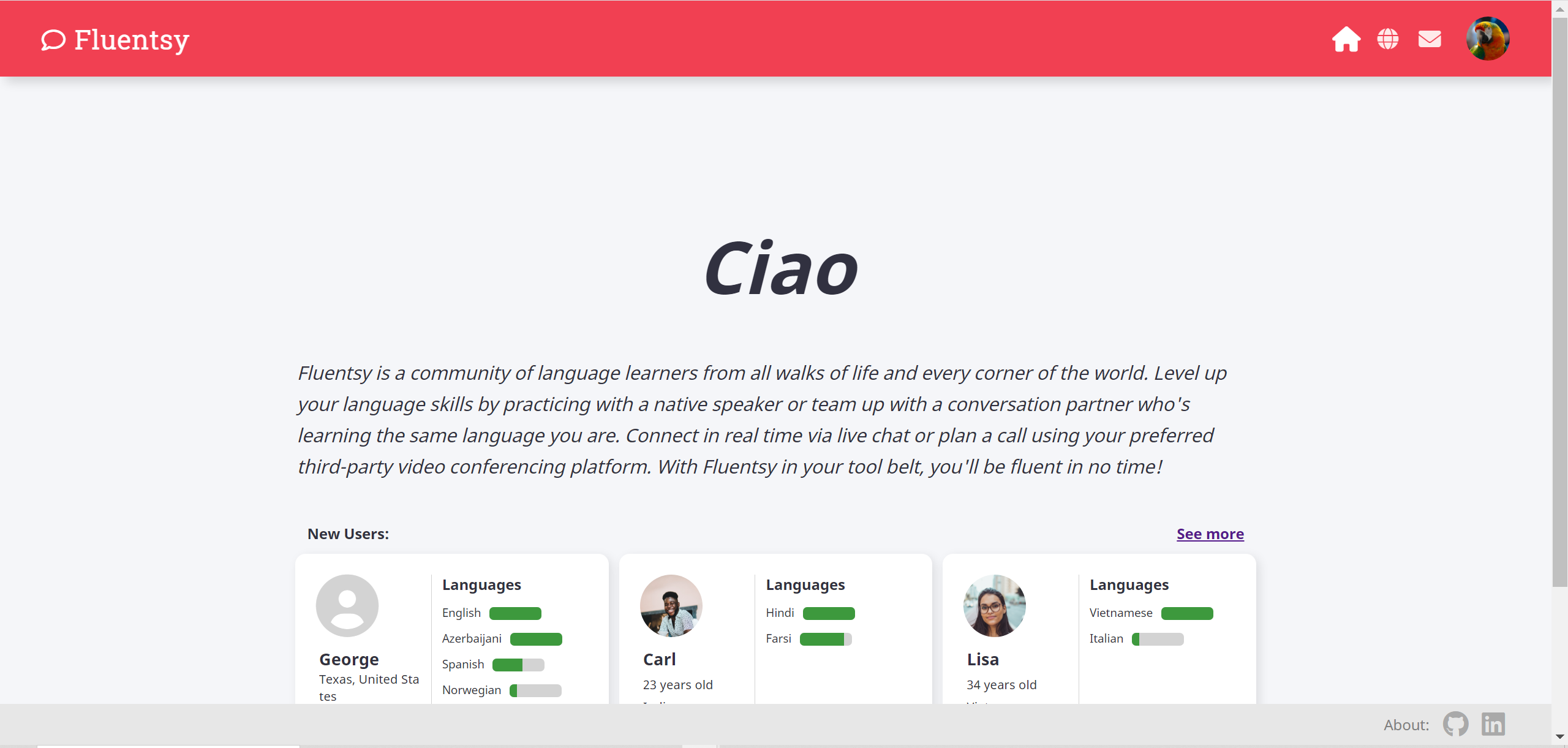
Once a user has logged in, they will be directed to a home page that displays an animation that cycles through greetings in different languages. Below that is a paragraph describing the purpose of the app, followed by a section that displays new users.
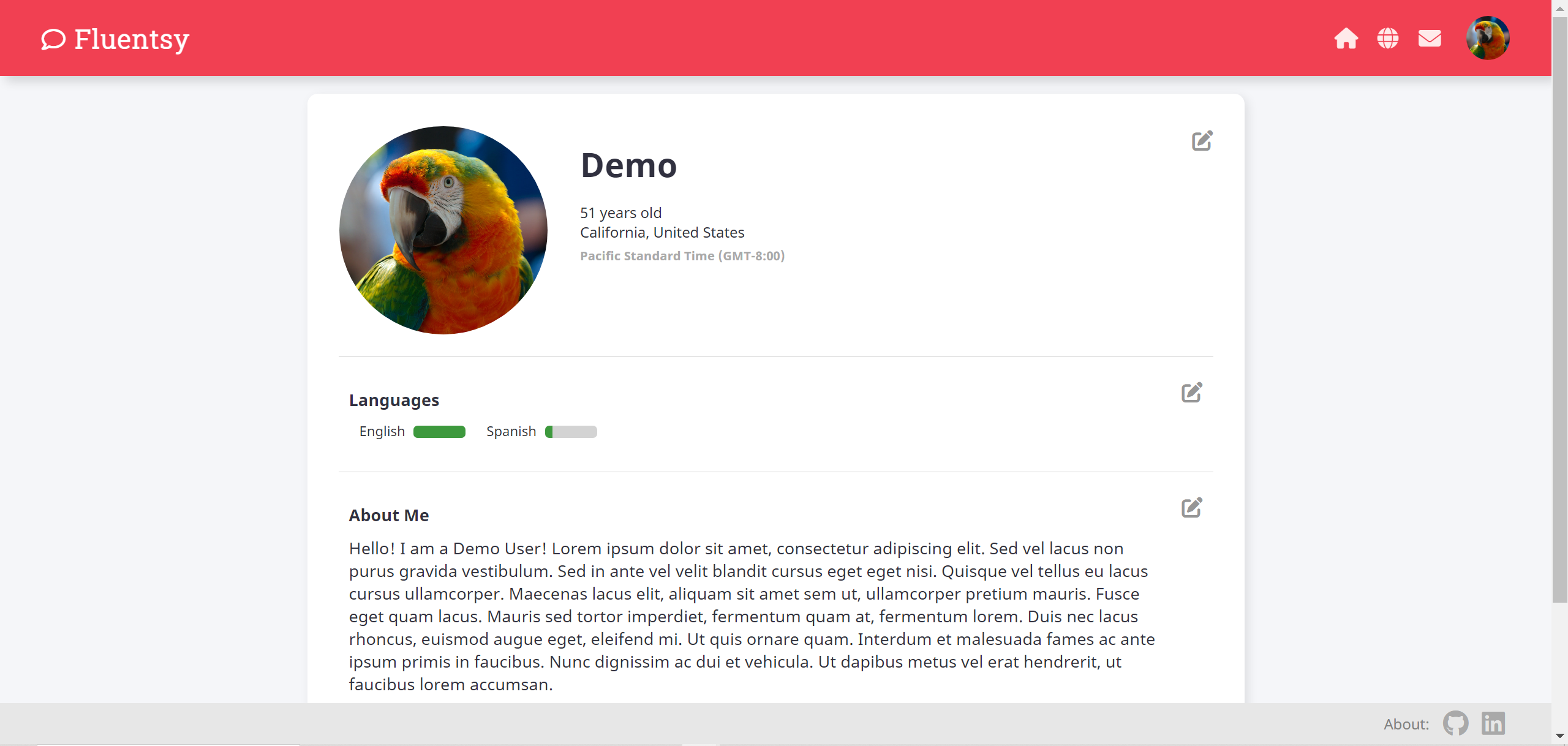
A registered and logged-in user can preview user profiles in the users feed or view the details of their own or another user's profile. When viewing one's own profile, one can see edit buttons to the right which provide the ability to update or change the information that was previously entered. At the bottom of the page, there is also a button which allows the user to delete the profile.
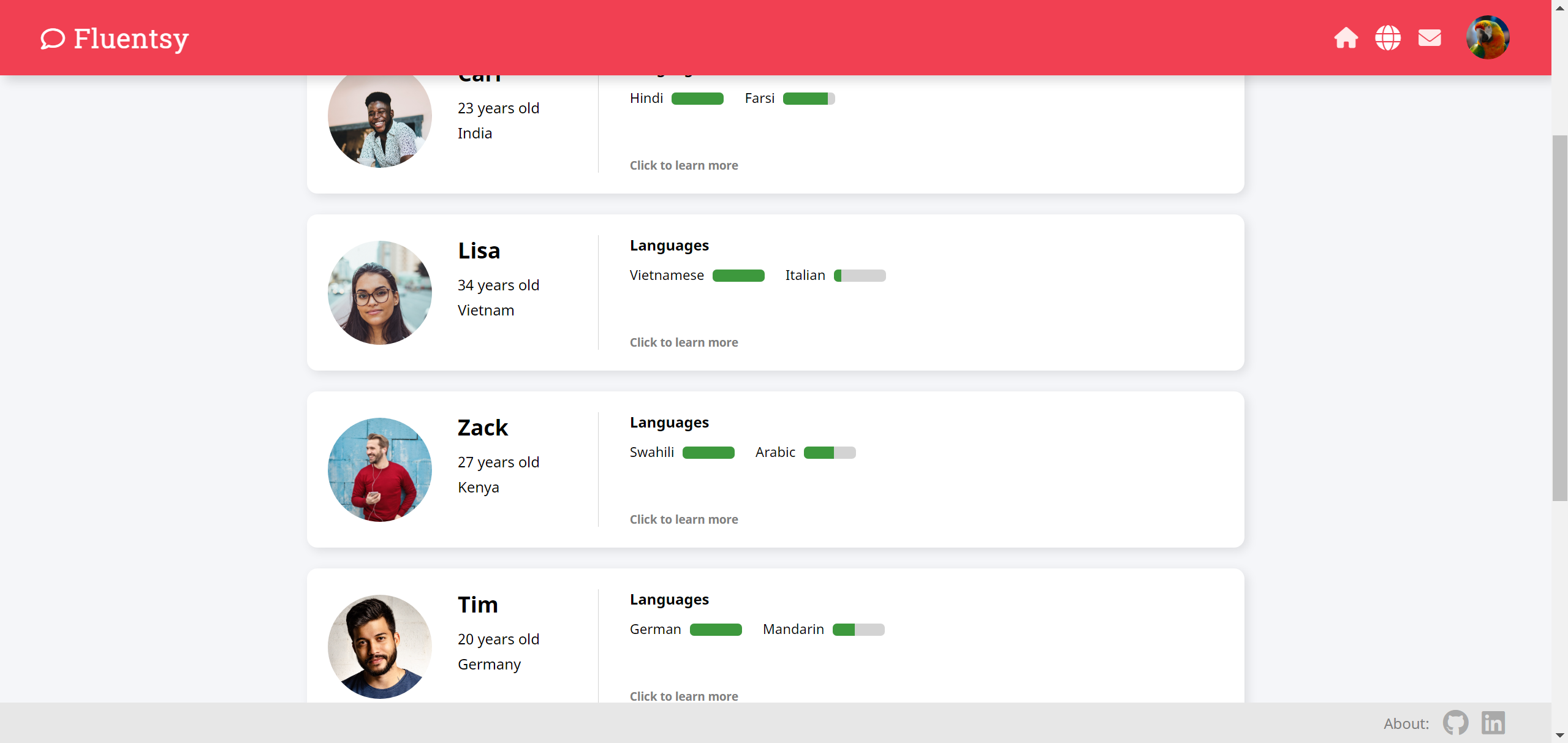
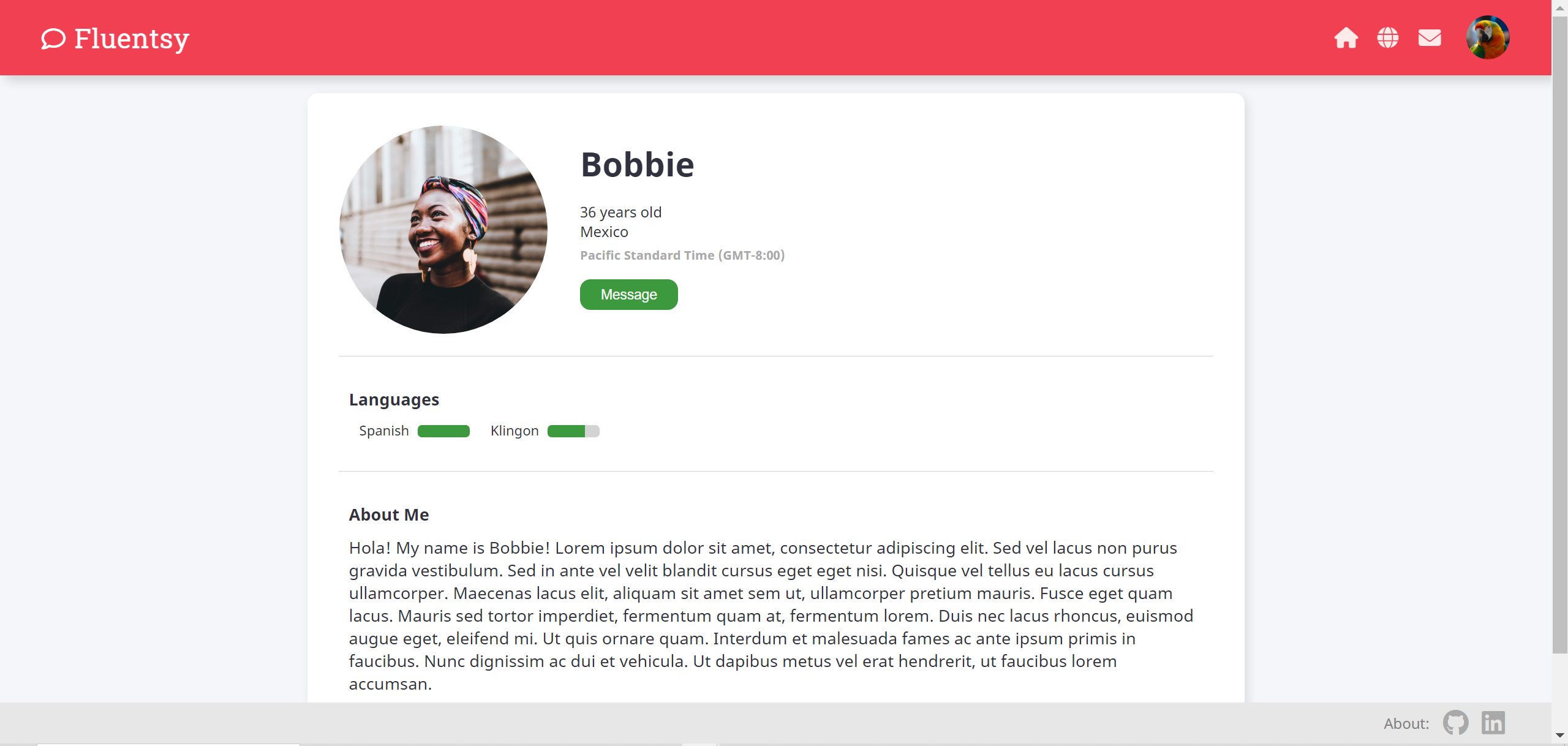
When viewing another person's profile, the user will notice a green button for sending messages. Profiles also display users' languages. Each of the listed languages is accompanied by a small progress bar graphic that indicates the speaker's level of prociency in that language. A progress bar that is completely green indicates a native language, while a progress bar with only a little green suggests that the user is still a beginner.
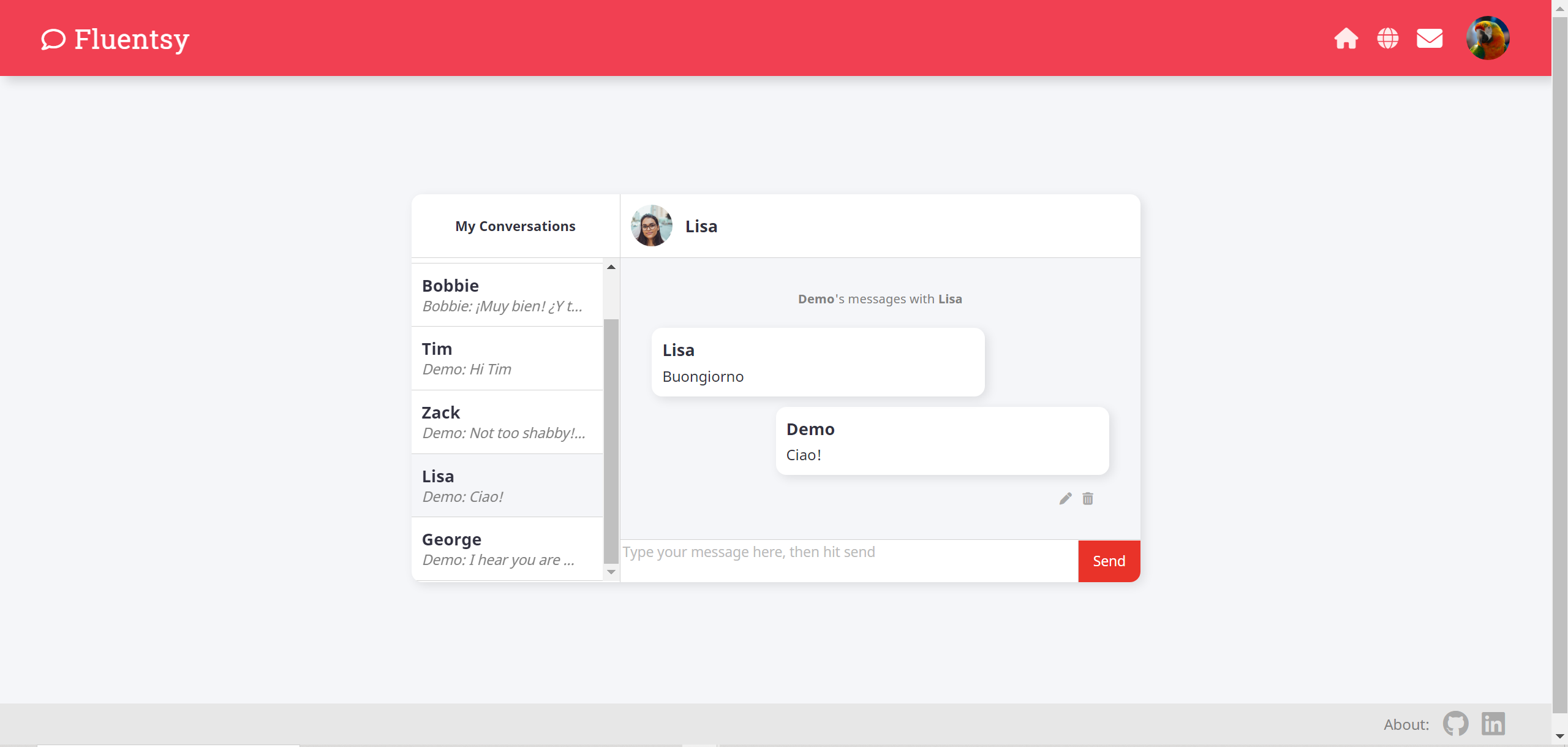
Clicking the envelope icon in the navigation bar, selecting "My Messages" from the user dropdown menu, or hitting the green "Message" button in another person's profile are all valid ways to access the messages page. Here, users can send and receive messages, as well as edit and delete messages they've sent. They can also toggle between different conversations they're engaged in with multiple users.
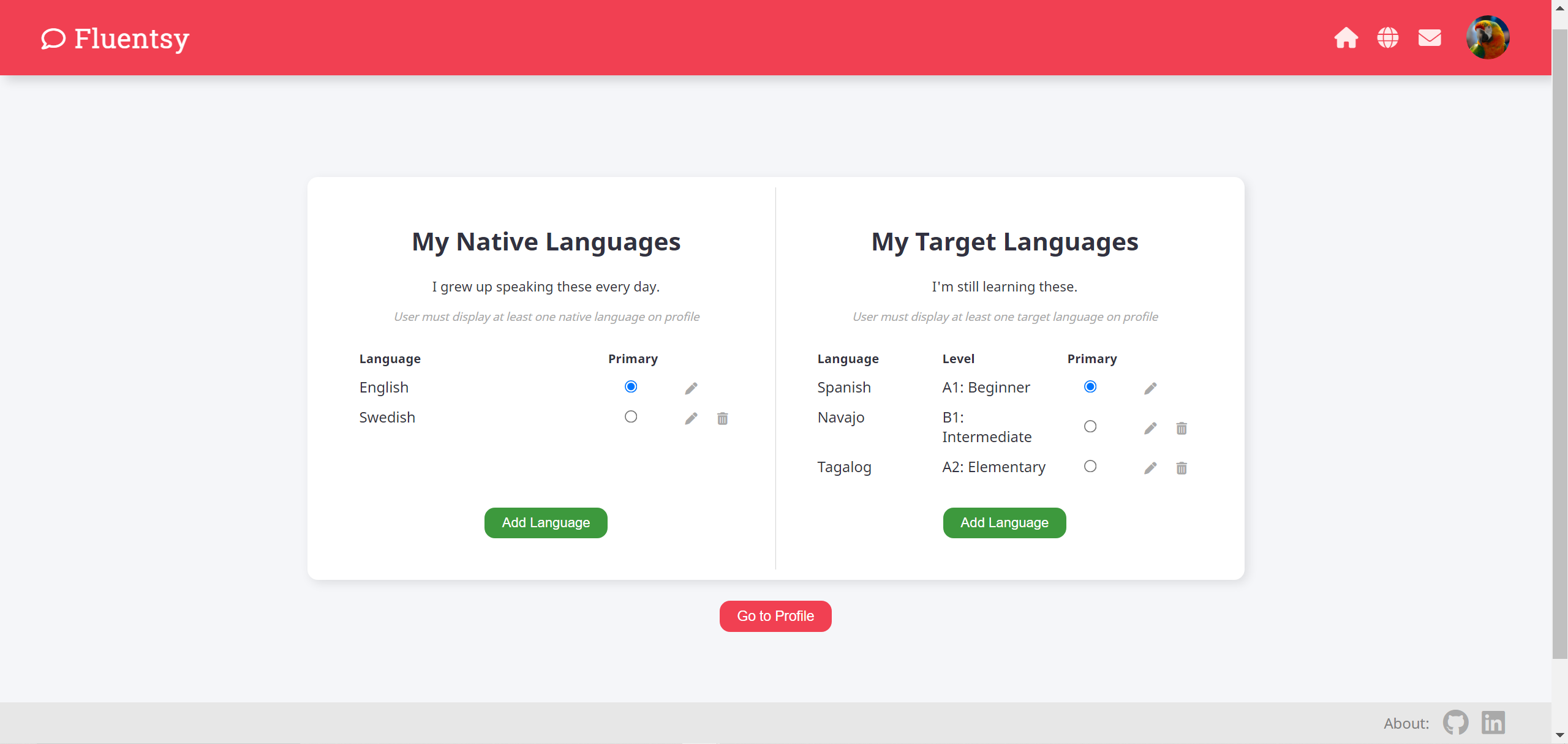
On the languages page, users can view, add, update or delete languages. Languages are divided into native languages and target languages. Each user with a profile is required to display at least one native language and at least one target language. Therefore, a user may not delete a primary native language or a primary target language. However, it is easy to update which languages are listed as primary.
- A user can sign up for an account
- A registered user can log in
- A registered and logged-in user can log out
- A registered and logged-in user can create a user profile.
- A registered and logged-in user can view user profiles.
- A registered and logged-in user can edit his or her profile.
- A registered and logged-in user can delete his or her profile.
- A registered and logged-in user with a profile can send a message to another user who has a profile.
- A registered and logged-in user with a profile can receive a message from another user who has a profile.
- A registered and logged-in user with a profile can edit a message he or she sent.
- A registered and logged-in user with a profile can delete a message he or she sent.
- A registered and logged-in user with a profile can add a language.
- A registered and logged-in user can view languages.
- A registered and logged-in user with a profile can edit a language.
- A registered and logged-in user with a profile can delete a language.
- Search by username
- Search by language
- Search by country
- Set availability time slots on a personal calendar
- View other users' availabilities on their profiles
- Update availability on calendar
- Remove availability from calendar
- Send another user a calendar invite to schedule a call
- Accept/Decline/Suggest changes to an invitation
- View scheduled calls on a personal calendar
- Cancel a scheduled call
- Change settings to view app's interface in your primary native language
- Click a button to translate a message into your primary native language