


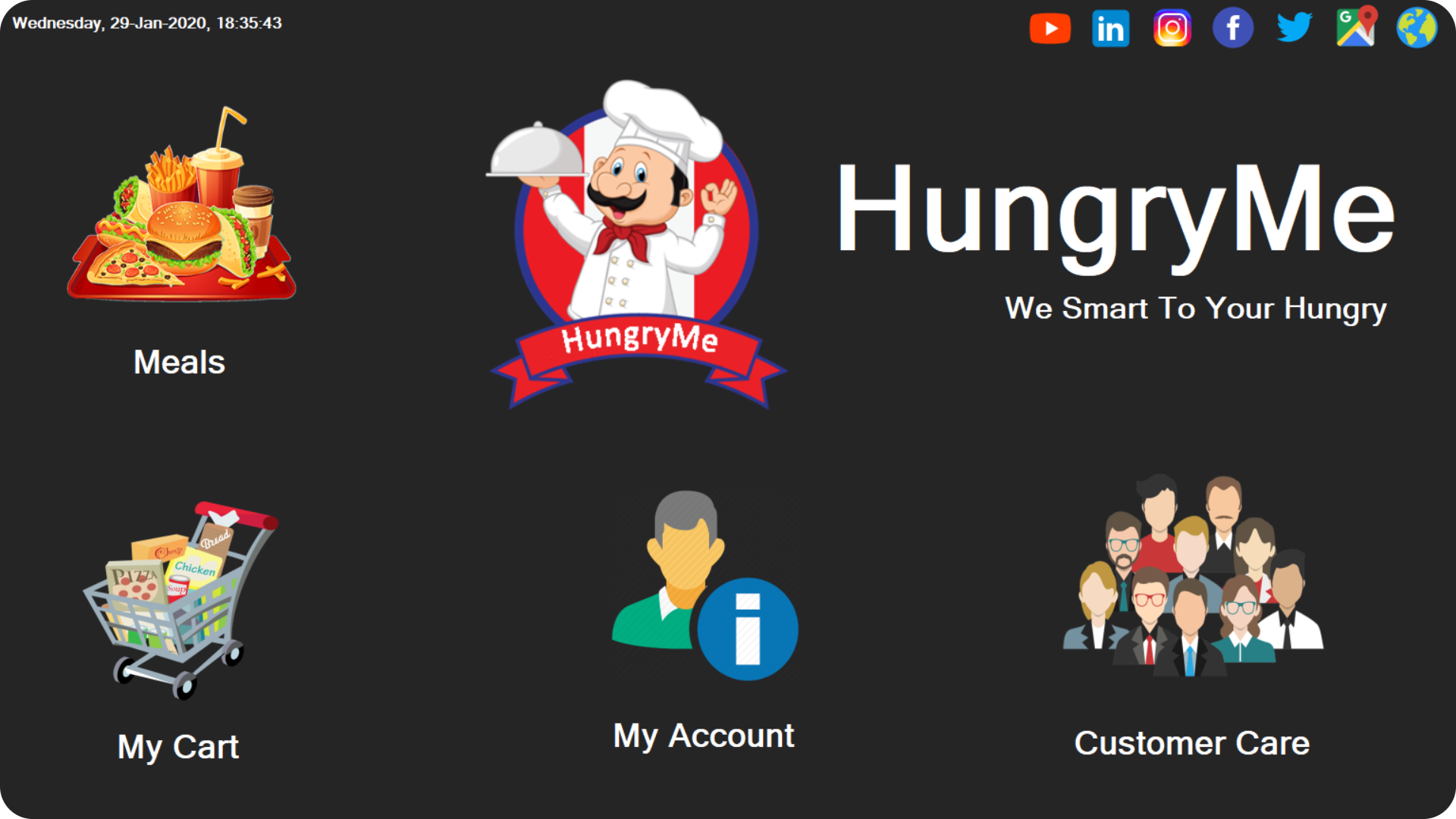
The HungryMe desktop application is built to collaborate with its website to manage restaurant activity. This application is an example of a restaurant application, but this alpha release does not include the complete requirements and interface. This project has been developed as an open source for educational purposes.
Click the link or image below to view the demo video on YouTube.
🔗 https://youtu.be/YPMFw7W680o

Release Version - 1.0.0
Initial release date - November 17, 2019
Note
This repository is a clean re-upload to my new GitHub account. No new features or functionality have been added. Minor compatibility fixes may have been applied to ensure the project runs correctly in the current environment. Please note that the original commit history from the previous account is not preserved. This update is primarily for migration purposes.
Initial release date: November 17, 2019
Migration date: December 26, 2025
Last review date: December 31, 2025
Deployment is not currently in use
- C#
- .NET Framework 4.7.2
- SQL Database
- Visual Studio 2019
- Visual Studio 2026 (Migration support)
Before you get started, follow these requirements
- .NET Framework 4.7.2 or later version
- Visual Studio (Ideal for use in 2017 or later)
- Internet connection
- WampServer or XAMPP is good for localhost
- phpMyAdmin database
- This application is designed for 1920 x 1080 resolution monitor screen
- Download or clone the repository
- Move the project to the selected directory
- Find the database hungryme_desktop/database/hungryme_desktop.sql
- Create a database named
hungrymein your localhost (phpMyAdmin) - Import the
hungryme_desktop.sqlfile to thehungrymedatabase - Open project hungryme_desktop.csproj or solution hungryme_desktop.sln with Visual Studio
- Clean the solution (or project) and rebuild
- Open your project’s package manager.
- Check for any missing or outdated packages.
- Install any missing packages.
- Update all packages to their latest stable versions.
- In your development environment, go to
Build → Clean Solution. - This removes old build files and ensures a fresh start.
- Go to
Build → Rebuild Solution. - This will recompile all files and ensure that references and packages are correctly linked.
- Run your project to verify that all errors are resolved.
- Check that any previously missing types or namespaces are now recognized.
Tip: Always make sure that the using directives at the top of your code files match the libraries you are using. Missing or incorrect using statements can cause reference errors even if packages are installed.
- Build the project
- Connect database and localhost
- Run the project
- Icons8 - https://icons8.com
- Freepik - https://www.freepik.com
- Unsplash - https://unsplash.com
- Pexels - https://www.pexels.com
Thanks to everyone who supported
Dileepa Bandara
@dileepadev
https://dileepa.dev
Note
This repository may contain references to my former GitHub username (dileepabandara) and domain (dileepabandara.dev), which I no longer use. These identifiers may now belong to other parties. All current development and maintenance are conducted under my new GitHub account dileepadev and domain dileepa.dev.
If you want to contact me, leave a message via email.
- Email - [email protected]
This project is licensed under the MIT License.
See the license file for more details LICENSE