Home
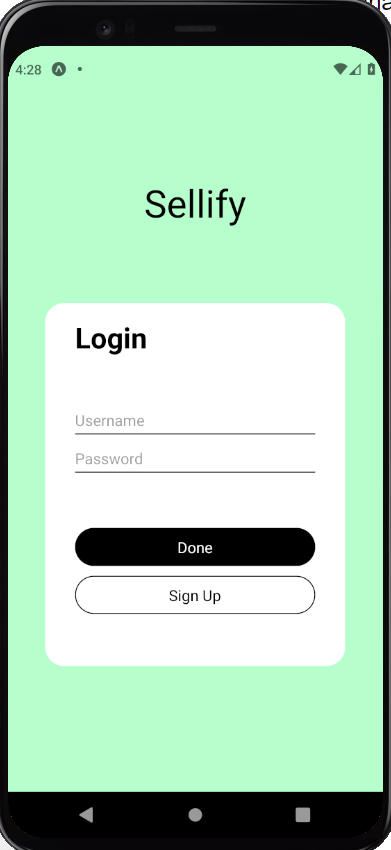
Refer to Authorization Frontend Manual Test
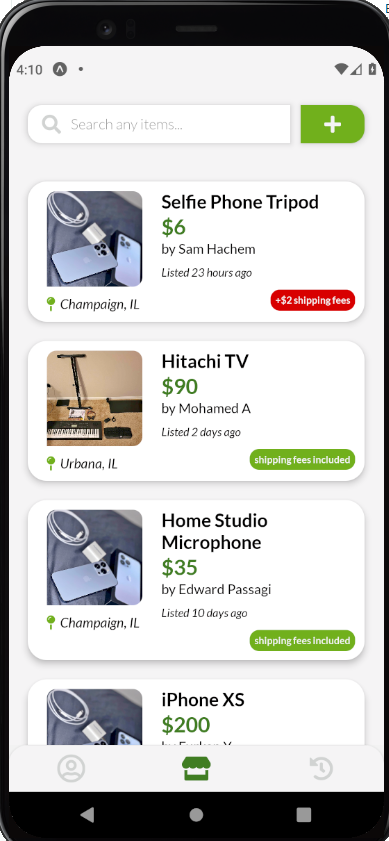
@test 1.1: homepage renders all listings that are currently active (status="LISTING") and are not created by the current user
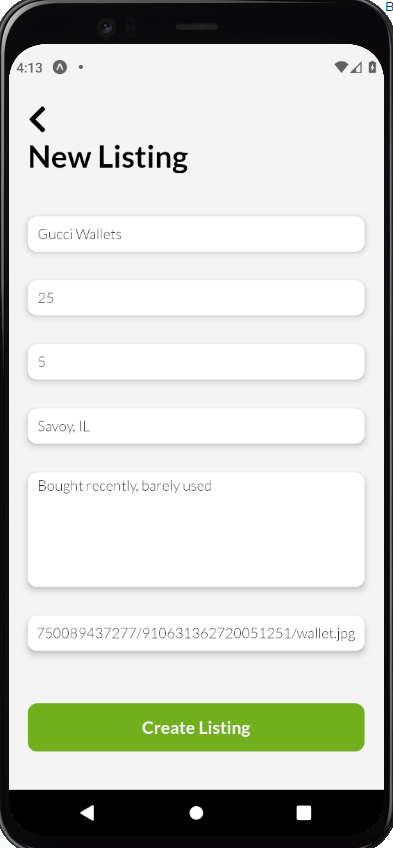
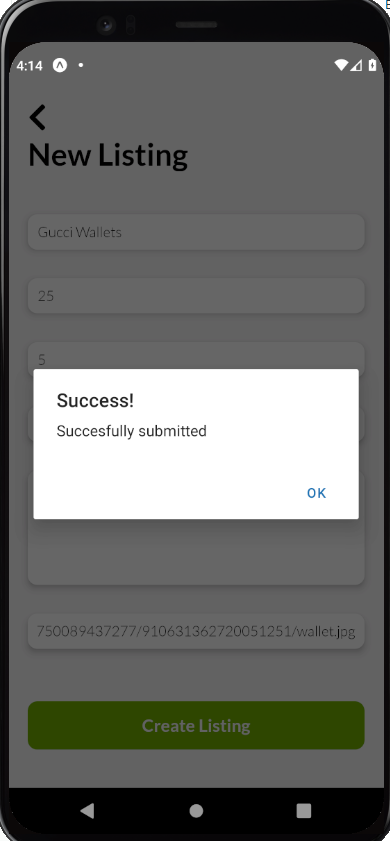
@test 1.2: New Listing page allows user to fill out a form for a new listing
@test 1.3: Shows successful alert when new listing is successfully created
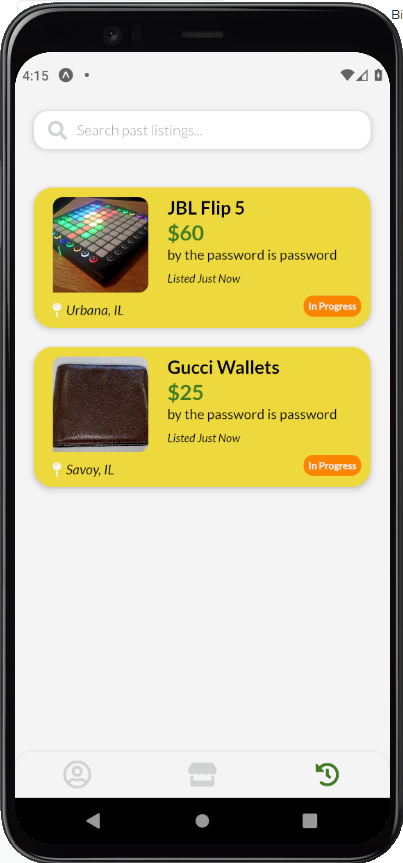
@test 1.4: New listing shows inside History tab
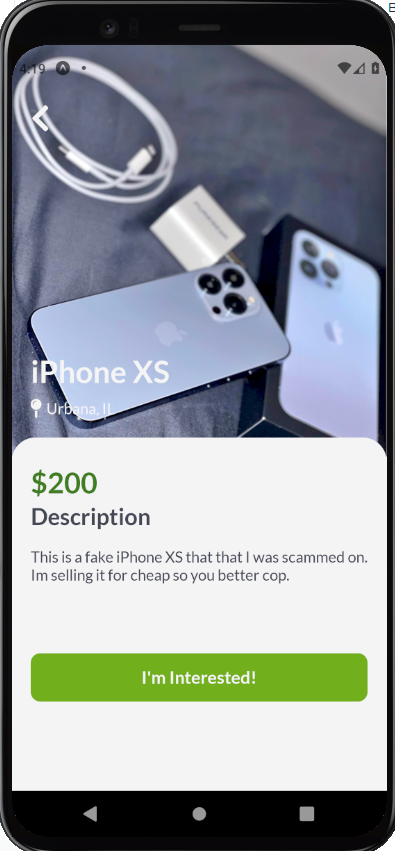
@test 1.5: Clicking on any listing from the homepage shows a detailed page about that listing
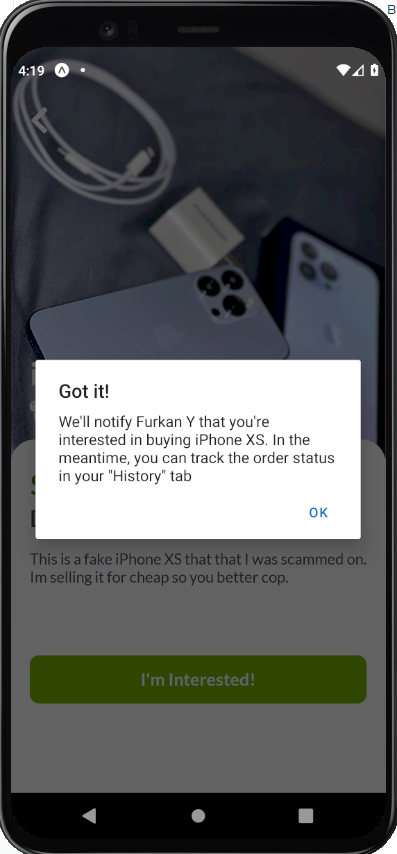
@test 1.6: Clicking I'm Interested will subscribe the user to the listing and shows successful alert
@test 1.7: The items the user are interested in will no longer show in homepage, but instead will show inside their history tab
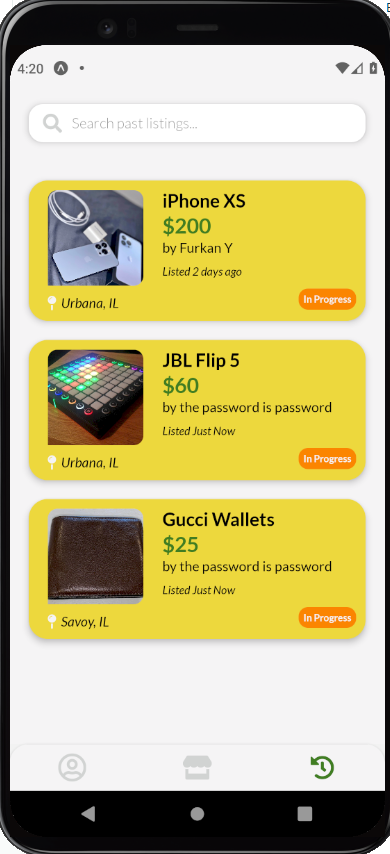
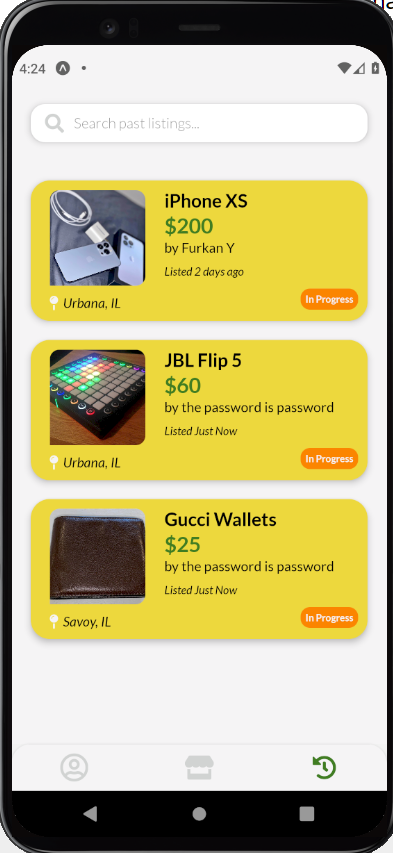
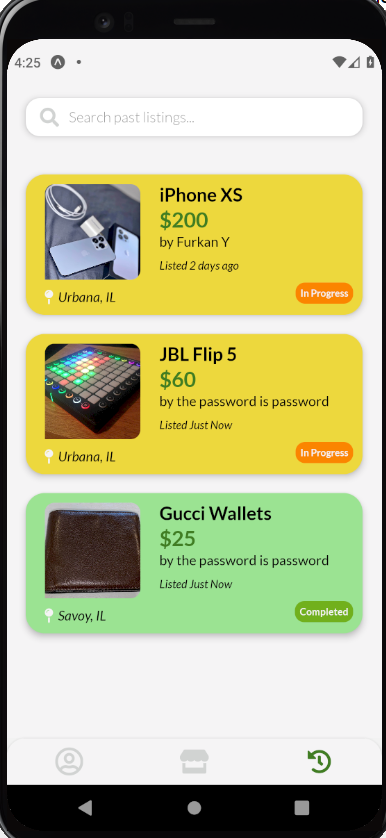
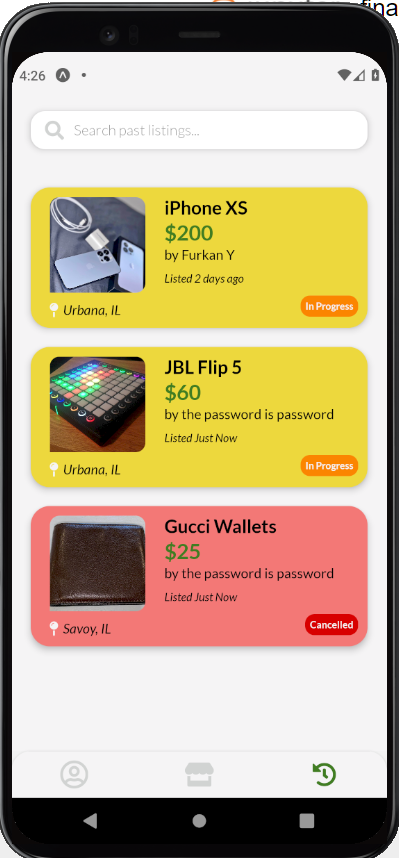
@test 2.1: History tab contains all listings that belong to the user & all the listings that the user is interested in
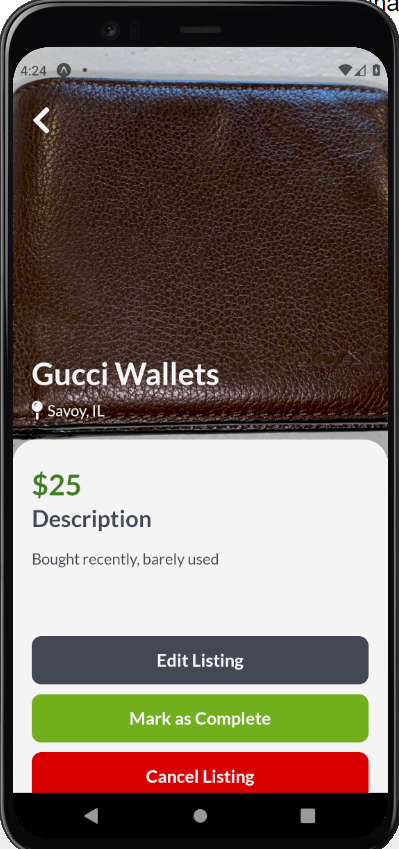
@test 2.2: Clicking on any card will show a manager view of that listing
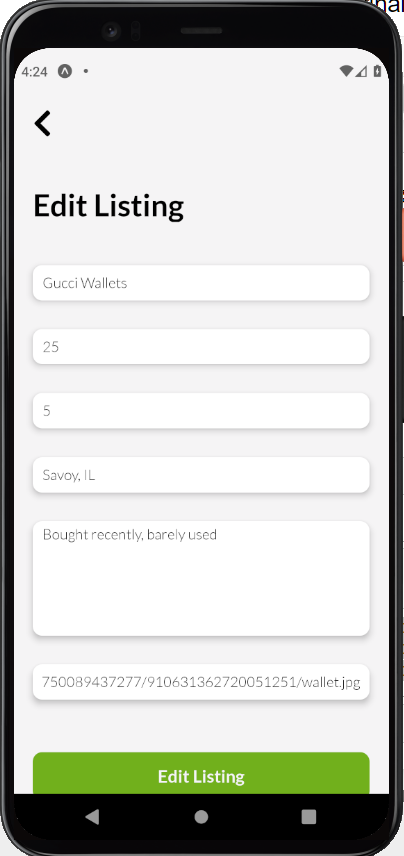
@test 2.3: User can edit their listing with the form element be filled with the current listing's appropriate values
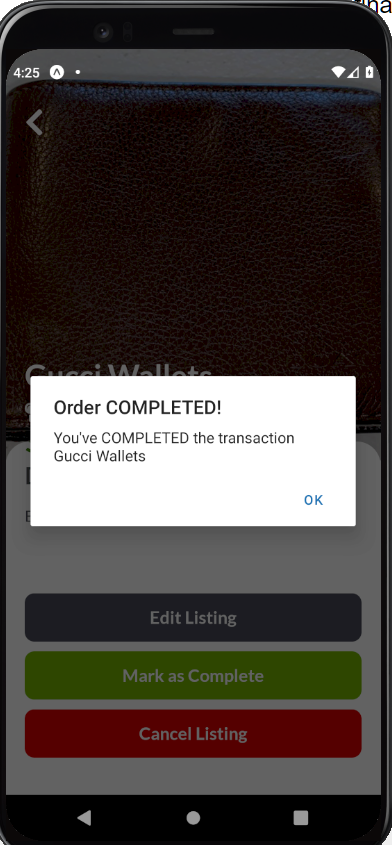
@test 2.4: User can mark the listing as Complete, followed by a successful alert, and updates its card inside History tab
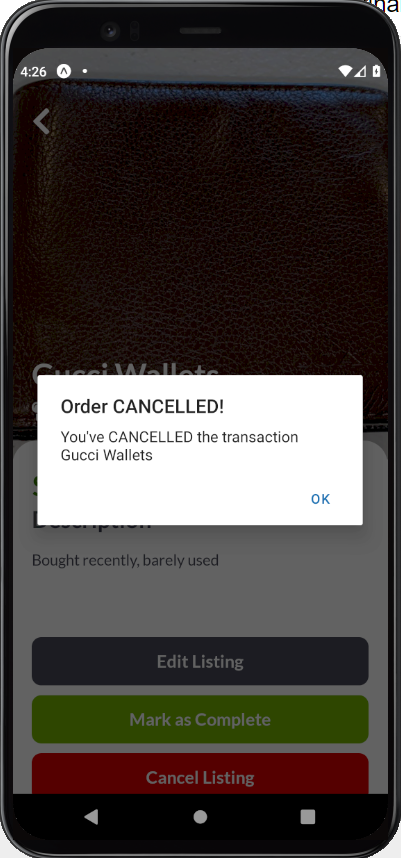
@test 2.5: User can mark the listing as Canceled, followed by a successful alert, and updates its card inside History tab
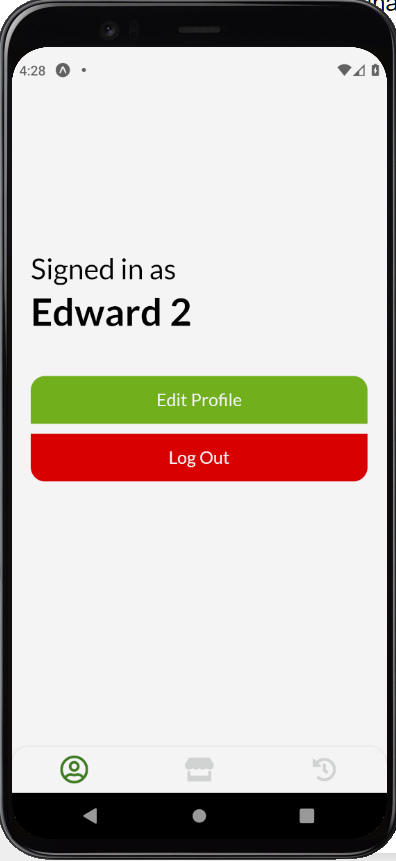
@test 3.1: Profile page shows the current user's name
@test 3.2: Clicking Log Out will log user out of their session