
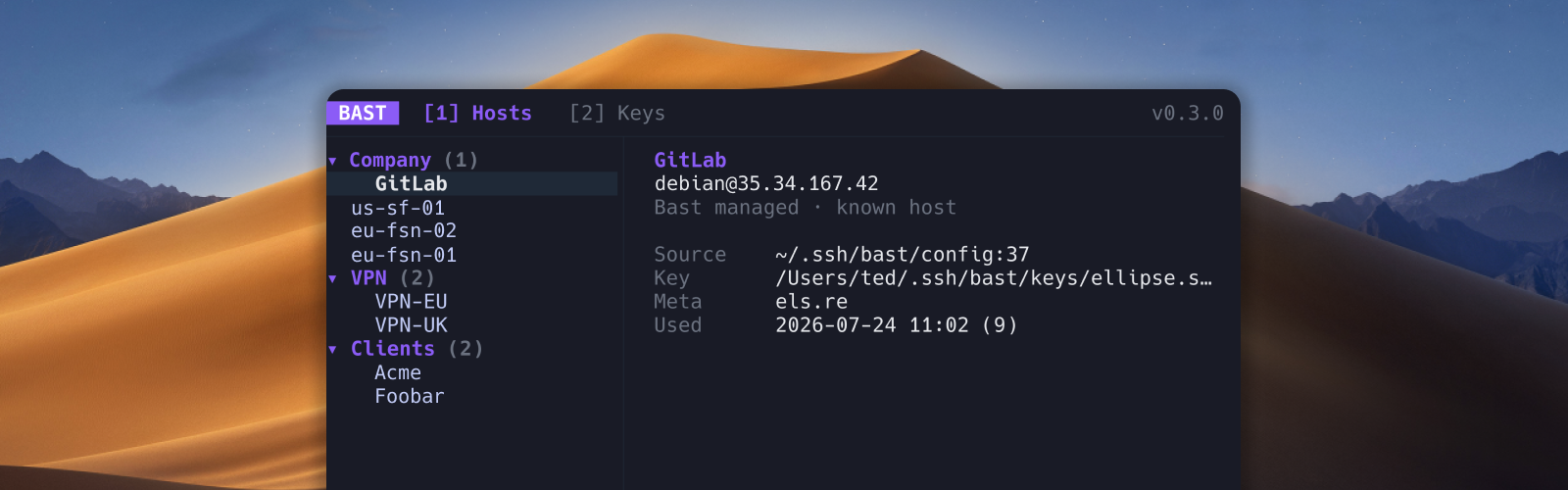
The fast way into the servers you use every day.
Browse SSH hosts, transfer files over SFTP, sync cloud VMs, manage keys, and connect from the terminal.
Home · Docs · Releases · Contributing · Security


macOS
curl -fsSL https://bast.sh/install | shOr with Homebrew:
brew install ellipse-software/tap/bastLinux
curl -fsSL https://bast.sh/install | shPackage managers (adds the Bast repo, then installs):
curl -fsSL https://packages.bast.sh/setup.sh | sudo shAfter the repo is configured: sudo apt install bast, sudo dnf install bast, sudo pacman -S bast, or sudo apk add bast. Arch users can also yay -S bast-bin from the AUR.
Or with Homebrew:
brew install ellipse-software/tap/bastWindows 11
irm https://bast.sh/install.ps1 | iexRequires the Windows OpenSSH Client (ssh, ssh-keygen, ssh-add).
Then run bast. Nightly builds, custom install paths, and building from source are in the installation guide.
bast                    # host picker
bast production         # connect by label
bast doctor             # diagnose SSH config and setup
bast hosts list         # list hosts
bast keys list          # list keys
Press ? in the TUI for keybindings. Documentation covers hosts, keys, Vault, cloud sync, Files, doctor, and the CLI.
npx skills add ellipse-software/bast -g -ySee AI agents.
See CONTRIBUTING.md. Security issues: SECURITY.md.