Open-source, Silex/Doctrine powered backend for visualizing crash reports from ACRA library for Android
npm i -g bower gulp- Install Composer using below command:
curl -sS https://getcomposer.org/installer | php -- --install-dir=bin --filename=composer- Install ACRAViz via composer:
php bin/composer create-project vaibhavpandeyvpz/acraviz mysite "@dev"- Move the
.env.exampleto.env, and edit your database (DB_*) credentials. Then execute below commands in project directory:
php acraviz db:import -F./schema.sql
php acraviz users:add -U<USER> -P<PASSWORD>
php acraviz security:rekey- Navigate to ACRAViz via
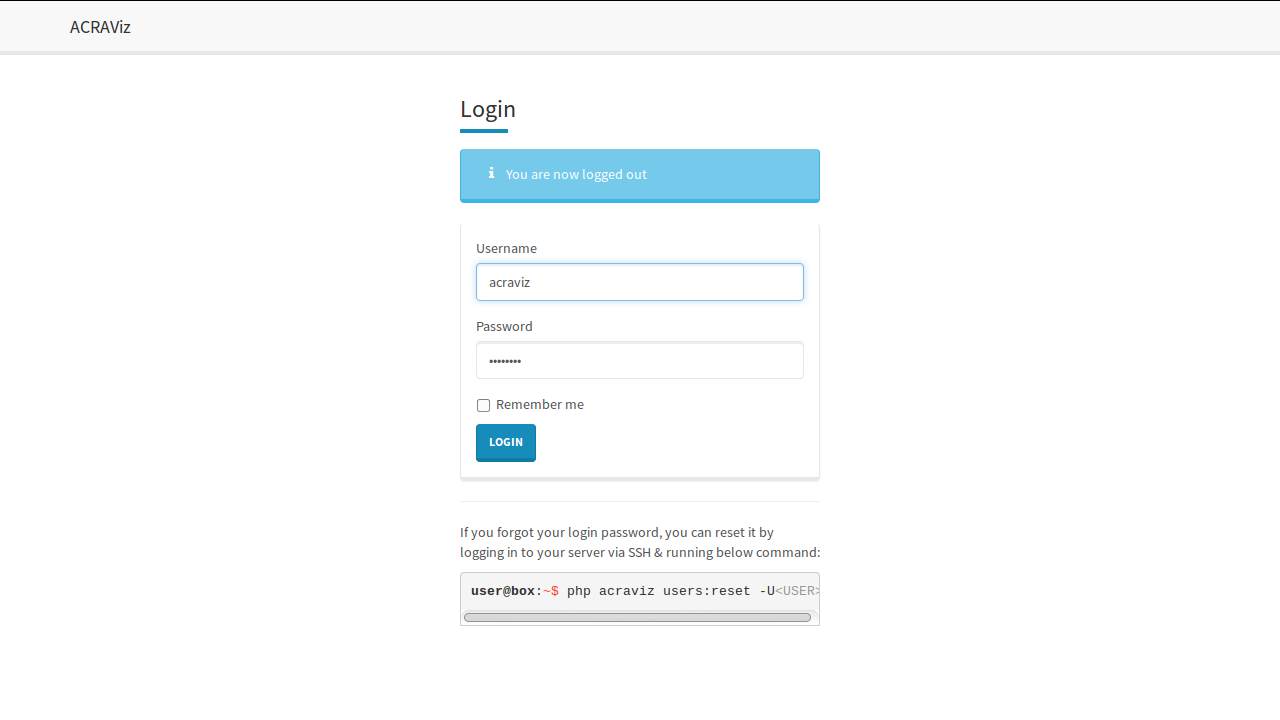
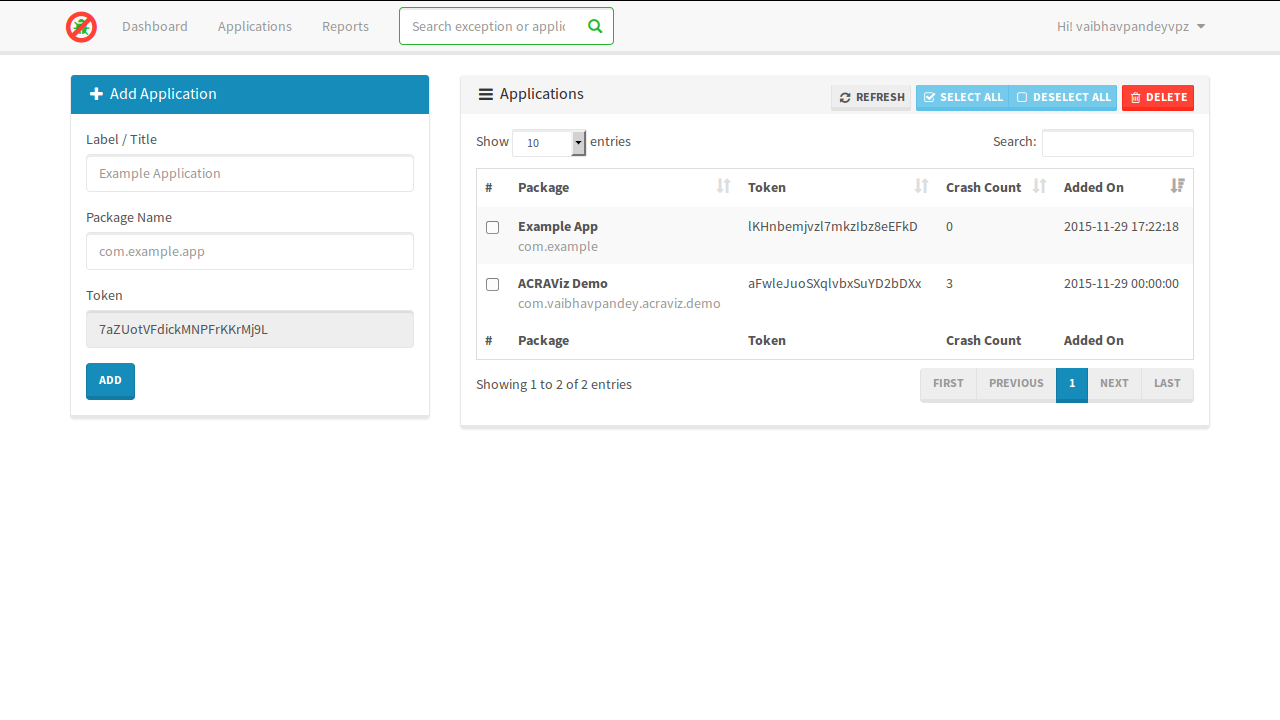
http, use the credentials you entered earlier in command-line to login. - Go to Applications from navigation at top, enter your application title & package name on the left for and hit Add.
- Now, you can use your
package nameas Username andtokenas Password for setting up basic auth when using ACRA as shown below. Please note the formUri should point to ACRAViz installation +/apisuffix.
package com.vaibhavpandey.acraviz.demo;

import android.app.Application;
import org.acra.ACRA;
import org.acra.annotation.ReportsCrashes;

@ReportsCrashes(
        formUri = "http://domain.tld/api",
        formUriBasicAuthLogin = BuildConfig.APPLICATION_ID,
        formUriBasicAuthPassword = "<token>")
public class MainApplication extends Application {

    @Override
    public void onCreate() {
        super.onCreate();
        ACRA.init(this);
    }

}
See LICENSE.md file.