HarborDrop by Vesslo is a native macOS download manager.
- HarborDrop official website: https://vesslo.top/harbordrop
- HarborDrop documentation: https://vesslo.top/harbordrop/docs
- HarborDrop latest download: https://github.com/hjm79/harbordrop-release/releases/latest
HarborDrop is an IDM-style download manager for Mac. It supports segmented downloads, browser integration, resume support, file rules, and post-download automation for macOS users who need a reliable native download workflow.
This repository is the official GitHub release hub for HarborDrop downloads. For product details, screenshots, pricing, setup instructions, and support, visit the HarborDrop official website.

Download manager for Mac · IDM alternative for Mac · HarborDrop documentation
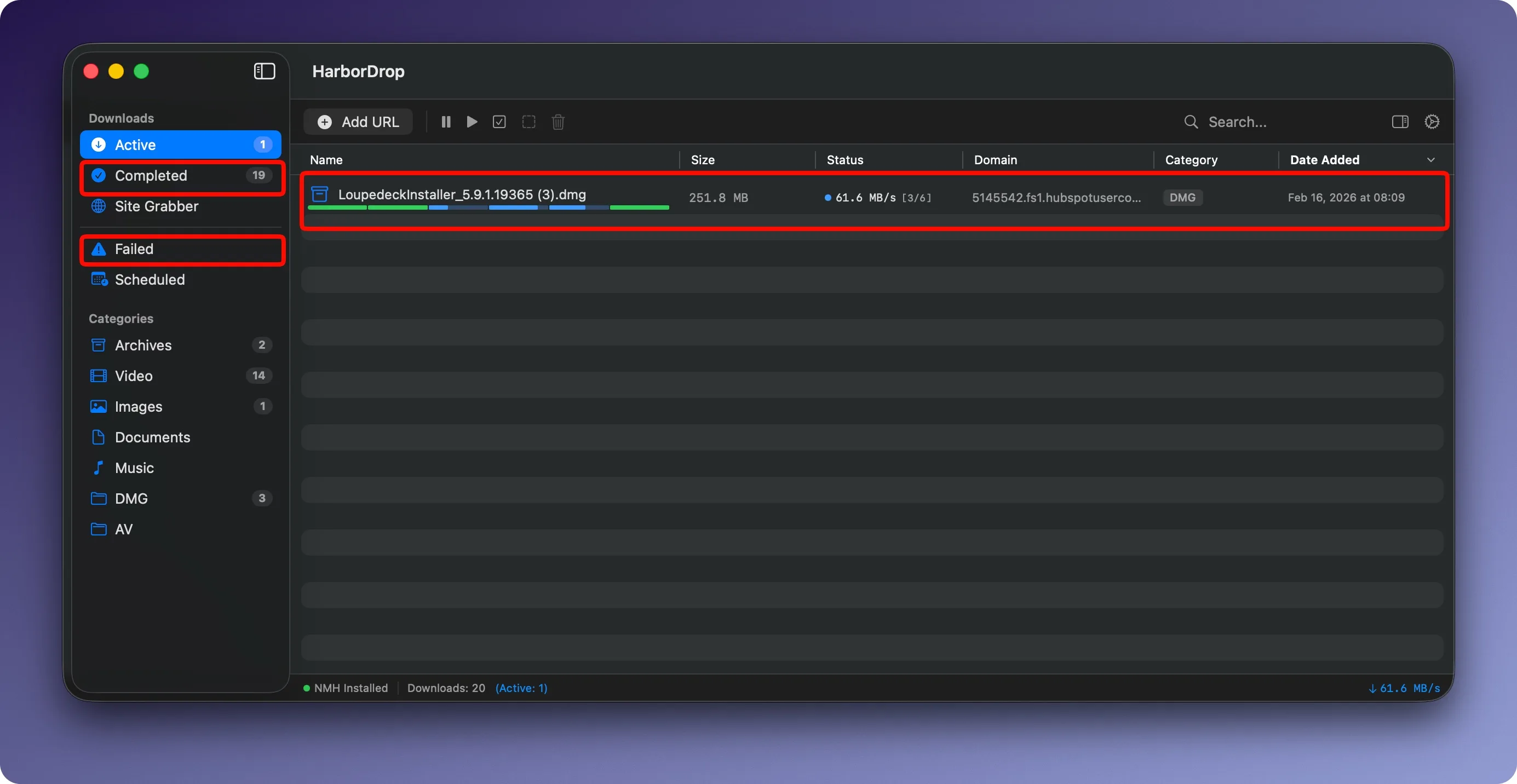
Requires: macOS 14.0+
- 🚀 Segmented Downloading — Split files into multiple connections for faster speeds
- 🎬 Permitted Media Detection — Detect downloadable non-DRM media resources from web pages
- 📁 Auto-Categorization — Organize downloads by file type into designated folders
- ⏰ Scheduled Downloads — Queue downloads for off-peak hours
- 🔗 Site Grabber — Collect all downloadable links from a page at once
- 🧩 Browser Extension — Seamless integration with Chrome, Edge, Brave, Arc, Firefox and more
- ⚡ Post-Download Actions — Automate tasks like tagging, renaming, or moving files

- $19.99 — one-time purchase (no subscription)
- 14-day free trial — full features, no credit card required
- 👉 Buy HarborDrop
| Component | Link |
|---|---|
| HarborDrop App (DMG) | Download Latest |
| Chrome Extension (Web Store) | Install from Chrome Web Store |
| Chrome Extension (Full Version) | Download ZIP |
| Firefox Extension | Install from Firefox Add-ons |
| Web Store | Full Version | |
|---|---|---|
| Install | One-click from Chrome Web Store | Download ZIP → Load unpacked |
| Auto-update | ✅ Yes | ❌ Manual |
| Video Detection | ✅ Supported | ✅ Supported |
| YouTube / Intercept | ❌ Not available | ✅ Supported |
| Best for | Easy setup | All features |
Why two versions? Chrome Web Store policies restrict YouTube downloads and browser download interception. The Web Store version focuses on general video detection, while the Full Version includes YouTube support and download interception.
- Download the ZIP from the link above.
- Unzip the downloaded file.
- Go to
chrome://extensionsin your browser. - Enable Developer mode (top right toggle).
 5. Click **Load unpacked** and select the unzipped folder.
- Download
HarborDrop.dmgand drag the app to your Applications folder. - Launch HarborDrop — follow the onboarding guide on first launch.
Install the extension for your browser (see Download section above).
- Make sure HarborDrop is running.
- Click the extension icon in your browser toolbar.
- The popup should show Connected at the top.

Click the extension icon → browse detected media → click Download.
With the Full Version extension, browser downloads are automatically handled by HarborDrop. Hold Delete key while clicking to bypass and use the browser's default downloader.
Click the + button in the app toolbar and paste a URL.
Drag any URL or link directly into the HarborDrop window.
Right-click any link on a web page → Download with HarborDrop.
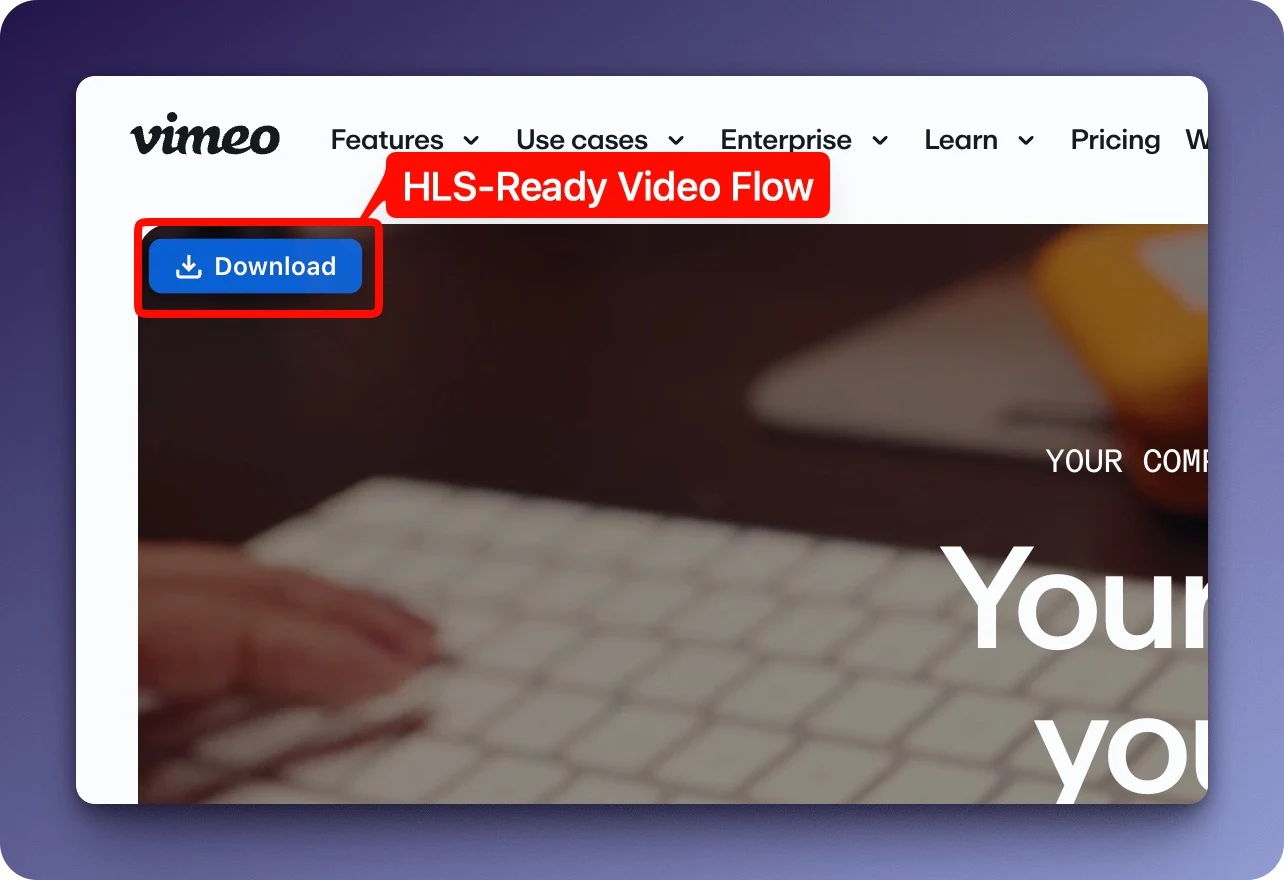
A download button appears automatically over videos on web pages.

- Auto-Detection: The extension automatically detects videos on web pages.
- Quality Selection: Choose from available quality options (BEST = highest).
- YouTube & Vimeo: Automatically uses optimal methods for major video sites (Full Version).
- HLS Streaming: Downloads and merges HLS (m3u8) stream segments automatically.
| Setting | Description |
|---|---|
| Default Folder | Where files are saved by default |
| Max Concurrent | Number of simultaneous downloads (1-10) |
| Connections per File | Segments per file (more = potentially faster) |
| Download Confirmation | Show dialog before each download |
| Menu Bar Control | Quick access from the menu bar |
| Categories | Auto-sort files by extension or domain |
| Exclusion Rules | Skip specific file types, sites, or URL patterns |
| Shortcut | Action |
|---|---|
⌘ + A |
Select all |
⌘ + ⇧ + A |
Deselect all |
Space |
Quick Look preview |
Double-click |
Open file |
Delete + Click |
Bypass auto-download (use browser default) |
Extension shows "Disconnected"
- Make sure HarborDrop is running.
- Go to Settings → General → Reinstall NMH.
- Reload the extension in your browser.
Download failed
- The video URL may have expired — refresh the page and try again.
- Use Redownload from Source URL to re-detect the media.
"Extension context invalidated" error
- Reload the extension, then reopen the tab.
See Releases for the full version history.
- HarborDrop official website: vesslo.top/harbordrop
- HarborDrop documentation: vesslo.top/harbordrop/docs
- HarborDrop latest download: GitHub Releases
- Pricing: vesslo.top/pricing
- Email: me@vesslo.top
⚠️ Only download content you have permission to access. Respect copyright laws and each service's terms of use.