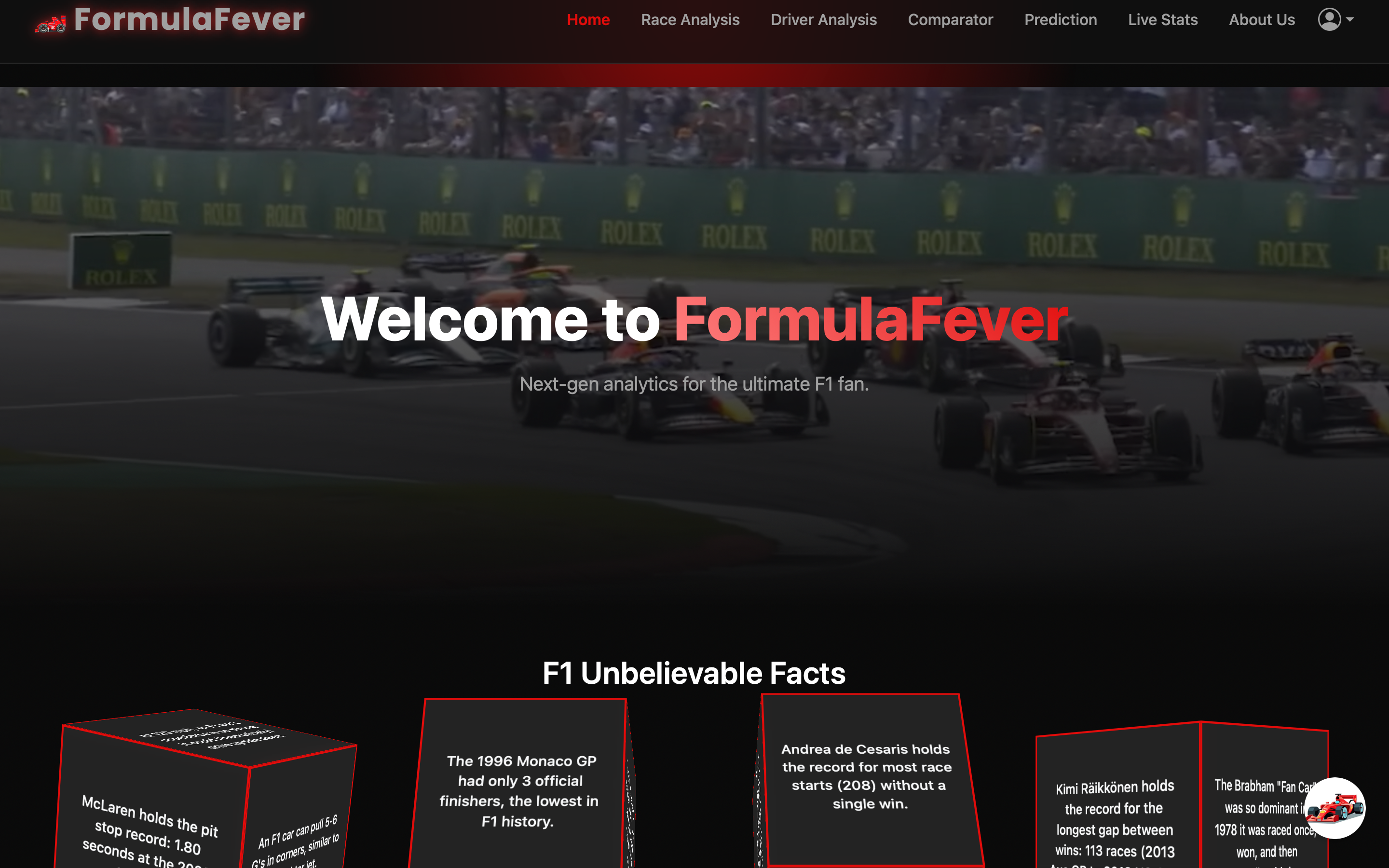



"Life is measured in achievement, not in years alone." - Bruce McLaren
Experience Formula 1 like never before with FormulaFever - your ultimate F1 analytics dashboard that brings the thrill of the track to your fingertips! 🏁
- Real-time race data visualization
- Lap time analysis
- Sector comparisons
- Track position tracking
- Compare lap times between different drivers
- Visual sector-by-sector comparison
- Interactive lap time charts
- Head-to-head performance analysis
- Comprehensive driver statistics
- Historical performance data
- Race-by-race progression
- Championship points tracking
- User registration and authentication
- Discussion forums
- Race predictions sharing
- Community insights
- Previous year race comparisons
- Track evolution analysis
- Team performance metrics
- Weather impact analysis
- AI-powered race outcome predictions
- Driver performance forecasting
- Track-specific probability calculations
- Historical data-based predictions
- Formula 1 knowledge assistance
- Real-time race insights
- Historical race information
- Technical regulations explanations
- Python 3.10 or higher
- pip (Python package manager)
- Git
- Clone the repository:
git clone https://github.com/ishar06/FormulaFever.git
cd FormulaFever- Create and activate a virtual environment:
python -m venv env
source env/bin/activate # On Windows, use: env\\Scripts\\activate- Install required packages:
pip install -r requirements.txt- Set up environment variables: Create a .env file in the root directory with:
GROQ_API_KEY=your_groq_api_key
SECRET_KEY=your_secret_key
- Initialize the database:
flask shell
>>> from app import db
>>> db.create_all()
>>> exit()Meet the champions who brought this project to life through countless hours of coding, debugging, and optimization:
- Ishardeep Singh - Project Lead & Backend Development
- Bhumika Nagpal - Data Analysis & ML Models
- Damanjeet Singh - API and Integration Head
- Karandeep Kaur - Database Architecture & Model Refiner
We welcome contributions! Feel free to:
- Fork the Project
- Create your Feature Branch (
git checkout -b feature/AmazingFeature) - Commit your Changes (
git commit -m 'Add some AmazingFeature') - Push to the Branch (
git push origin feature/AmazingFeature) - Open a Pull Request
This project is licensed under the MIT License - see the LICENSE file for details.
- FastF1 Library
- Formula 1 for the amazing sport
- Our dedicated F1 community
Made with ❤️ and ⚡ by the FormulaFever Team
"To do something well is so worthwhile that to die trying to do it better cannot be foolhardy." - Bruce McLaren"
├── app.py              # Main Flask application
├── analysis.py         # Data analysis functions
├── requirements.txt    # Python dependencies
├── static/            # Static files (CSS, JS, images)
├── templates/         # HTML templates
├── ff1_cache/         # FastF1 cache directory
└── instance/         # Instance-specific files
- Backend: Flask, Python
- Data Analysis: FastF1, Pandas, NumPy
- AI/ML: Groq AI, Scikit-learn
- Frontend: HTML, CSS, JavaScript, Plotly
- Database: SQLite, SQLAlchemy
- Authentication: Flask-Login
- Caching: Flask-Caching
- Groq AI API Key (for chatbot functionality)
- Fork the repository
- Create your feature branch (
git checkout -b feature/AmazingFeature) - Commit your changes (
git commit -m 'Add some AmazingFeature') - Push to the branch (
git push origin feature/AmazingFeature) - Open a Pull Request
This project is licensed under the MIT License - see the LICENSE file for details.
- FastF1 library developers
- Formula 1 for the data
- All contributors and community members