Second year first semester- "Advanced programming 1" course, first milestone- Interpreter: C++
Implementation of an interpreter for the FlightGear simulator (for more details about the FlightGear simulator click here).
The program gets a script file that contains various commands. By using a lexer, the program splits the script into strings that can be interpreted, and then interprets them by using an interpreter, with the help of the Command design pattern.
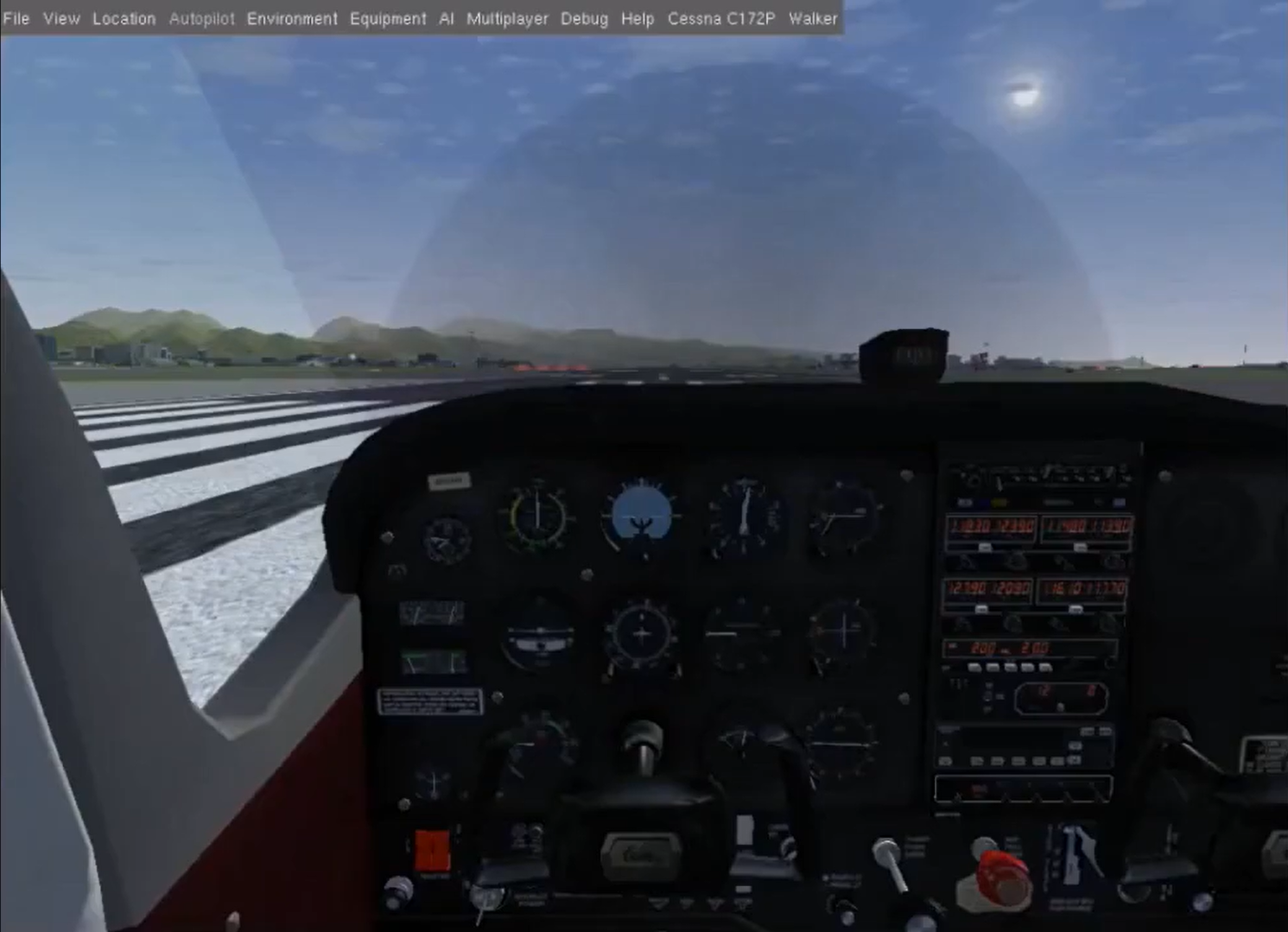
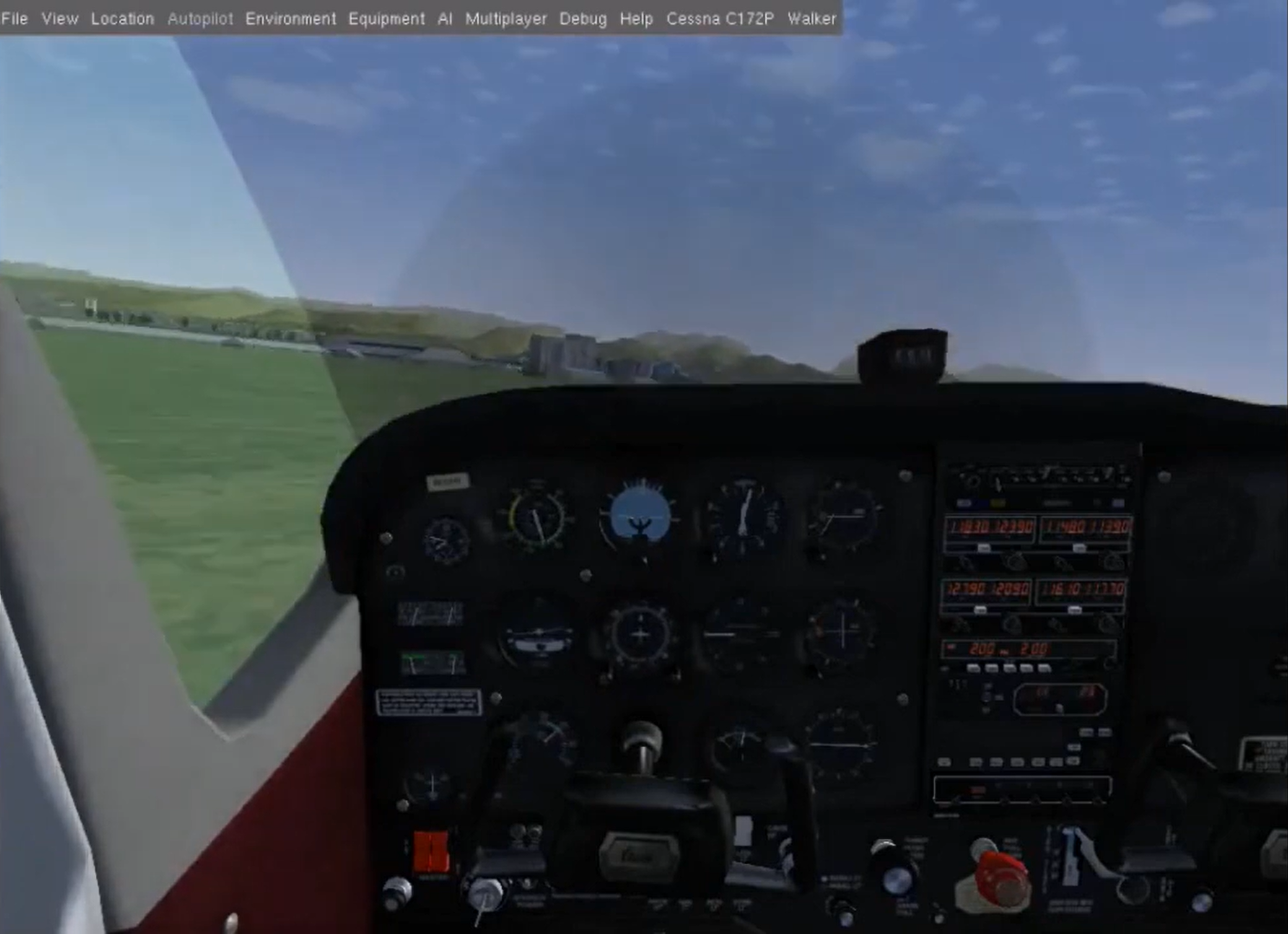

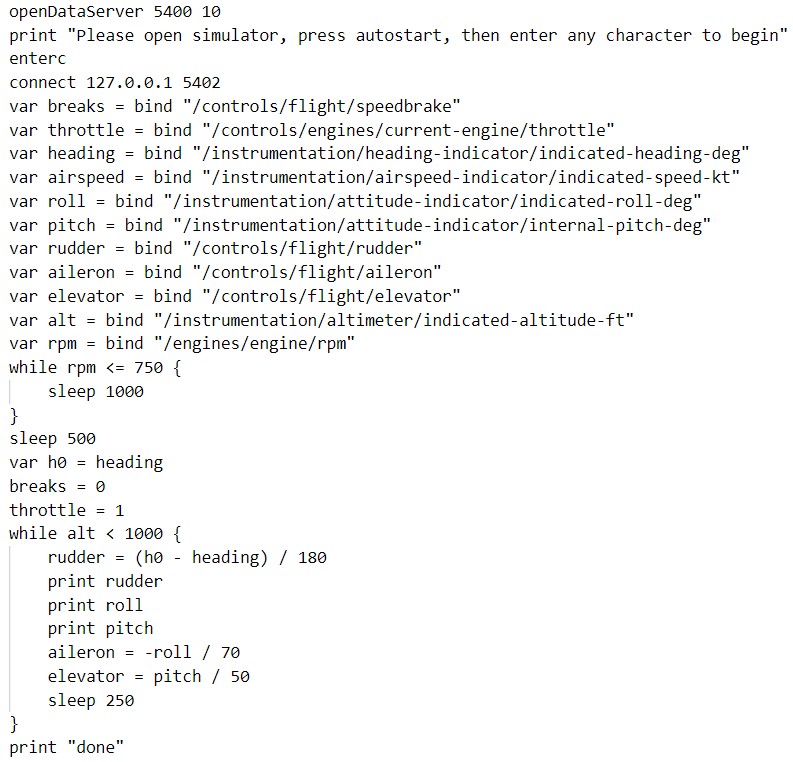
Interpreting the following commands and sending them to the FlightGear's server will make the plane lift-off and fly as shown in the photos above:
- Use of design patterns (such as Command and Object Adapter patterns) and architecture.
- Communication and Client-Server Architecture.
- Use of data structures and database.
- Data Streaming (files & communication).
- Parallel programming using threads.
First, you need to download the FlightGear simulator.
Add the generic_small.xml file to the /data/Protocol directory where you installed the simulator.
Open the FlightGear simulator and add the following settings in the "Settings" tab:
--telnet=socket,in,10,127.0.0.1,5402,tcp --httpd=8080
--generic=socket,out,10,127.0.0.1,5400,tcp,generic_small
--telnet=socket,in,10,127.0.0.1,5402,tcp tells the simulator to open in the background a server that any telnet client can connect to it.
The server is established on a socket with the IP 127.0.0.1 (i.e. local host - on the same computer), and the port 5402, and it will read the data at a rate of 10 times per second, over TCP/IP protocol. --httpd=8080 will open a web server on port 8080.
--generic=socket,out,10,127.0.0.1,5400,tcp,generic_small tells the simulator to connect as a client to the server through a socket with the IP 127.0.0.1 and the port 5400, and it will send data at a rate of 10 times per second by the format of generic_small.xml file. We will need to open our server before opening the simulator, so that it can connect to it as a client.
The simulator will send at a rate of 10 times per second the sampled values, separated by a comma just like in CSV (and in the order defined in generic_small.xml).
To compile the code, open a terminal, route to the directory where you downloaded the code and run the following command:
g++ -std=c++11 *.cpp -Wall -Wextra -Wshadow -Wnon-virtual-dtor -pedantic -o a.out -pthread
To run the code, run the following command:
./a.out Script.txt
Then, the program will wait for the FlightGear simulator to connect to the data server.
Click on the 'Fly!' button in the FlightGear simulator and wait for the simulator to connect and the GUI to load.
When the interpreter will start to interpret the script, the plane will take off and fly.