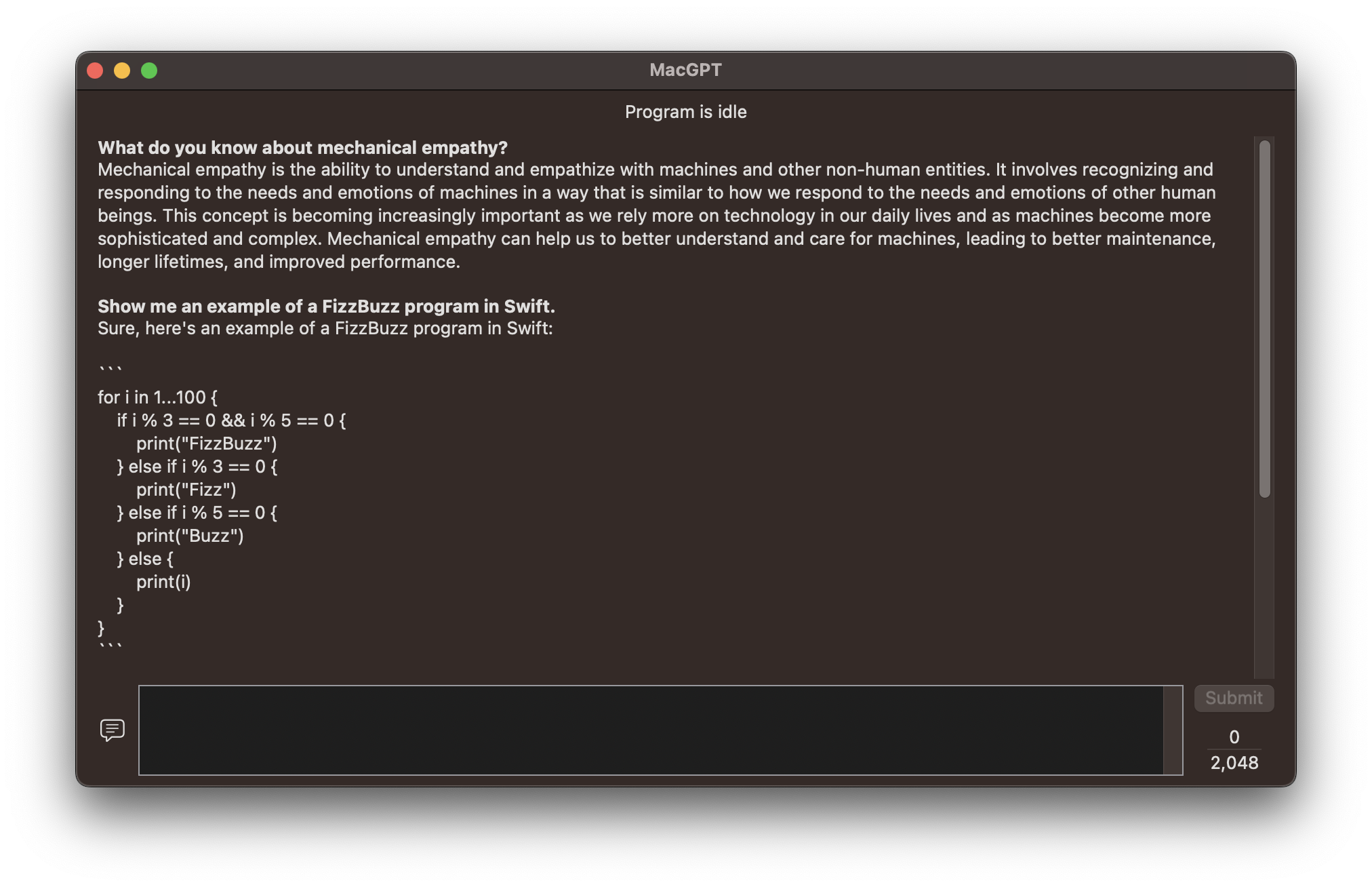
MacGPT is a macOS app that provides a frontend to interact with the ChatGPT 3.5 API from OpenAI. This app allows you to enter text prompts and receive responses generated by the GPT-3 language model. To use this app, you will need to have your own OpenAI account and API key.
To install MacGPT, follow these steps:
- Clone or download the source code from the kezipe/MacGPT repository on GitHub.
- Open the
MacGPT.xcodeprojfile in Xcode. - Build and run the app in Xcode.
Alternatively, you can download a pre-built binary from the releases page on GitHub.
To use MacGPT, follow these steps:
- Launch the app.
- Enter your OpenAI API key in the preferences window.
- Enter a text prompt in the main window.
- Press the "Submit" button to receive a response from the ChatGPT API.
MacGPT was created by kezipe on GitHub. The networking component of this project was based on ChatGPTSwift by alfianlosari on GitHub.
MacGPT is released under the MIT License. See the LICENSE file for details.