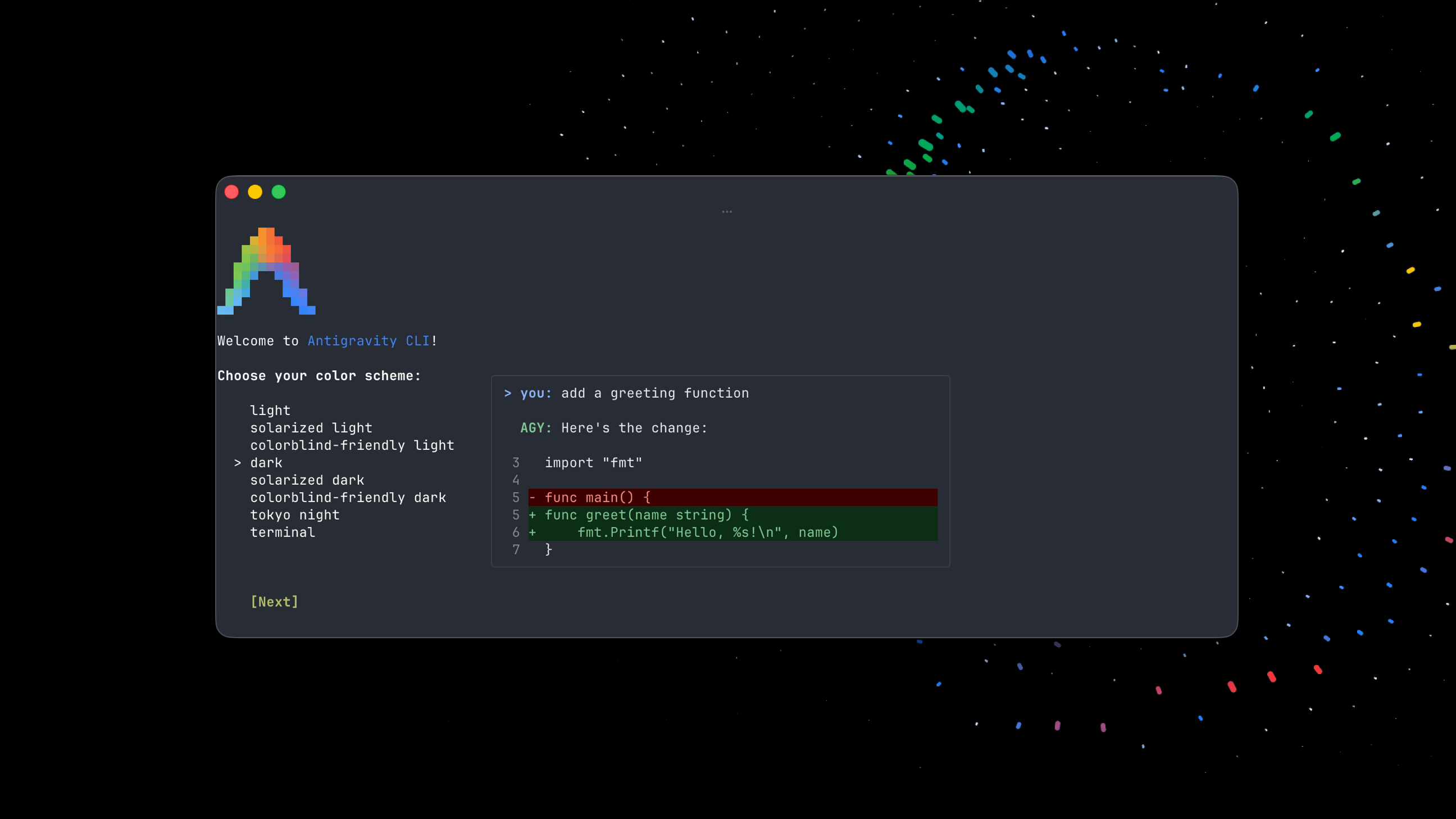
For interacting with autonomous coding agents in Termux.
Stay in the flow without switching context. The Antigravity CLI brings core functionalities of Antigravity 2.0 (multi-step logic, parallel editing, async agents) directly to your terminal.
- Natural Language: Control, edit, and build your codebase via chat prompts.
- Asynchronous Workflows: Run heavy tasks in the background without blocking the shell.
- Tool Permissions: Granular sandbox control over agent system access.
- Seamless Ecosystem Sync: Sync terminal sessions with the Antigravity 2.0 desktop GUI.
git clone https://github.com/qapdex-maker/antigravity-cli-termux
cd antigravity-cli-termux
chmod +x install.sh
./install.shAuthentication: Antigravity automatically logs you in via Google OAuth.
agy --help

Available subcommands:
changelog       Show changelog and release notes
help            Show help for subcommands
install         Configure environment paths and shell settings
models          List available models
plugin          Manage plugins (install, uninstall, list, enable, disable)
plugins         Alias for plugin
update Update CLIWelcome are community extensions (custom agent skills, MCP server integrations). Please submit a pull request.
Warning
AI coding agents are known to have certain security risks, including autonomous code execution, data exfiltration, prompt injection, and supply chain risks. Ensure that you monitor and verify all actions taken by the agent.
By using Antigravity CLI, you agree to help improve the product by allowing Google to collect and use your Interactions data, subject to the Google Terms of Service and Google Privacy Policy. You can choose to opt out at any time via your settings.
- Terms of Service: antigravity.google/terms
- Privacy Policy: policies.google.com/privacy
Build with ❤️