A modular, console-based Data Structures & Algorithms library written entirely in C, built from scratch with pointer-level control, manual memory management (malloc / free), and defensive input validation.
This project emphasizes conceptual clarity, low-level fundamentals, and explicit memory reasoning. It is designed with an educational intent, allowing learners to observe, experiment with, and understand data structures and algorithms step-by-step through an interactive terminal-based interface.
The codebase is structured as a reusable DSA library, with an interactive, console-driven demo layer built on top.
- Demos
- Build Instructions
- Architectural Breakdown: Docker & The Build System
- Continuous Integration
- License
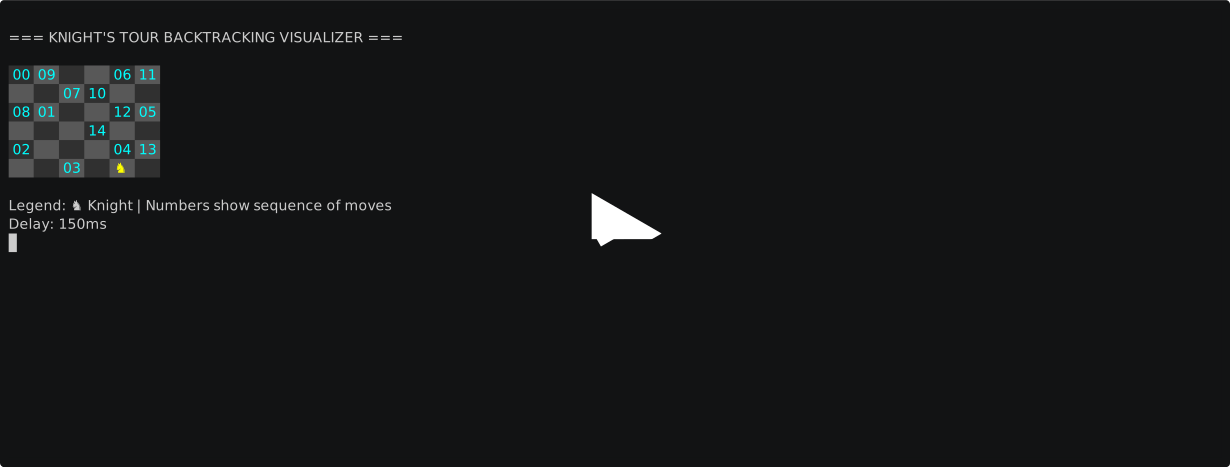
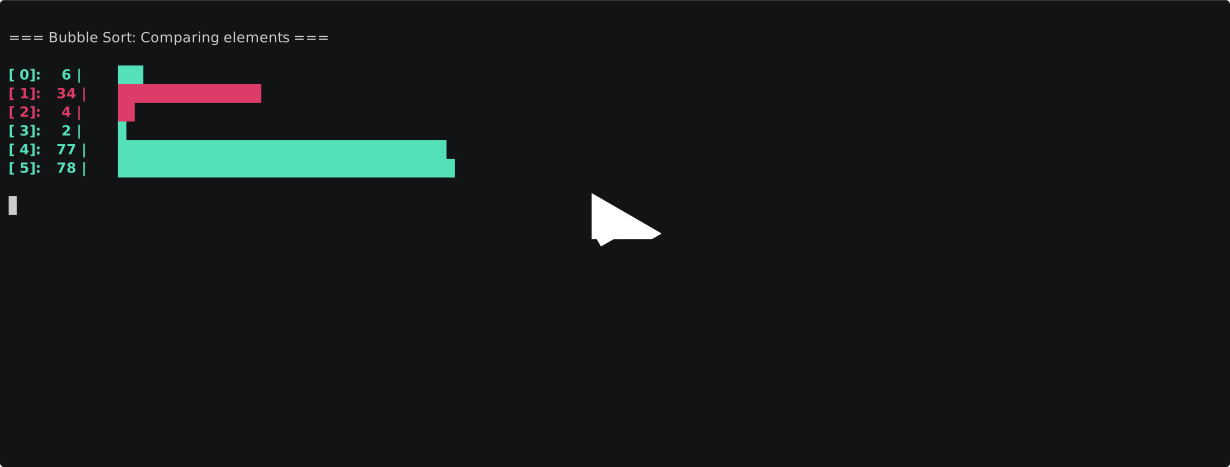
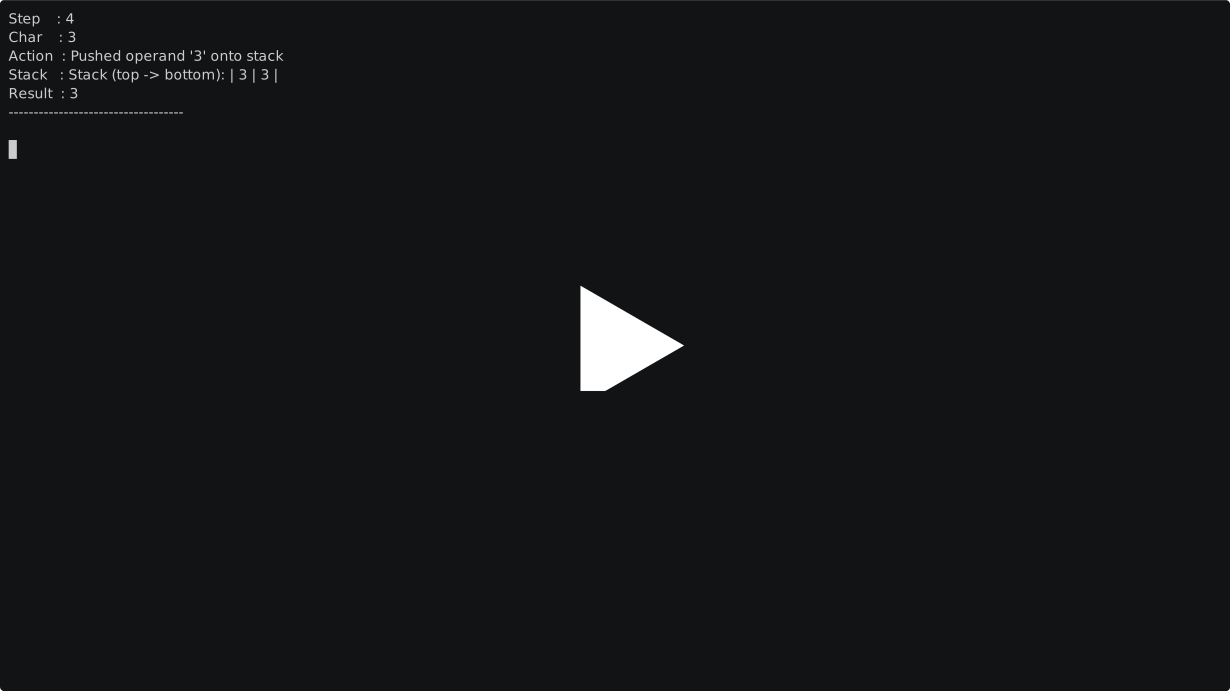
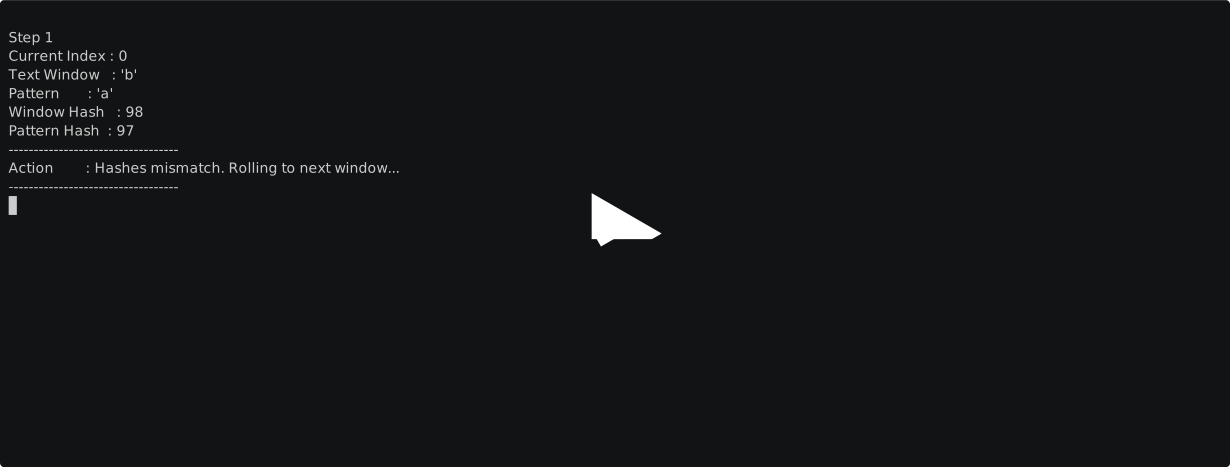
This project includes a Makefile and CMakeLists.txt to simplify building across multiple directories.
- GNU Make ≥ 4.4.1
- GCC (or a compatible C compiler)
The Text User Interface (TUI) is built using the Ncurses library.
sudo apt install libncurses5-dev libncursesw5-devsudo dnf install ncurses-develsudo pacman -S ncursesNote: The TUI is supported on Unix/Linux systems. On Windows, the project automatically falls back to the legacy CLI interface.
makeThis generates a single executable:
dsa(Linux / macOS)dsa.exe(Windows)
Alternatively, you can compile the application and tests using CMake:
mkdir build && cd build
cmake ..
make
To execute all unit tests using CTest:
ctest --output-on-failuremake run Builds only when necessary and launches the program.
make testRuns all tests and generates test binaries
make fmtOrganizes code style according to the standards defined in .clang-format
make valgrindRuns Valgrind over test binaries to look for memory leaks / use after free errors
make cleanRemoves executables and generated object/test binaries.
Docker acts as a cross-platform wrapper around the build system. Contributors on Windows, macOS, and Linux can use the same isolated Ubuntu environment without manually configuring compiler toolchains, build dependencies, or platform-specific settings.
The current build flow is:
Docker Container
      ↓
   Makefile
      ↓
GCC Compilation
      ↓
dsa Executable
The Docker image installs the required build tools and executes the project's Makefile, ensuring consistent builds across different operating systems.
Each component serves a different purpose:
- Docker provides a reproducible Linux build environment.
- The Makefile defines the primary build workflow used by the project today.
- CMakeLists.txt provides an alternative build system that can generate platform-specific build files while supporting testing and future expansion.
These tools are complementary rather than competing solutions.
Helper targets have been added to the local Makefile to simplify building, running, and testing inside Docker:
| Command | Description |
|---|---|
make docker-test |
Builds the dev stage and runs the complete unit test suite inside it. |
make docker-run |
Builds the runtime stage and launches the interactive application shell. |
make docker-build-dev |
Builds the development stage image (c-dsa-suite:dev). |
make docker-build-runtime |
Builds the slim production stage image (c-dsa-suite:slim). |
The project uses a multi-stage Dockerfile to separate the build environment from the lightweight runtime image:
- Stage 1 (
dev): A heavy development environment containing the full C build toolchain,valgrind,gdb, and the complete source repository. - Stage 2 (
runtime): A minimal image packaging only the compiled binary andlibncurses6runtime library (no source code or compiler).

This project includes a GitHub Actions CI pipeline that automatically verifies code correctness and memory safety.
On every push or pull request:
-
A fresh Ubuntu VM is allocated
-
The project is compiled using GCC
-
The
make fmtis run on the runner and checked with your code, if they dont match, CI turns red -
The complete unit test suite is executed
-
All test binaries are run under Valgrind to check for:
-
The project is sanitized under asan and ubsan and tests are run to check for undefined behaviour (ie semantic errors)
- unformatted code
- memory leaks
- invalid reads / writes
- use-after-free errors
- uninitialized memory usage
If any test fails or Valgrind detects a memory error, the CI job fails automatically.
This project is licensed under the MIT License - see the LICENSE file for details.
Darshan Parekh and many contributors....
Aspiring systems engineer and cybersecurity engineer