I found the need for a simple Angular application that can easily demonstrate Okta's user authentication visually, but couldn't find one that made sense to me. I followed the Okta's user guide for signing in users to a single page application that can be found at https://developer.okta.com/docs/guides/sign-into-spa/angular/before-you-begin/ but there were some gaps between the initial results of that demo and what I was expecting. Hence the need for my slight variation of the Okta demo for signing in users to a SPA.
The purpose of this demo was to show a user's ability to sign into the application depending on how they were configured in the application in Okta. I have created two users in Okta; both me, but with different email addresses:
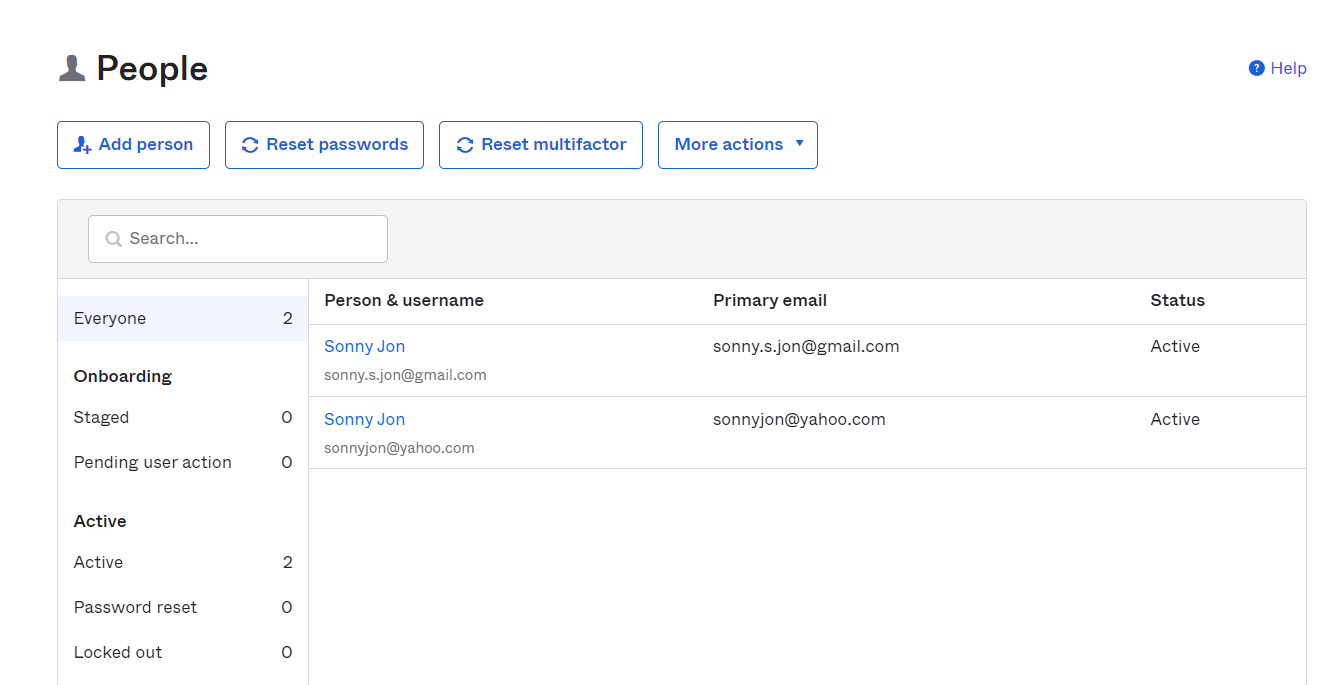
I then set up a group in Okta meant to only contain users that can access this demo app. Note that my account with the Yahoo email address is in this group, whereas the one with the Gmail account is not:

I configured this demo app to only allow access to users that are in the group. Again, note that my Yahoo account is the only one that should have access and only because it belongs to the Group:

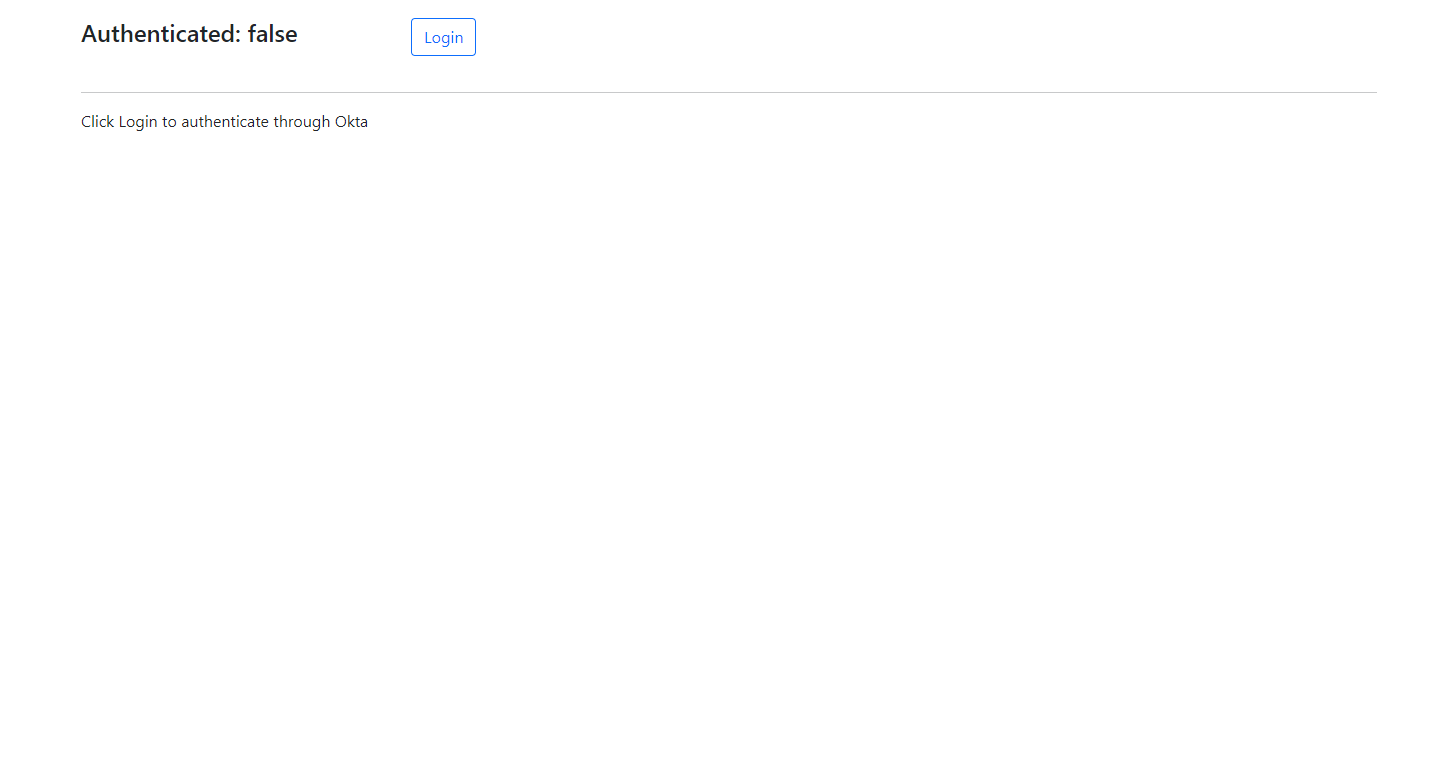
I access the demo app and click the Login button:
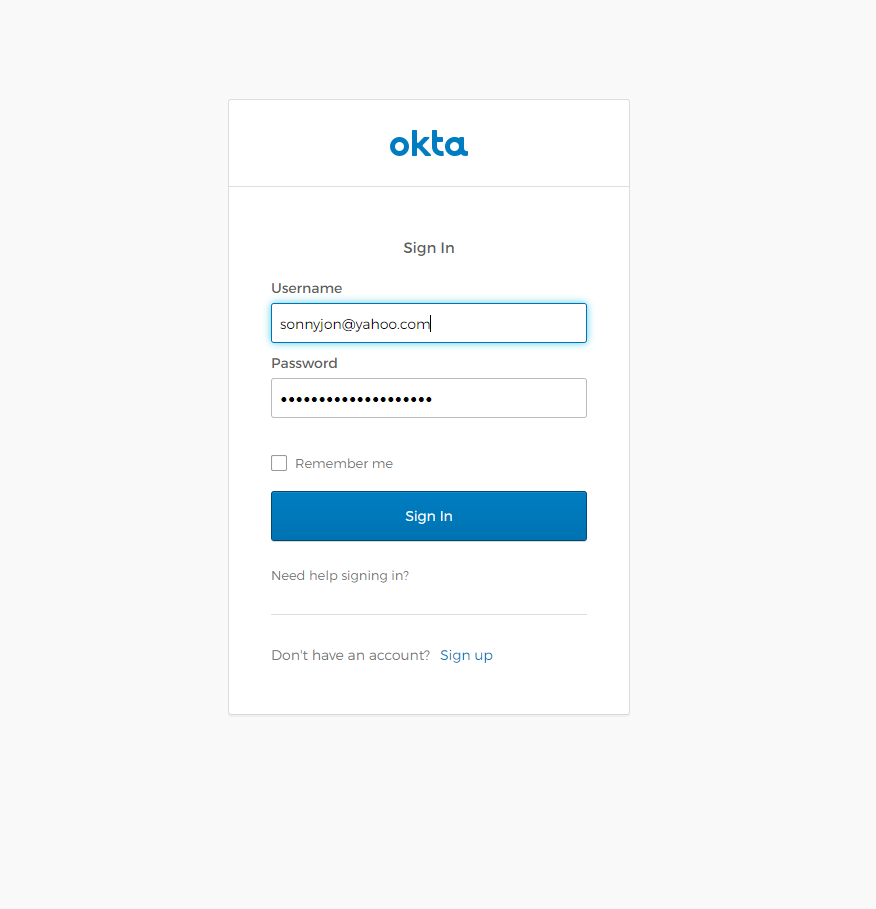
I am redirected to Okta's site for authentication and enter my credentials as my Yahoo email account:
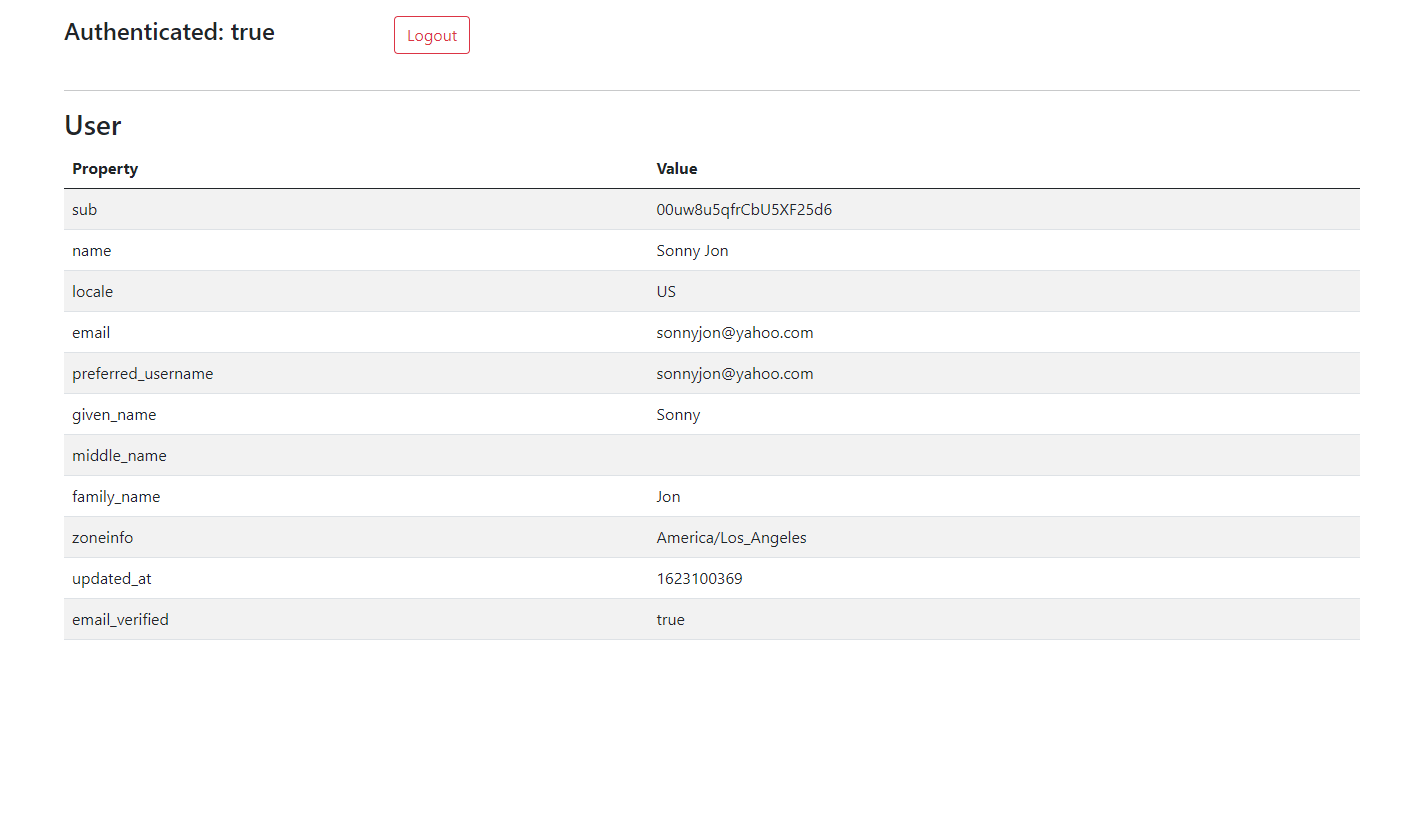
After authentication, I am allowed to the profile page where I can see user data residing in Okta:
When I logout and try again using my credentials as my Google email account:
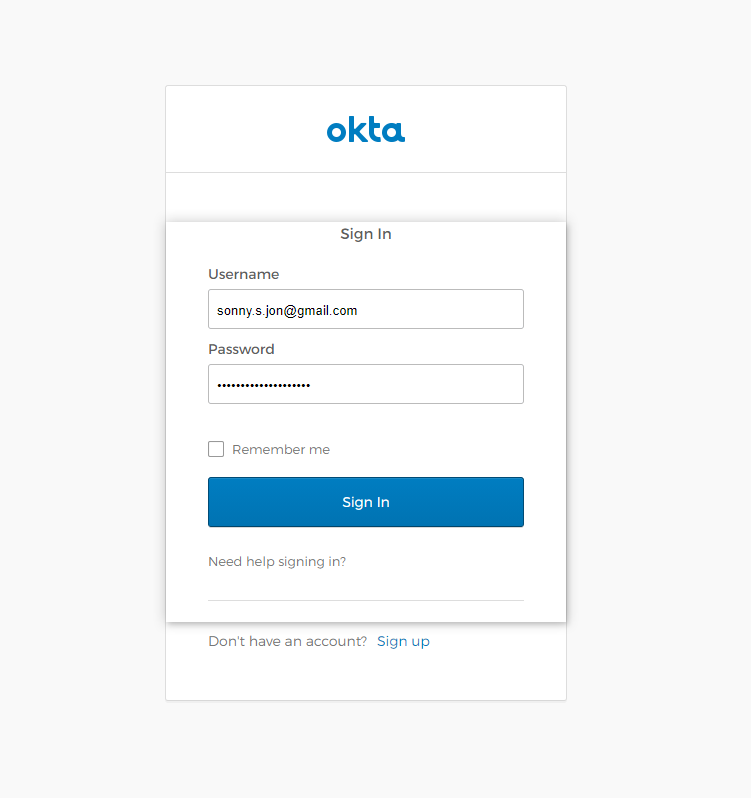
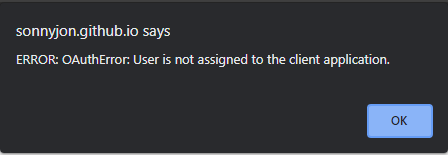
I receive a popup alert indicating that I am not assigned to the application:
That is all this demo app pretty much does. Again, the purpose of this app is to demonstrate Okta's authentication and not anything in particular about Angular. User guides on Okta can be found at https://developer.okta.com/docs/guides/. The next simple demo app that I hope to work on will be a copy of this app, but using a custom login page rather than being redirected to Okta's site. I first need to parse through some examples provided by Matt Raible on Okta's site.
If you download this demo, note that you'll need to provide your own clientId, issuer, and baseUrl from your Okta application. app.module.ts expects these values from the environment.prod file, which is not in my repository for security purposes.