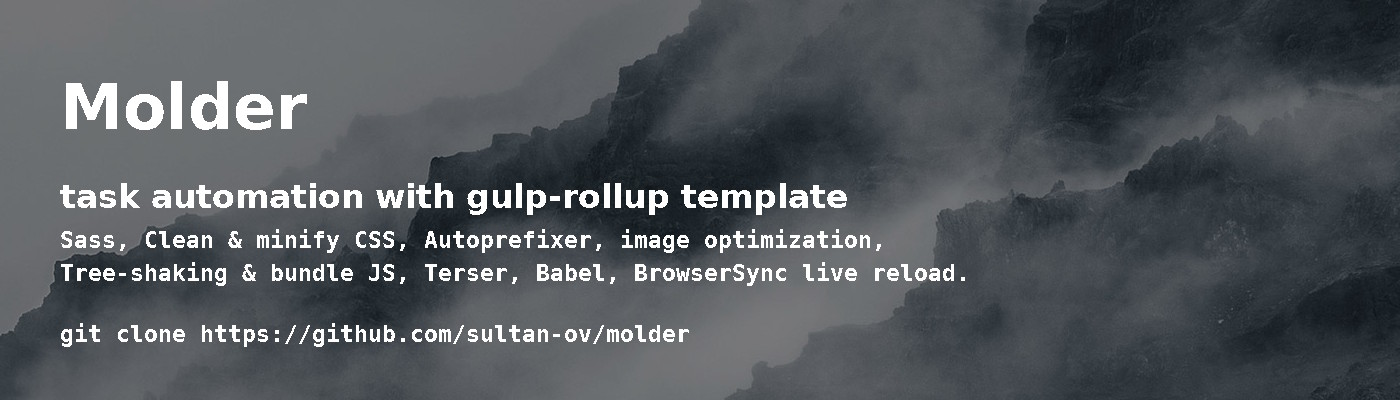
Create high-performance web applications using the Molder build template.
Molder's goal is to provide an automated build system that includes a full range of optimizations for all web development tasks, whether it is image processing, scripts, styles, or layout. Molder uses Rollup to process scripts and is configured by default to build the Inferno application. Gulp implements automation by watching changes in files, performing the tasks when necessary.
Molder is based on OptimizedHTML by @agragregra
and Rollup configuration committed by @Havunen
Install Gulp and Rollup globally:
npm i -g gulp rollupClone repo:
git clone https://github.com/sultan-ov/molder.gitOr download and unarchive.
Change directory and install packages:
cd molder
npm i
Run Gulp after installing:
gulp// Notes
If you have errors with sass on windows - try this:
npm i -g --production windows-build-toolsAnd after it re install Molder node_modules.
- BrowserSync localhost and live reload
- Sass compiler
- Parse CSS and add vendor prefixes to rules
- Clean and minify CSS
- Imagemin Lossless image optimization
- Image resizer with compressor
- Compile ES6 with Babel
- Tree-shaking and bundle JS
- Terser JS mangler and compressor
- Rsync deploy (optional)
- Basic htaccess file for resources caching
- All public files are located inside the "app" folder.
- Processed styles and scripts are prefixed with ".min".
- Entry points are named "main".
- All files starting with an underscore are included in another file, usually an entry point.
- All folders starting with an underscore contain only included or unprocessed files.
- "app/js" folder contains included scripts, processed scripts and scripts entry point.
- "app/sass" folder contains included styles and styles entry point.
- "app/css" folder contains processed styles.
- "app/fonts" folder contains fonts, see Adding fonts.
- "app/libs" folder contains third-party libraries.
- New images add to "app/img/_src" from where they will be sorted after processing:
- all from "app/img/_src/.icon/" to "app/img/@icon/"
- .svg .gif from "app/img/_src/" to "app/img/@spec/"
- .png .jpg .jpeg from "app/img/_src/" to "app/img/@2x/" and "app/img/@1x/"
gulp # run default gulp task ('img', 'styles', 'scripts', 'browser-sync', 'watch')
gulp cleanimg # delete all "@*" image folders
gulp rsync # project deployment via rsync task
By default, the build system works in development mode and scripts will NOT be optimized / minified.
Don't forget to generate an optimized bundle before deploy.
rollup -c --environment production # generate script bundle in production mode with optimization and minificationFonts are added to styles through a mixin so as not to prescribe each format manually. In order for the mixin to work correctly, several rules should be followed.
Each font must have its own folder inside the fonts folder. Each font folder must be named in CamelCase style and must have the same name as the font files. Fonts must have 4 formats: .eot, .ttf, .woff, .woff2. If one of the formats is missing then the rule for this format in font-face will still be created which will lead to an error in the browser. If you want to override this then in the file "app/sass/_mixins/_font-face.sass" remove the formats that you do not want to support.
Use "app/sass/_fonts.sass" for font-face declarations:
@import "_mixins/font-face"

//   +font-face( 'font-family', 'file-path', weight, style )

+font-face('Roboto', '../fonts/RobotoRegular/RobotoRegular')
+font-face('Roboto', '../fonts/RobotoBold/RobotoBold', bold)For media queries, a bootstrap mixin is used which takes one of the breakpoint variables declared in "app/sass/_vars.sass" file:
// Media breakpoints
//
// Define the minimum dimensions at which your layout will change,
// adapting to different screen sizes, for use in media queries.

$grid-breakpoints: (xs: 0, sm: 576px, md: 768px, lg: 992px, xl: 1200px)
Media queries are used in "app/sass/_media.sass" file and are structured as "desktop first" and "mobile first" methods:
/*==========  Desktop First  ==========*/

// ≥1200px
+media-breakpoint-down(lg)

// ≥992px
+media-breakpoint-down(md)

// ≥768px
+media-breakpoint-down(sm)

// ≥576px
+media-breakpoint-down(xs)

/*==========  Mobile First  ==========*/

// ≤576px
+media-breakpoint-up(sm)

// ≤768px
+media-breakpoint-up(md)

// ≤992px
+media-breakpoint-up(lg)

// ≤1200px
+media-breakpoint-up(xl)Moulder includes the following optional libraries:
- Inferno | Dominic Gannaway | MIT
- Normalize.css | Nicolas Gallagher and Jonathan Neal | MIT
- Dead Simple Grid | Vladimir Agafonkin | MIT
- HTML5 Shiv | Alexander Farkas | MIT/GPL2
- IE7/IE8/IE9.js | Dean Edwards | MIT
- PIE | Jason Johnston | Apache2/GPL2
- PhotoSwipe | Dmitry Semenov | MIT