SoundSpace is an interactive web application developed for the online music school "Sound Space". It allows users to explore and practice musical instruments directly in the browser using their mouse or keyboard. This project was created as part of a proposal for the school's digital transformation, offering a fun and educational environment for users to engage with music virtually.
With the rise of online education, music schools have also started to explore virtual platforms. SoundSpace brings this vision to life, offering an intuitive and interactive musical playground. Users can:
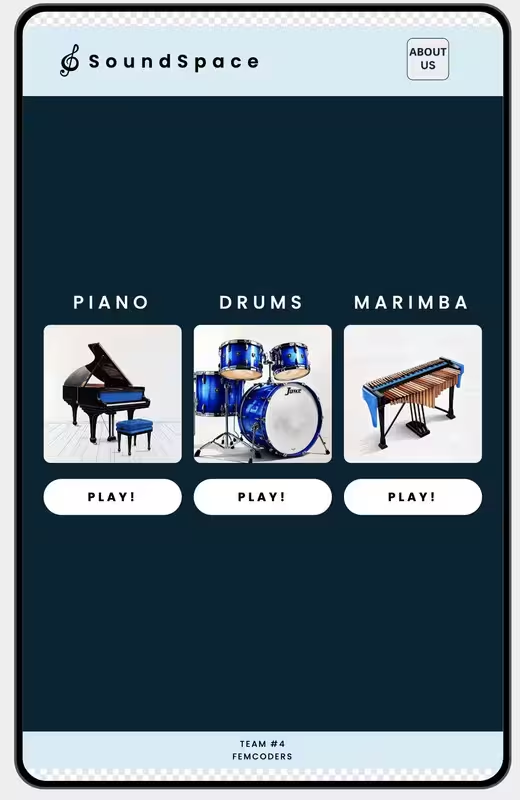
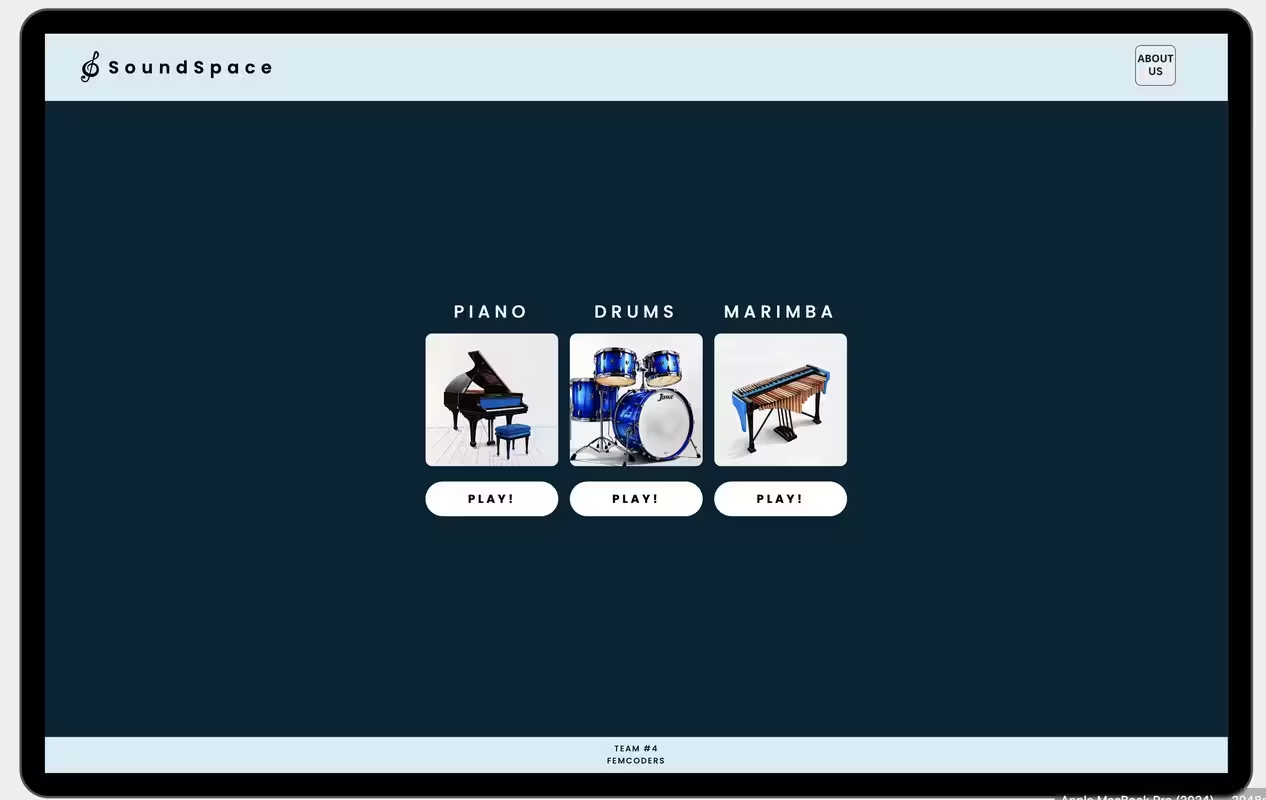
- Select from three available instruments: Piano, Marimba, and Drums.
- Play sounds using mouse clicks or keyboard keys.
- Enjoy simultaneous playback of multiple notes or beats.
- Experience visual feedback with animated key/button presses.
- The app is designed with creativity in mind, as requested by the client, and aims to deliver a delightful and educational experience.
🎹 Three fully functional instruments: Piano, Marimba, and Drums. 🖱️ Mouse and keyboard support for playing instruments. 🎨 Visual animations upon interaction (e.g., keypress effects). 🧼 Clean, semantic, and well-structured code following single responsibility principle. 📐 Layout built with Flexbox. 📦 Dockerized for easy deployment and testing. 🚀 Getting Started with Docker
-
Open your terminal and navigate to the project folder.
-
Build the Docker image using Dockerfile2:
docker build -f Dockerfile2 -t soundspace-app . -
Run the container:
docker run --rm -p 8080:80 --name soundspace soundspace-app
-
Open your browser and go to: http://localhost:8080
-
To stop the container, press
Ctrl+Cin the terminal.
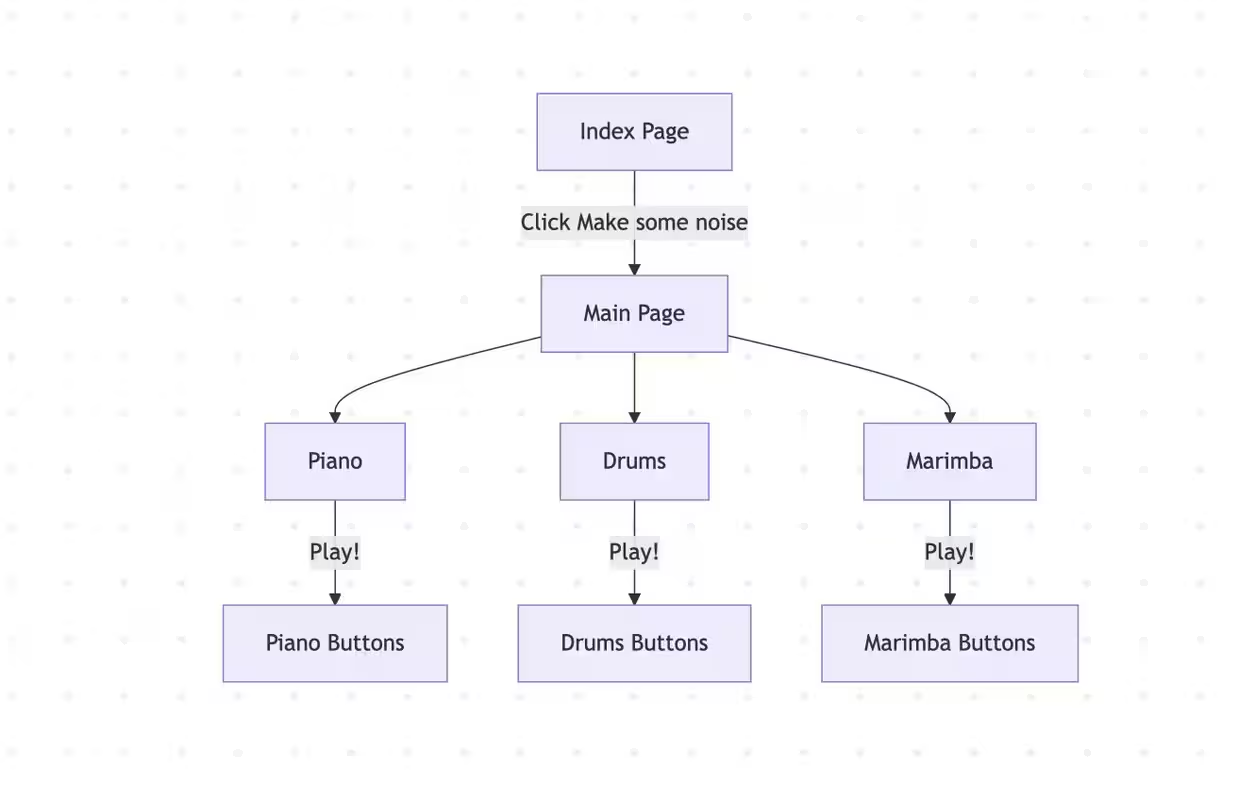
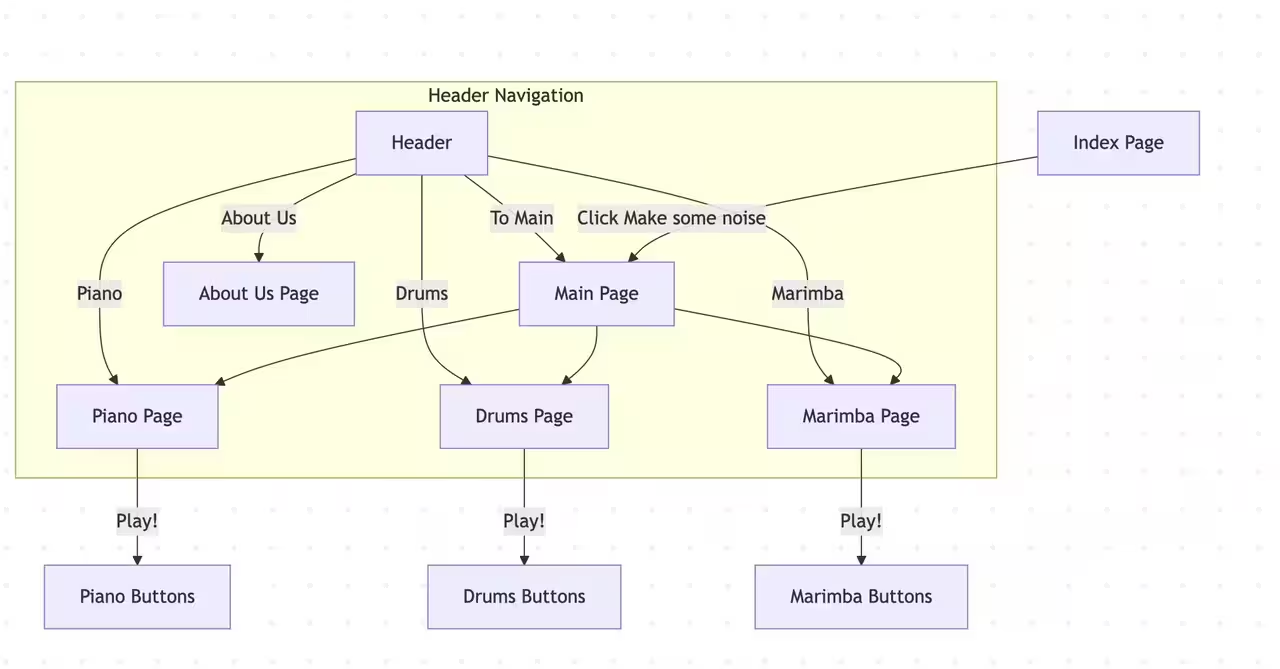
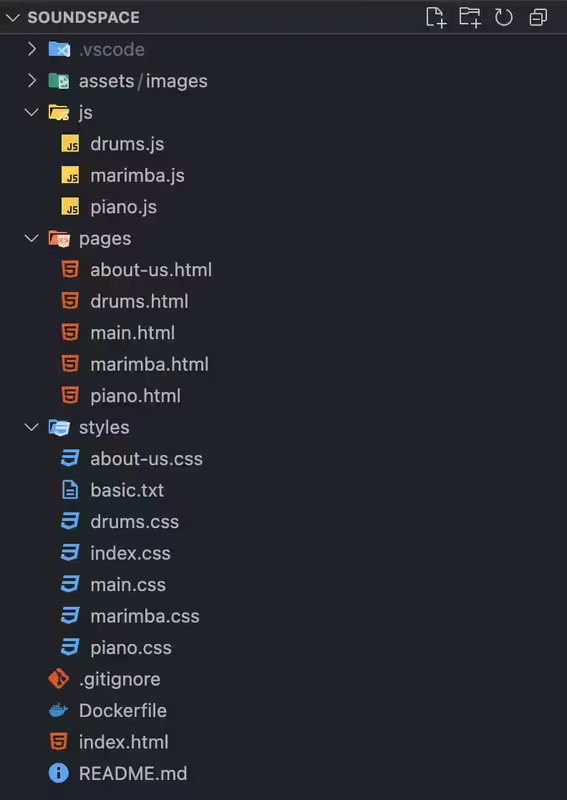
The current version is designed primarily for desktop, but it is potentially extendable to support responsive layouts for mobile devices.
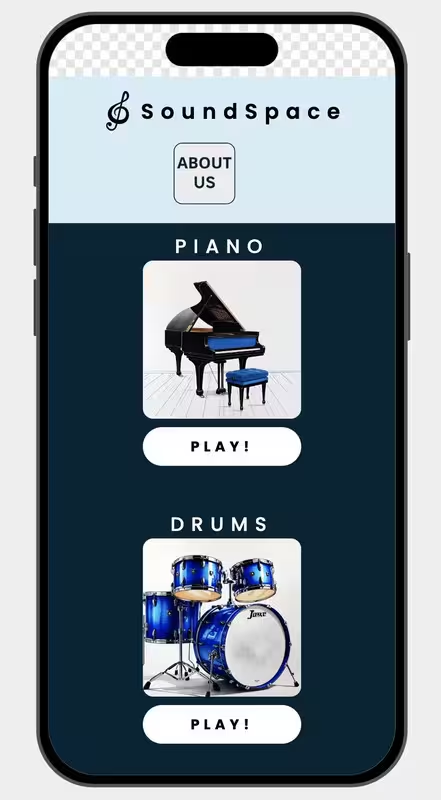








👥 Team
Developed by Team #4 as a learnig project for FemCoders.