shotube is an fully functional and Responsive video library which provides the different pages like Home Page,Video lising page, Playlist Management, Like/Dislike, Watch Later, History,Login/Signup page.
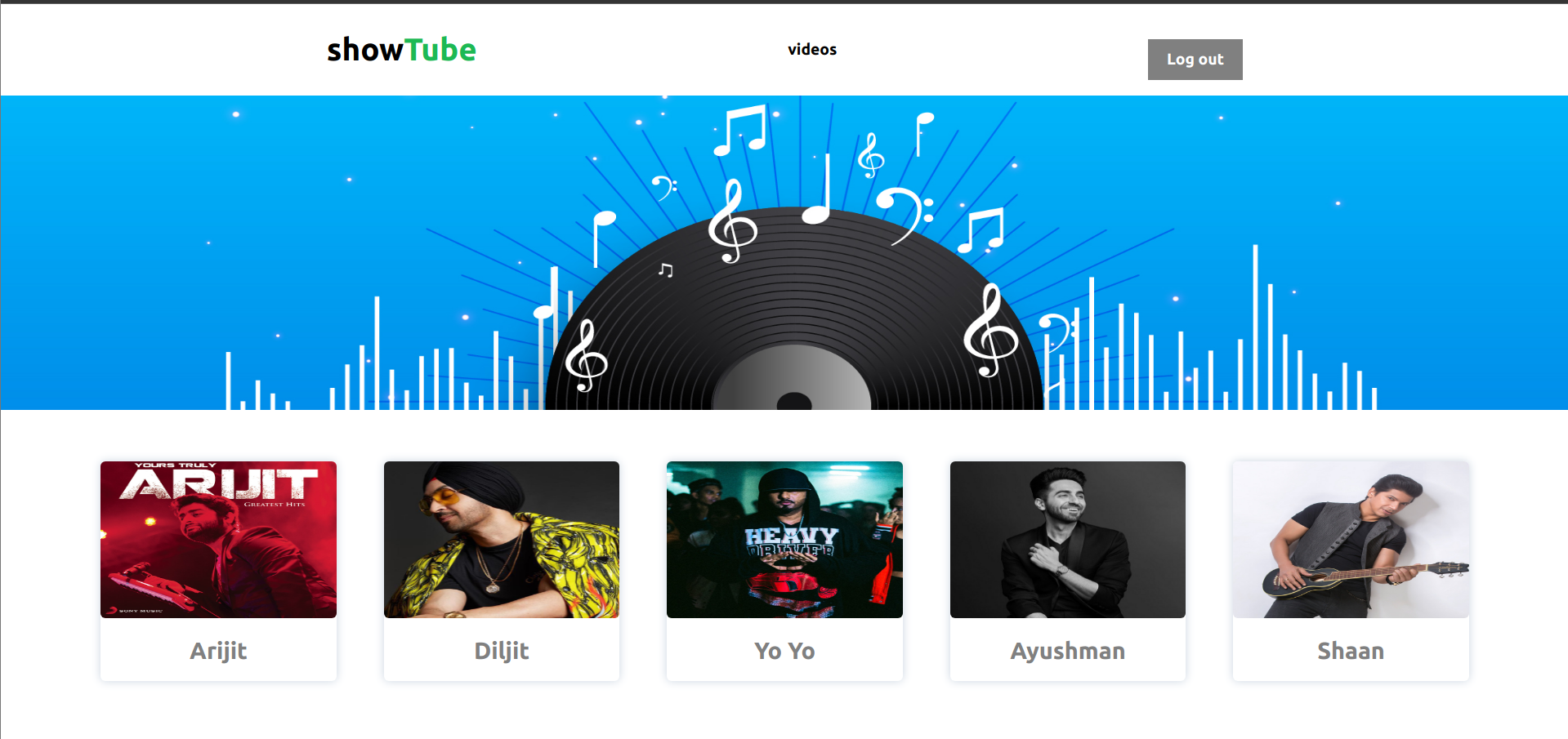
- Home Page
- Video lising page
- Playlist Management
- Like/Dislike
- Watch Later
- History
- Login
- Signup
-
Authentication
- Users can sign-up for your app
- Users can log in to your app
- Users can logout from your app
-
Users can see a landing page with the featured categories -Playlist Management -Users can create a playlist -Users can delete a playlist -Users can add videos to the playlist -Users can remove videos to the playlist -Users can like or dislike a video -Users can add or remove the video from the watch later -When the user watches a video it gets added to the user history
I can see a landing page with a list of few categories. If I click on any one of the categories I will be redirected to the video list page with the selected category.
I can see a video listing page where all the videos are listed. On the Video Cards, I can see a call-to-action button, Watch Later: I can click on the "Watch Later" primary button or icon which will add the video to the watch later list & if I again click on it removes it from the watch later list.
I can click on a particular video thumbnail that is redirecting me to a single video page where I can,
- Save to Playlist: I can see a list of playlists which are checkboxes where I can select multiple playlists that would add the video to the playlist. If I un-check the selected playlist it will remove the video from the playlist.
- Like Video: I can like or dislike a video that will add or remove the video from the Liked Videos List.
- Watch Later: I can add or remove a particular video to watch later that will add or remove the video from the Watch Later list.
From the navbar, I can navigate to my playlists where all my playlists are present with the names & videos. On the Playlist Page, I can create a new playlist. I can delete an existing playlist I can remove a video from a particular playlist.
I can like or dislike a particular video from either a video listing page or from a single video page which will add or remove the video from the Liked Videos List.
I can add or remove a particular video to watch later from either a video listing page or from a single video page that will add or remove the video from the Watch Later list.
When I view a particular video that will add it to the history. I can delete a particular video from the history I can see a button to "Clear full history" which will clear all the history at once.
I can see a sign-up page from where I can sign-up using my email, first name, last name, password & confirm password. I can see a hide-show icon button that shows or hides my password.
I can see a login page from where I can log in using my email & password.
I can see a logout button from where I can logout from the app