Image pre build for MangoPi-MQ-Quad (H616).
wifi/i2c/spi working
You can use a live linux like mint to open image, an modify/edit dietpi.txt dietpi-wifi.txt.
Use Armbian image : https://mega.nz/file/XeoymJKA#VSJHsyU8SCQPAQvMqVkiqLVPXWFp4egxajoL4Ea0jqI
(It's a minimal debian bullseye minimal linux 5.16.17)
burn image with "Balena Etcher" and connect the MangoPi with ssh:
(I personnaly used an usb/rj45 adapater to connect my Mango to network and Putty for SSH...)
user : root
password : orangepi
then :
apt-get update && apt-get upgrade -y
apt install -y curl ca-certificates systemd-sysv git build-essential
reboot
bash -c "$(curl -sSfL 'https://raw.githubusercontent.com/MichaIng/DietPi/master/.build/images/dietpi-installer')"
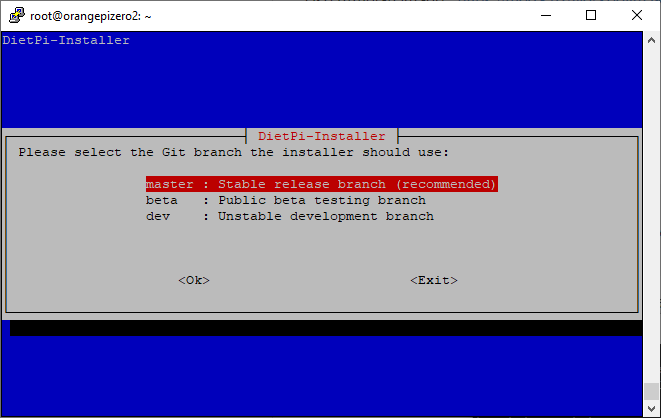
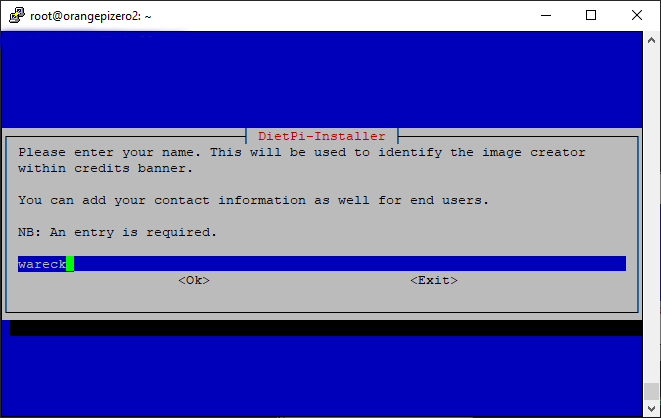
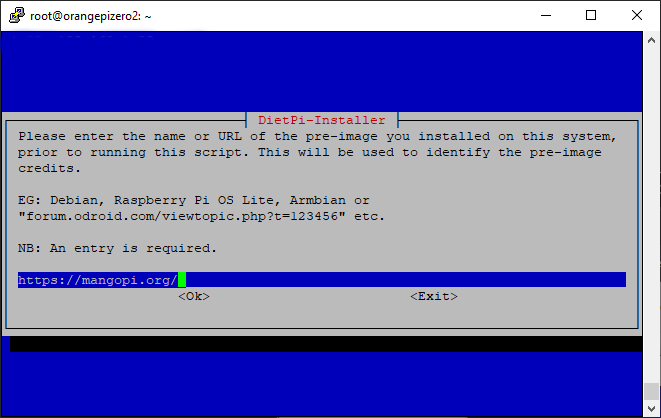
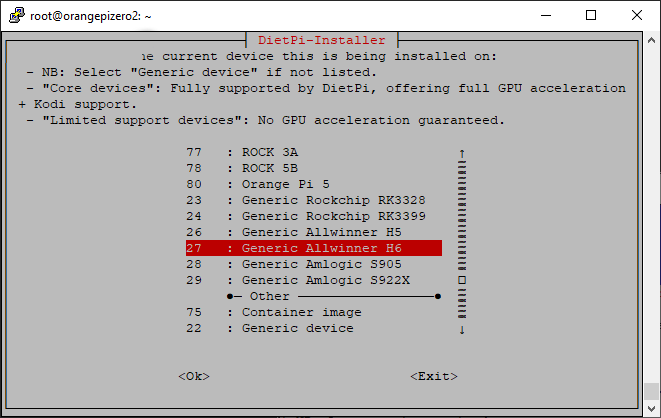
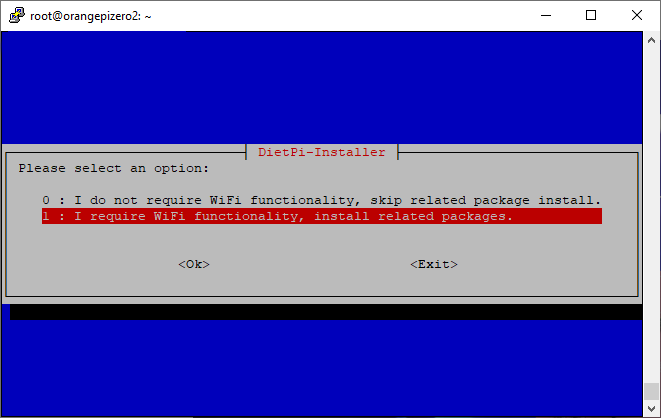
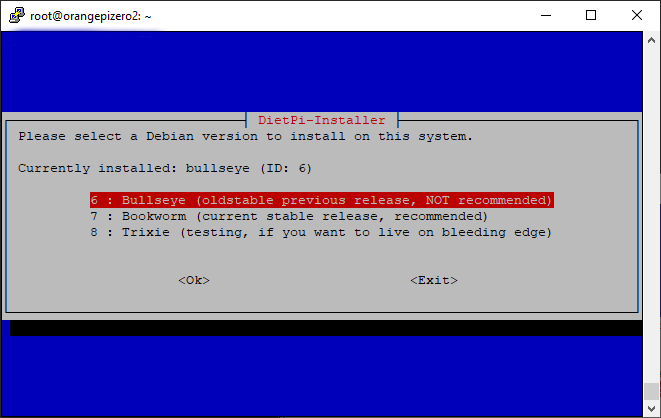
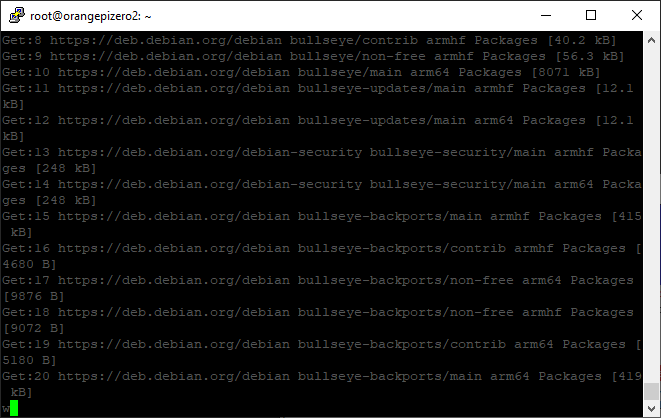
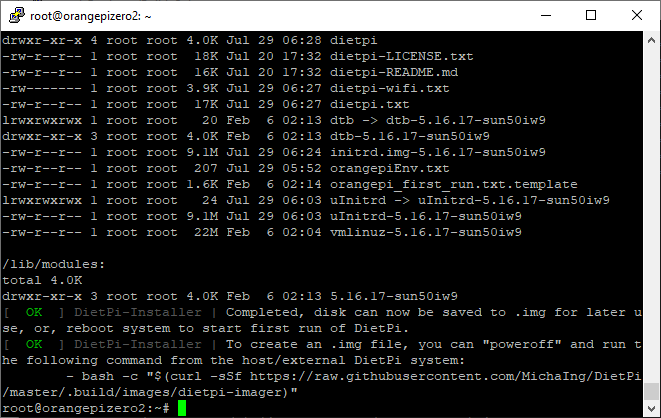
At this step you can:
-remove the card to make backup/clone
-reboot to use the DiePi image
after reboot password will be:
user : root
password : dietpi
nano /boot/orangepiEnv.txt
and add these lines :
param_spidev_spi_bus=1
overlays=i2c0
Save and reboot